
Prompt Manager
Markdown prompt library with version history, imports, and optional Git sync

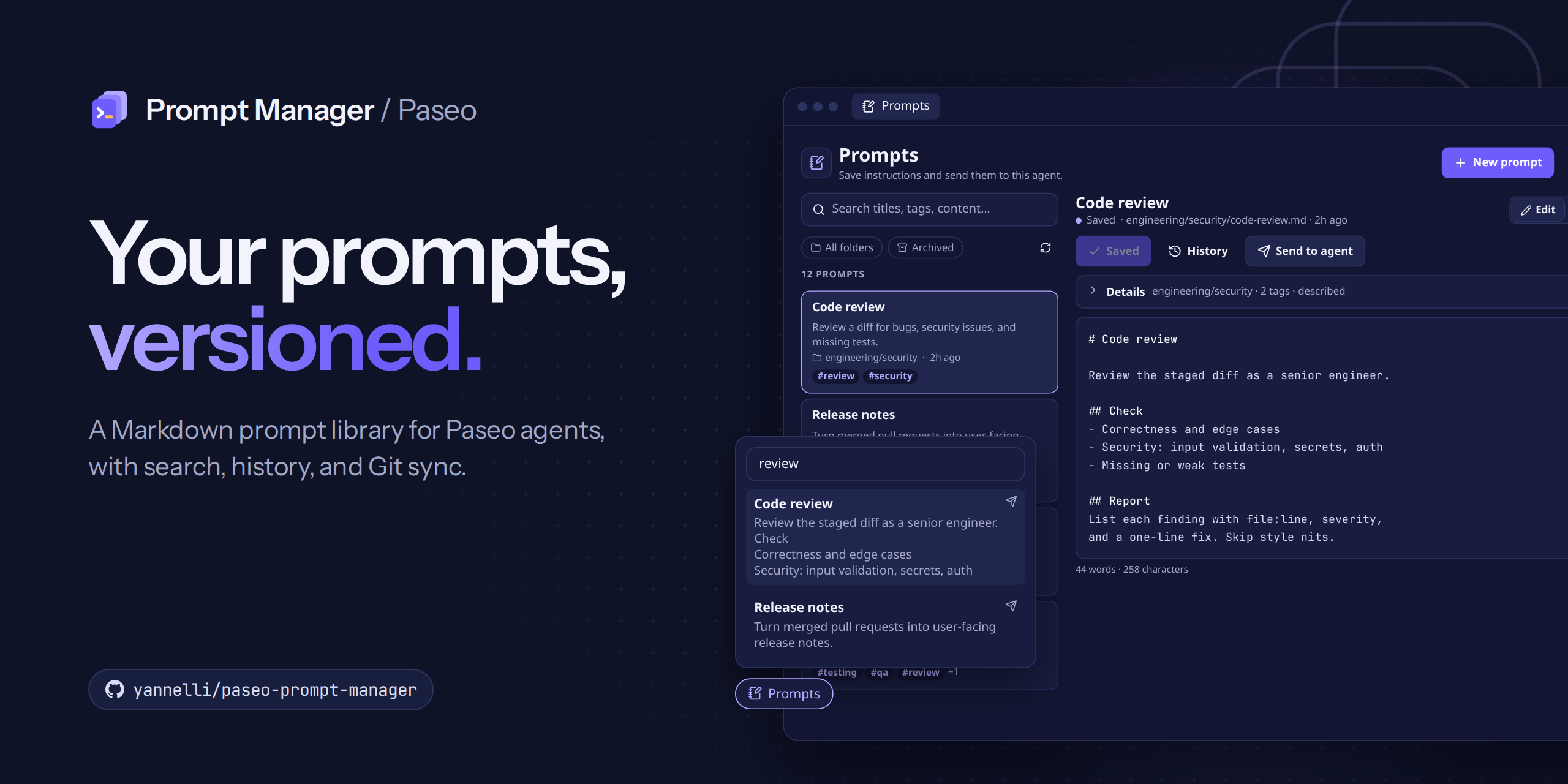
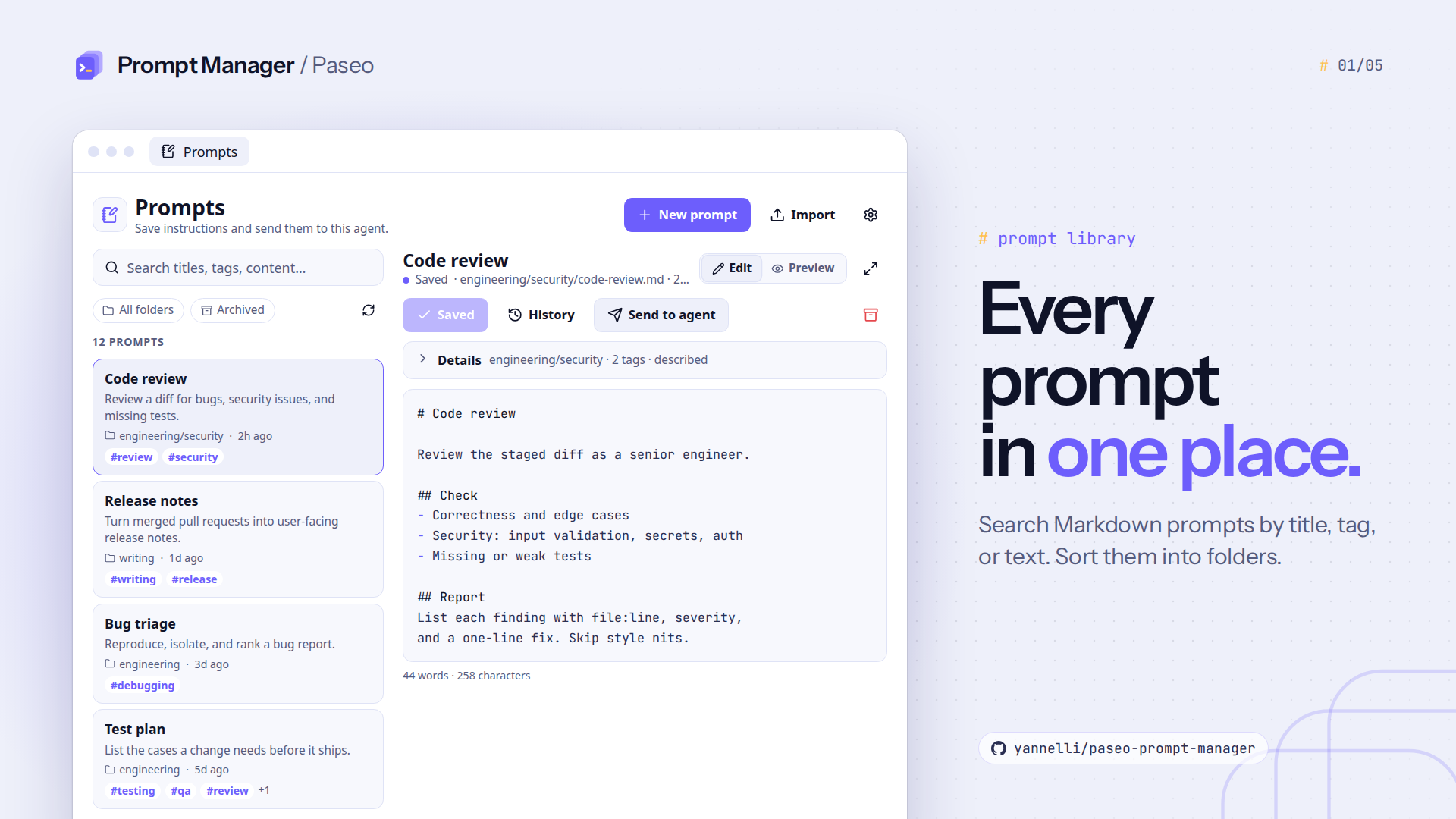
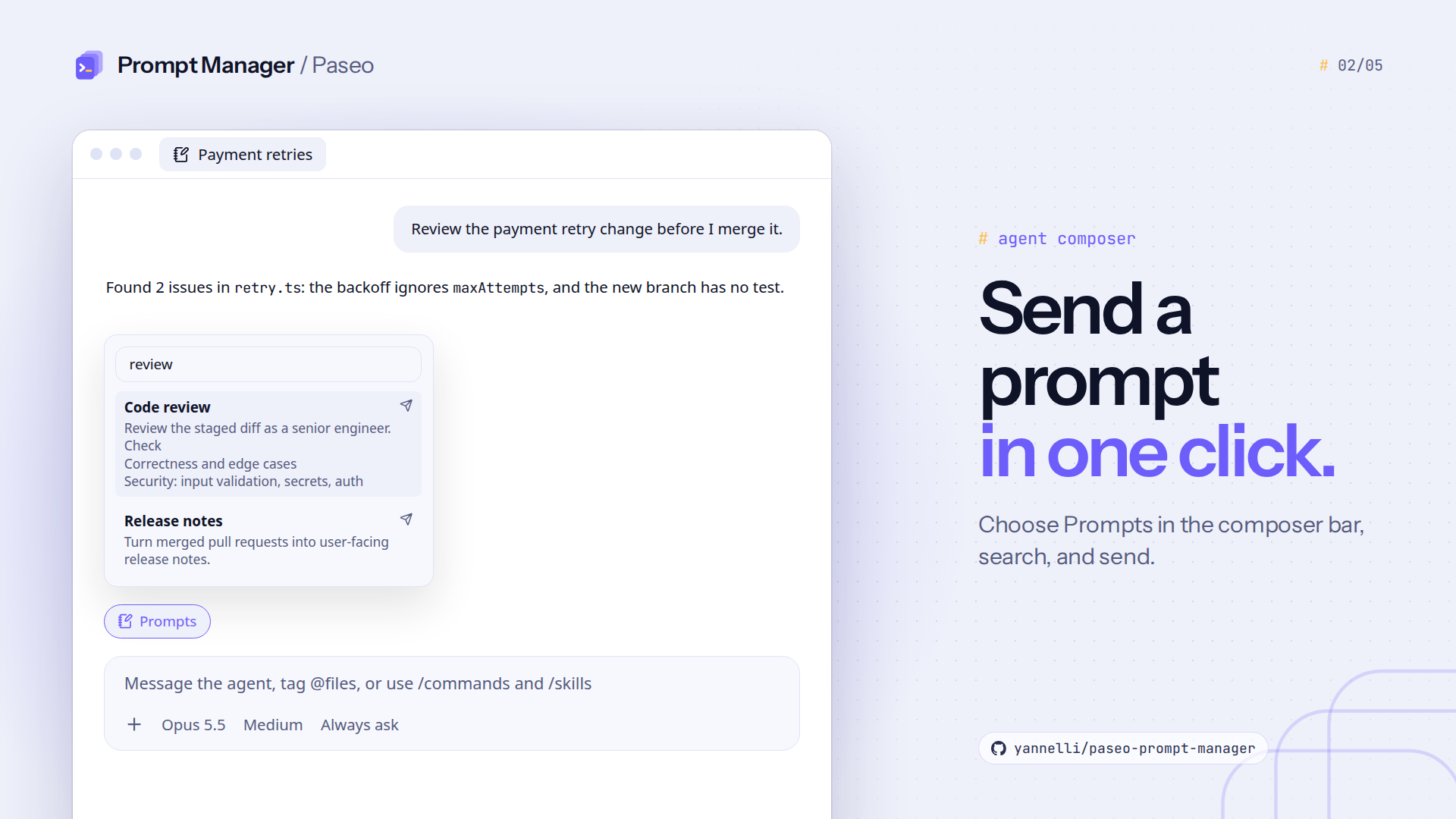
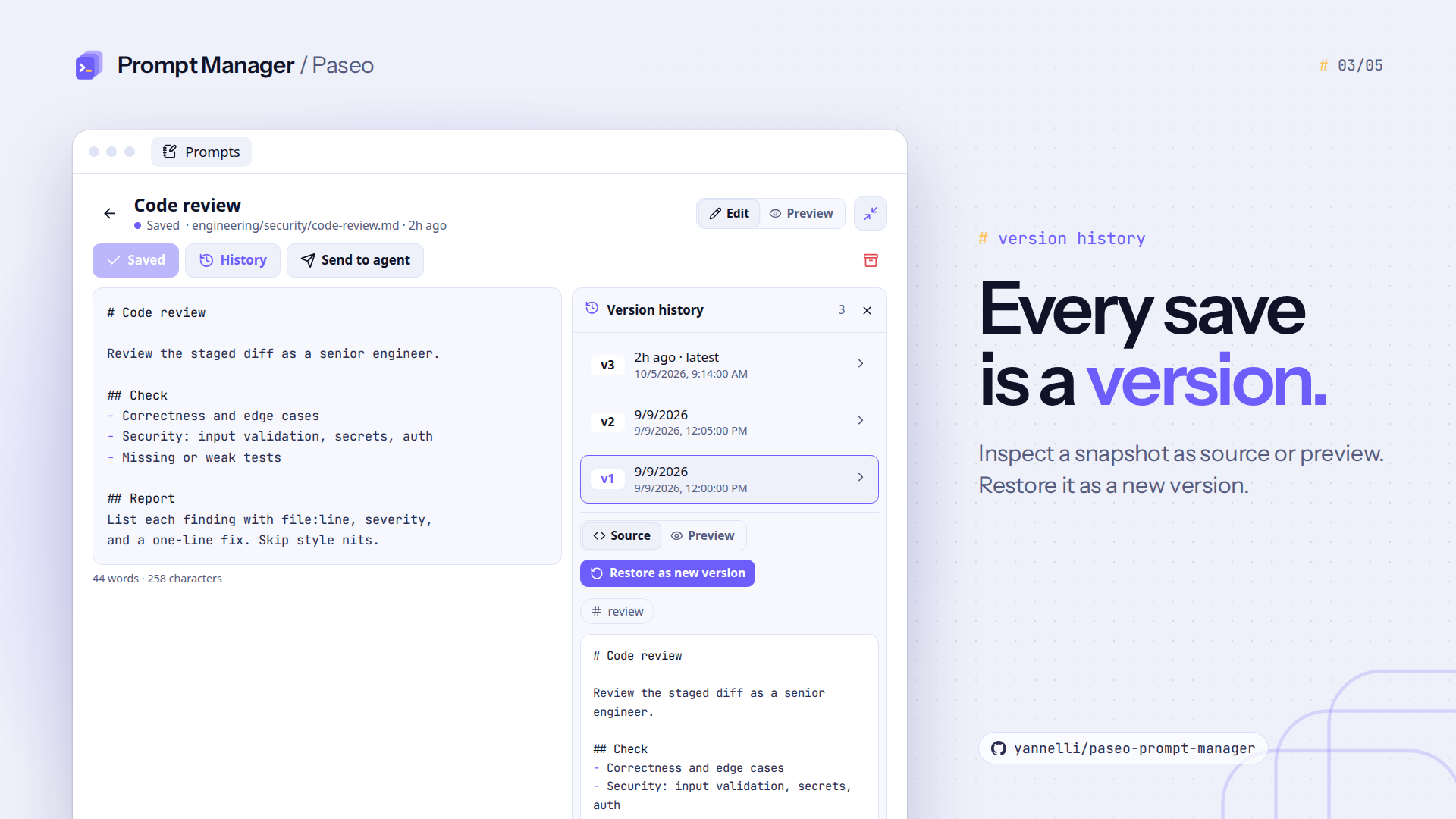
Prompt Manager keeps a library of Markdown prompts on the machine that runs the Paseo daemon, with search, folders, tags, and a Prompts item in the sidebar. The library is shared by all clients and agents of that daemon. Each save keeps a full snapshot of the prompt, and you can view a snapshot and restore it as a new version.
A prompt is sent to an agent only when you choose it, from the composer, an attachment, or a slash command. The agent receives the prompt body. If a file was edited outside the plugin, saving a stale draft is rejected instead of overwriting it.
Setup
Prompt Manager requires Paseo 0.11.0-beta.3 or later on the daemon and on each app that shows it. Local use needs no other setup.
Git sync is optional. It needs:
- Git on the daemon host, with your Git author name and email set.
- A Git remote to sync across machines. It can be empty or already hold prompts from another machine. Without one, sync makes local commits only.
- Remote credentials that work without a prompt, such as a credential helper for HTTPS or an SSH agent for SSH. Sync never asks for a password or passphrase, so a remote that needs one fails.
Git sync
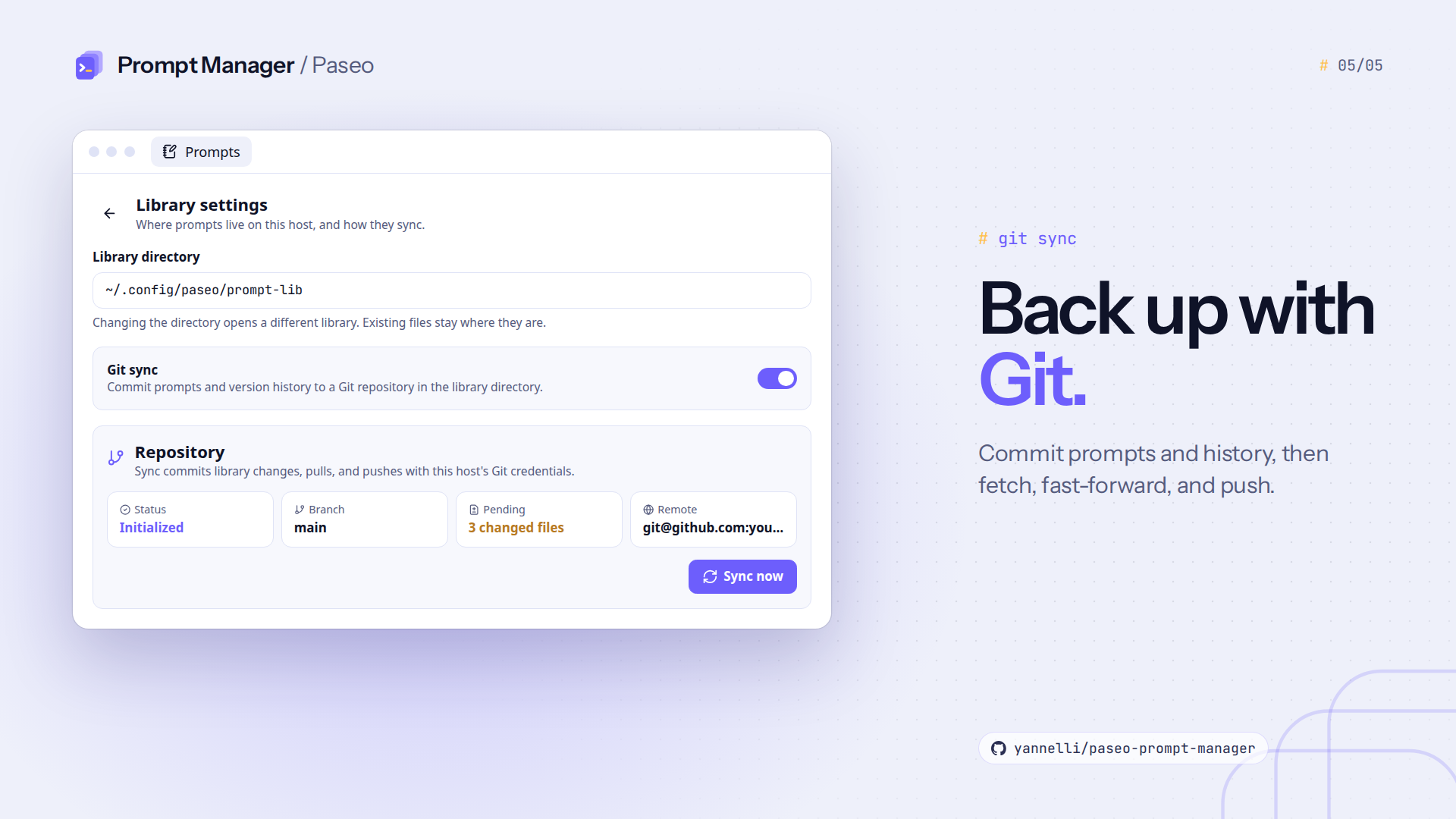
Git sync is off by default. Turn it on in Prompts → Settings and save. Then paste a remote URL and choose Set up. Leave the branch blank to use the remote's default branch. You can change the remote URL or branch later. Clearing the URL removes origin.
Under When to sync, choose a mode:
- Manual: syncs only when you choose Sync now. This is the default.
- Automatic: syncs about 5 seconds after the last change made in the plugin, and when you open the library.
- Scheduled: syncs every 5, 15, 30, or 60 minutes, and when you open the library.
Each sync commits prompt files and version history, merges the remote branch, and pushes. Edits to different prompts on two machines merge. If both machines change the same prompt, the merge is aborted and sync stops with local commits intact. The error shows in the sidebar and settings, and you resolve the conflict with Git, then sync again.
What it reads and sends
- It reads and writes the library directory, which is
~/.config/paseo/prompt-lib/by default, and its settings file,~/.config/paseo/prompt-manager.json. IfXDG_CONFIG_HOMEis set, it replaces~/.config. - Prompts → Settings lets you pick another library directory. This opens that directory and does not move existing files.
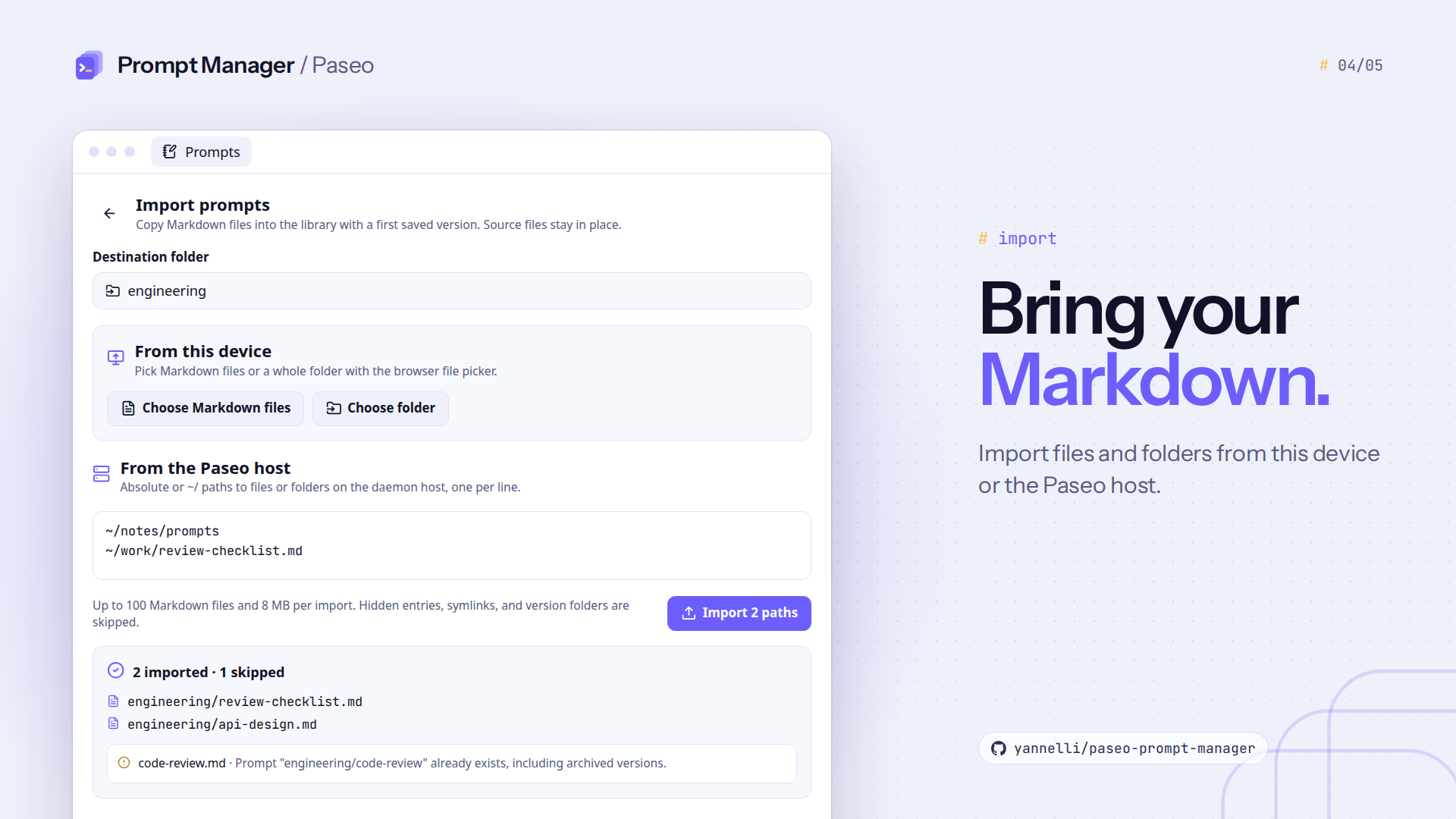
- Imports copy Markdown files or folders you select, either from your device in a browser or by path on the daemon host. They skip prompts that already exist and leave the originals in place.
- The plugin makes no network requests of its own. With Git sync and a remote, Git sends prompt files and version history to that remote and brings files from it into the library, with the host's existing credentials.
- Git hooks are disabled for every Git command, and no fetched code is run.
Known limits
- Each import accepts up to 100 Markdown files, 8 MB in total, and 512 KB per file. Host folder scans stop at 5,000 entries. Hidden entries, symbolic links, and
versionsfolders are skipped. - Automatic mode reacts to changes made in the plugin. Edits made in another editor are committed at the next sync.
- The library must be the root of its Git repository. Staged files that are not prompts block sync.
- Merge conflicts must be resolved with Git.