
Mcp Tools
> **⚠️ WIP — use at your own risk.** Not release-ready; APIs and behavior may change without notice.

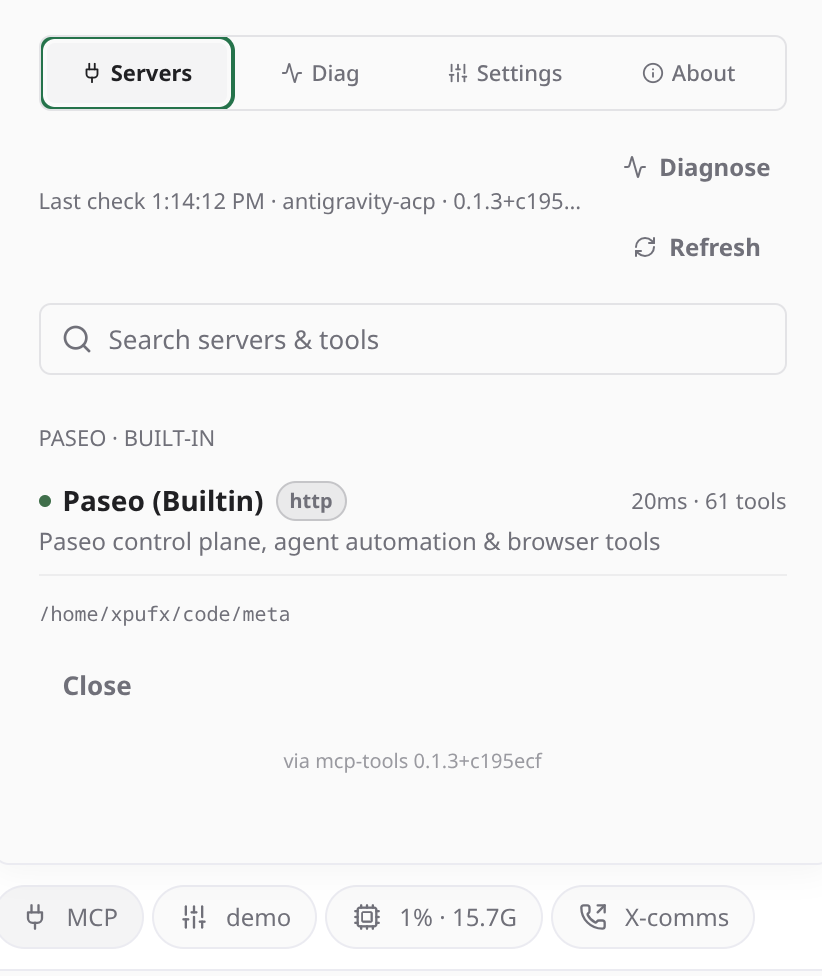
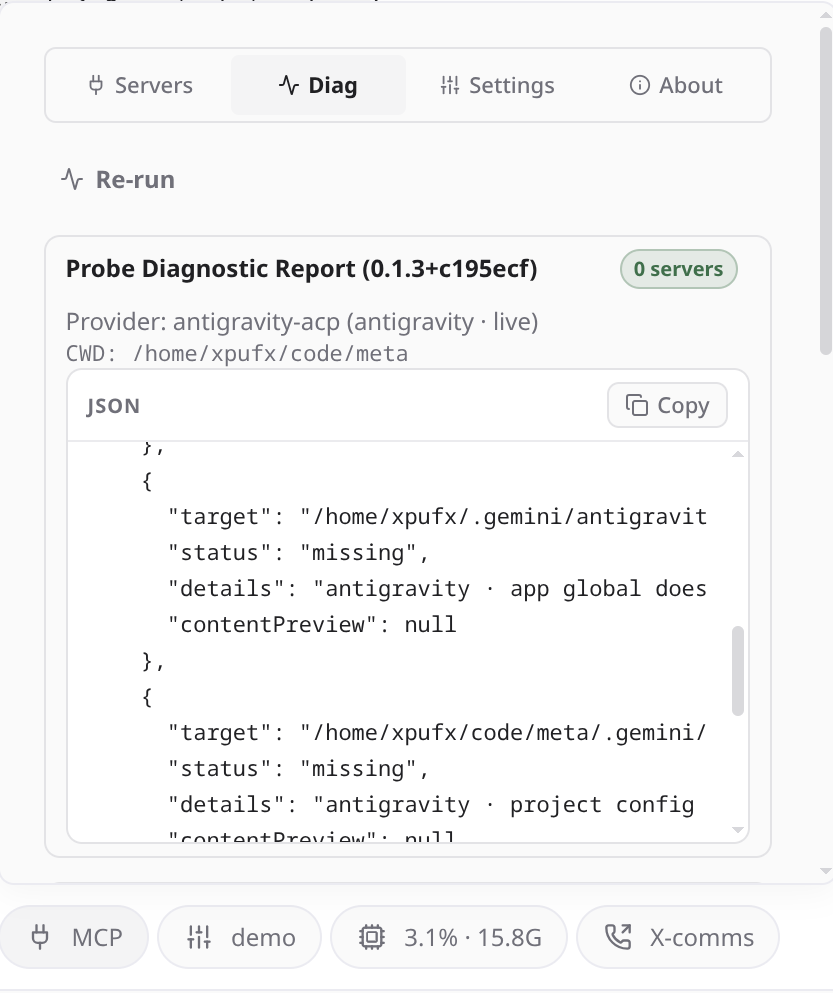
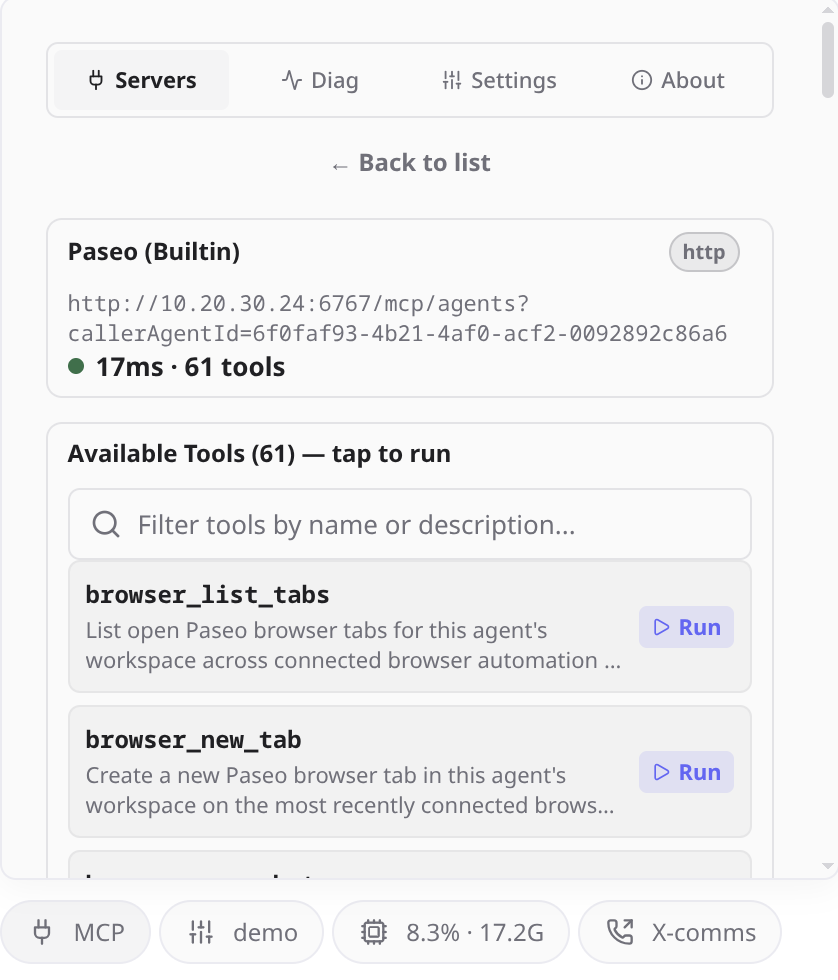
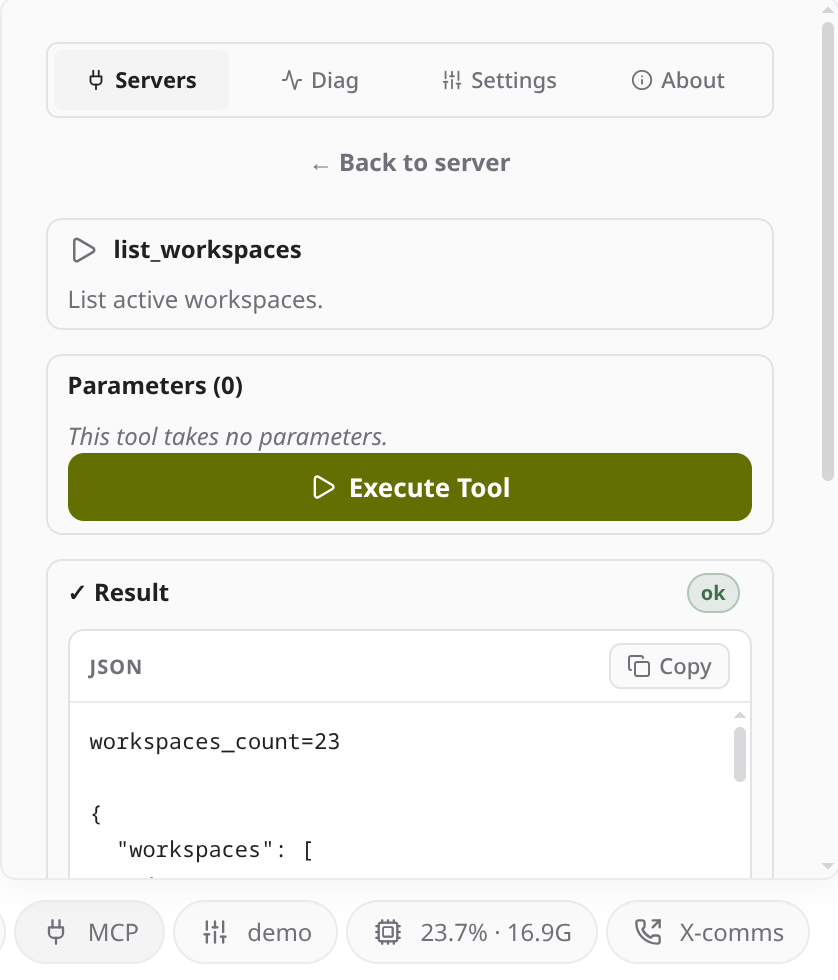
MCP Tools adds an MCP n pill above the composer that lists the MCP servers available to the current agent. Opening a server shows its health and tools, and any tool can be run directly from a generated form without asking the agent. A Diagnostics view shows the configuration files and agent records checked for the agent's provider.
Servers are found by reading the provider's MCP configuration on the daemon host, including the OpenCode CLI's active server list (opencode mcp list), the servers Paseo stored for the agent, and Paseo's own MCP endpoint. The servers must already exist in the provider's configuration, and an HTTP server that needs authentication must have its headers configured there. For Paseo's endpoint the plugin sends PASEO_PASSWORD as a bearer token when it is set.
Health checks and tool runs use each server's configured credentials. For a stdio server the daemon host starts the configured command, and for an HTTP or SSE server it connects to the configured URL with the configured headers. Tools run with whatever authority that server has, so a tool you run can change the systems it is connected to. Config previews and the Diagnostics view can include provider configuration content, and some previews are not masked, so they may show secrets such as tokens or headers stored in that configuration.
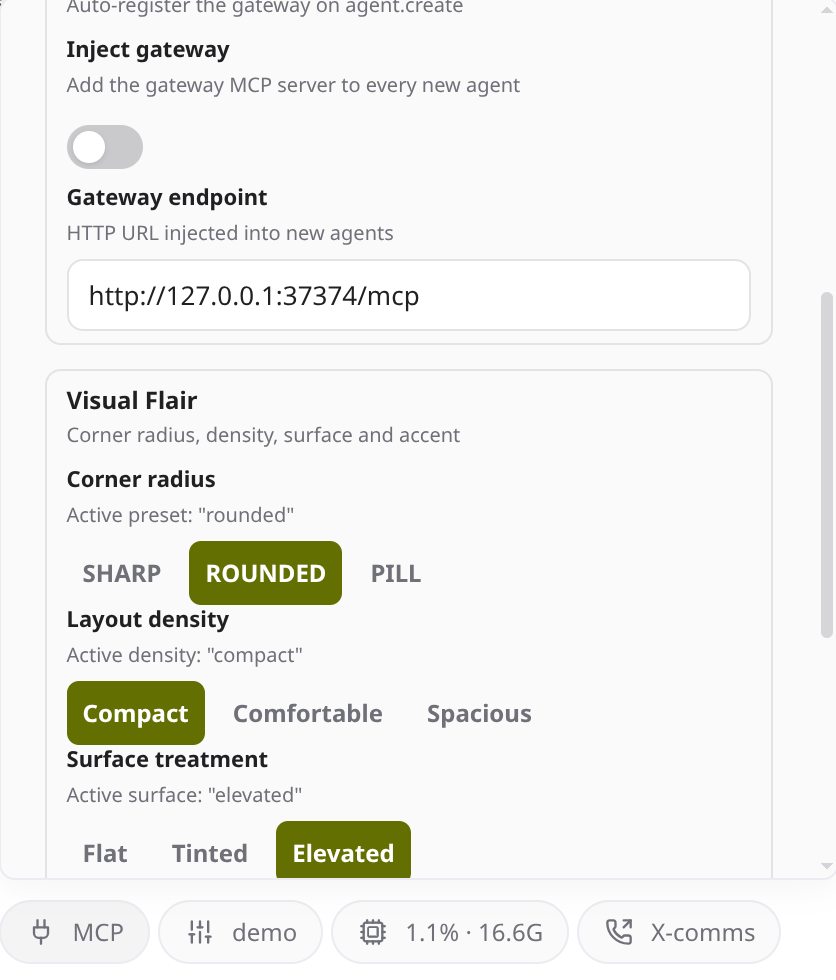
By default the plugin also adds an MCP server named gateway at http://127.0.0.1:37374/mcp to every new agent, unless the request already has a server with that name. It is only useful if a gateway is running at that address. Turn off gatewayInject in the plugin's settings if you do not run one.
The manifest requires Paseo 0.8.0 or later.
This plugin entry was imported from paseo.cafe.