
ZCode Provider

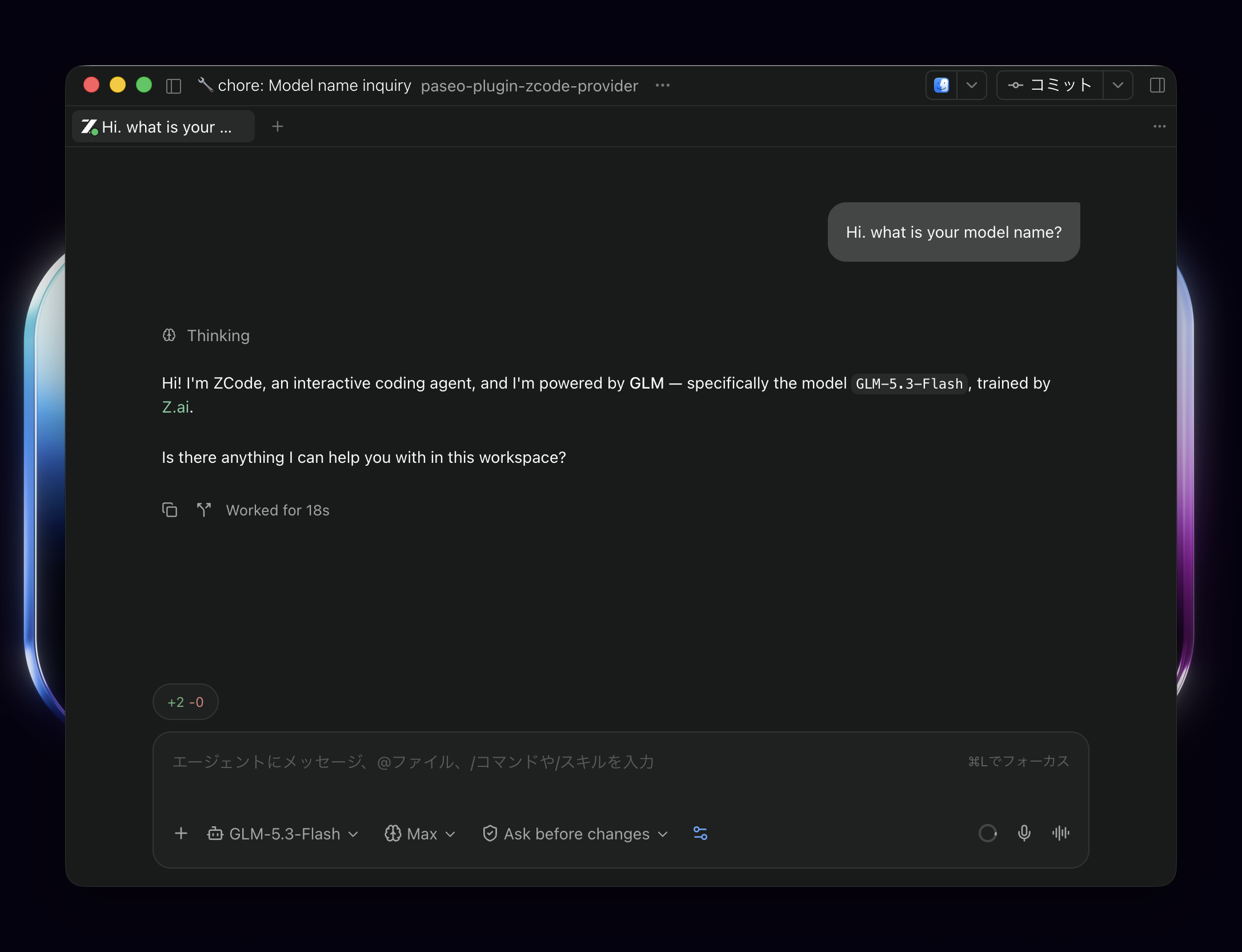
ZCode Provider adds ZCode as an agent provider in Paseo. It connects prompts, attachments, model and reasoning choices, editing modes, planning, tool permissions and conversation history to the official ZCode integrated CLI. This is an unofficial integration; ZCode owns authentication, tools, models and native conversation storage.
Setup
The plugin requires Paseo 0.8.0 or later and Node.js 22.12.0 or later on the daemon host. Separately provide an extracted integrated ZCode CLI distribution with stable Server 3.14.0 or later and Agent 0.16.9 or later, plus ordinary Node.js 24.14.0 or later. ZCode Desktop and Electron are not supported launch paths.
Set PASEO_ZCODE_RUNTIME in the daemon environment to the absolute path of the extracted distribution and PASEO_ZCODE_NODE to the absolute path of its Node.js executable, then restart the daemon. Configure authentication and models through the official CLI. You manage these external runtimes and their updates yourself. Newer stable versions are allowed, but the minimum-version check does not guarantee compatibility.
Choose ZCode when creating an agent. The plugin's Diagnostics settings screen reports configured paths, versions, hashes and compatibility checks. Opening it runs executable version checks; Run host check performs an additional check without sending a prompt. Reports are not sent automatically.
Data and permissions
The plugin starts the configured ZCode Server and Agent on the daemon host, passing the daemon and session environment. Prompts, attached files and MCP configuration go to that runtime; model requests and credentials are handled by ZCode and its configured services. Treat ZCode and its tools as software running with the daemon user's permissions. Native tool permissions, questions and Plan approval are shown in Paseo; workspace hook trust must be reviewed through the official CLI.
Resume mappings store session identifiers and workspace paths under paseo-plugin-zcode-provider/sessions-v3 in XDG_STATE_HOME, or the user's local state directory. They contain no message bodies. Preserve that directory alongside ZCode's own conversation storage for backup. Diagnostics omit raw native stderr, prompts and credential payloads.
Limits
Mode and Plan restoration requires Paseo to supply both saved values. Without them, the native runtime can restore stale settings. Older version 1 and 2 persistence handles are rejected without migration. macOS arm64 and Linux x64 have author-recorded runtime checks; other platforms remain unverified.
Browser and Computer Use, generic rewind, independent Paseo child agents, hook-review UI and Goal/Workflow controls are outside this integration. Custom system prompts, structured output schemas and nonpersistent sessions are unsupported. Stdio MCP commands must use absolute paths; MCP alwaysLoad is unsupported.