
Canvas

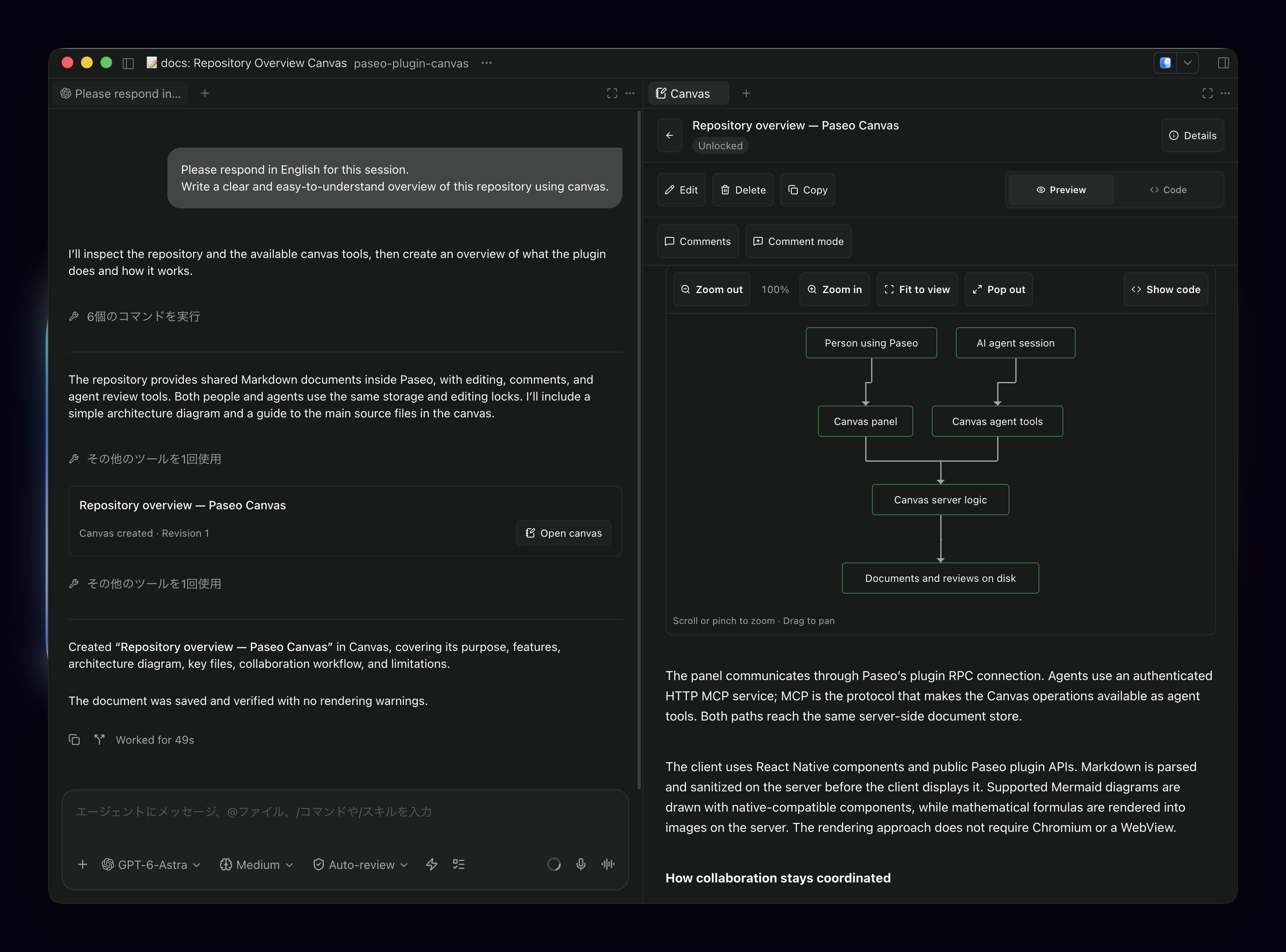
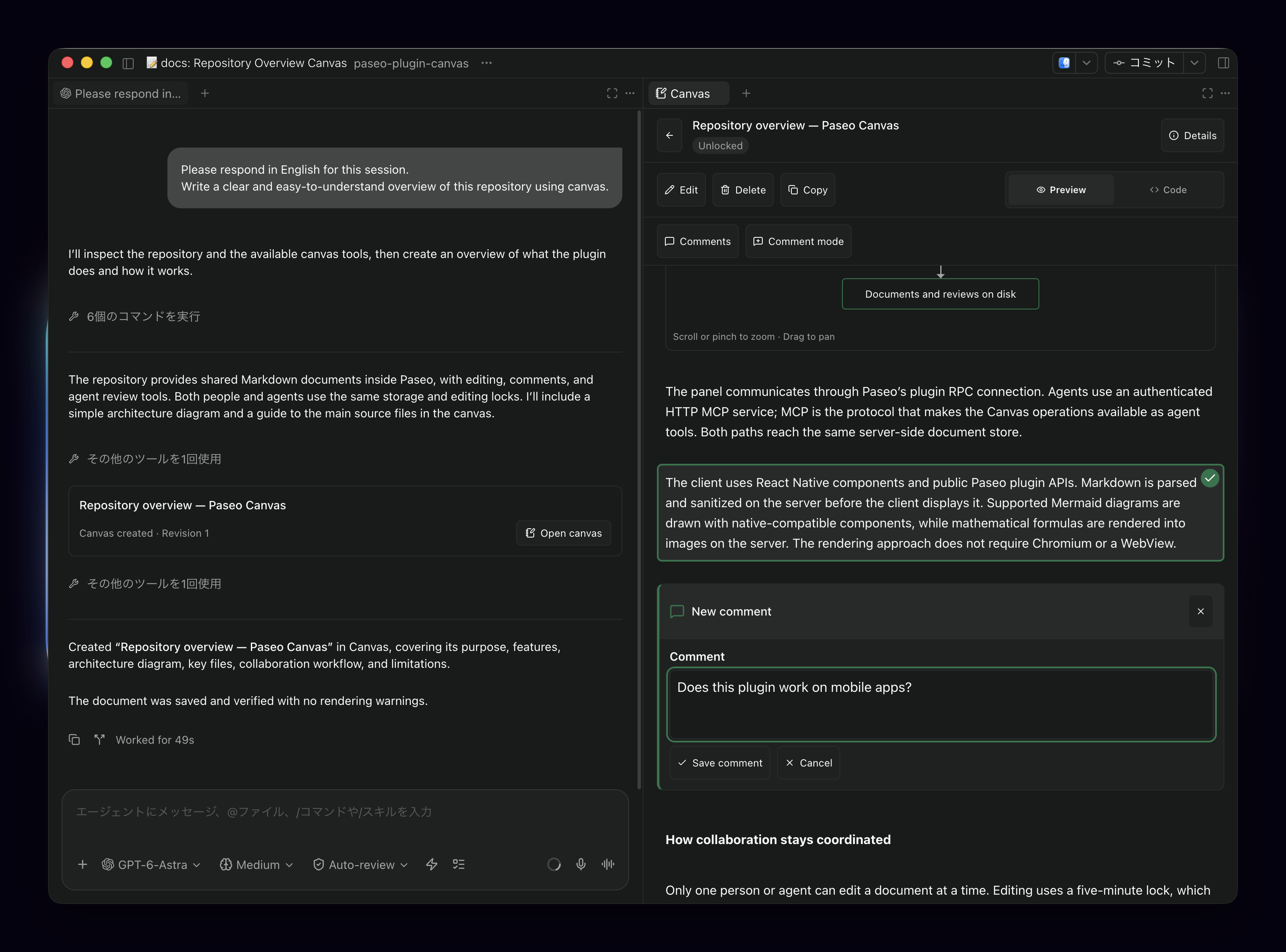
Canvas lets you write, preview and review Markdown documents with agents in the same Paseo workspace. Keep plans and notes in a shared panel, edit them yourself, or ask an agent to create and update them. Comments attach to selected passages, including multiple blocks, and remain separate from chat until you choose to send them.
Setup
The daemon host needs Paseo 0.8.0 or later, Node.js 22.22 or later, and npm 11 or later. Preparation downloads the locked dependencies and builds the math-rendering assets on that host. Dependency setup includes a pinned Git helper and standard build tooling; native dependencies can require a local compiler when no matching prebuilt binary is available.
Create a new agent with Canvas enabled to give it access to the workspace's documents. Its provider must support HTTP MCP. Agents created before Canvas was enabled do not receive these tools automatically.
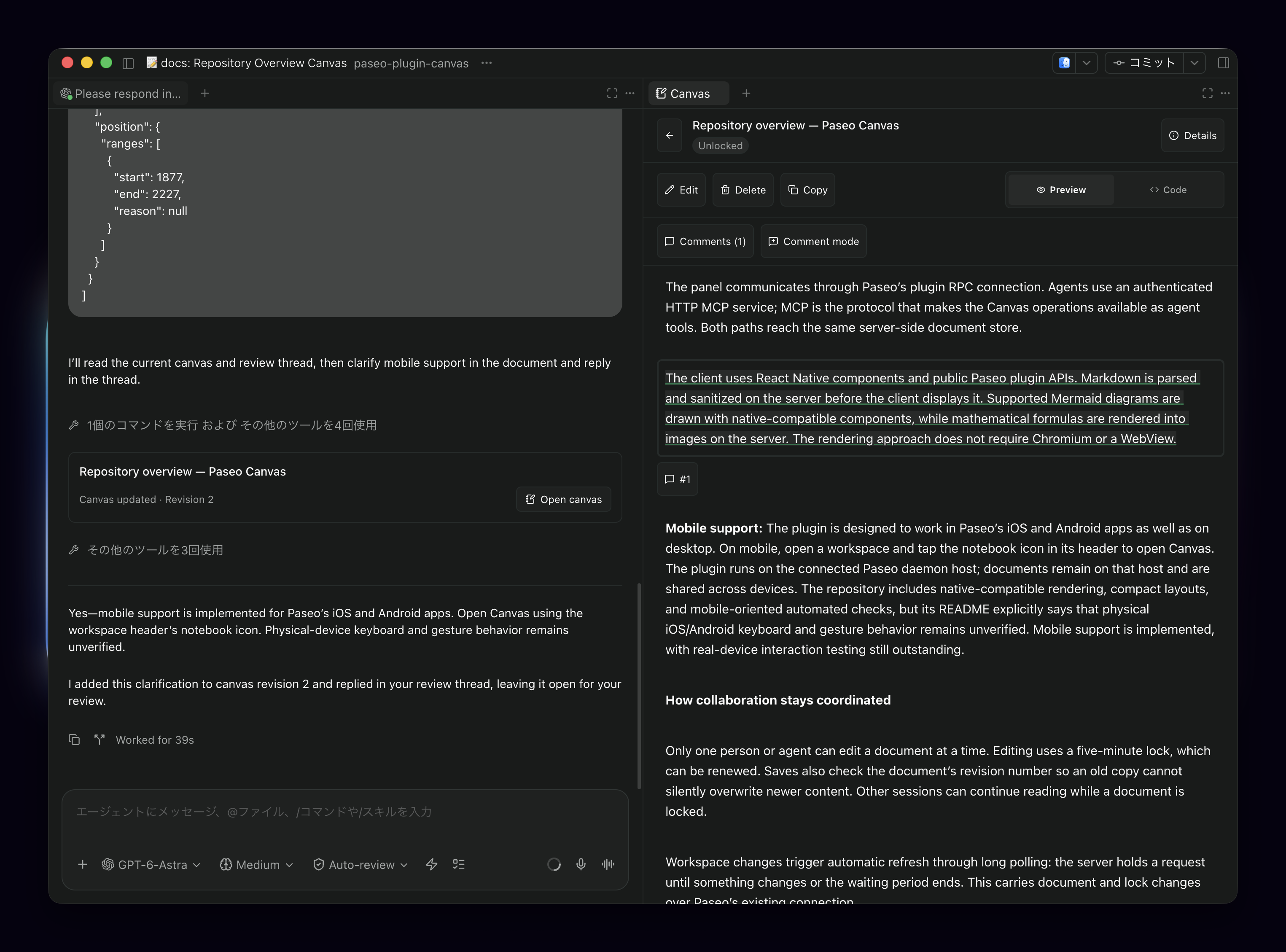
Open Canvas from the workspace panels or choose Open Canvas in the Command Center. On iOS and Android, use the notebook button in the workspace header.
Working with documents and reviews
- Create, edit, preview, copy and delete documents. Markdown supports tables, task lists, alerts, footnotes, images and mathematical formulas, plus a subset of Mermaid flowcharts and sequence diagrams.
- One person or agent edits a document at a time. Five-minute locks renew during editing, and saves check the document revision. Other sessions can keep reading.
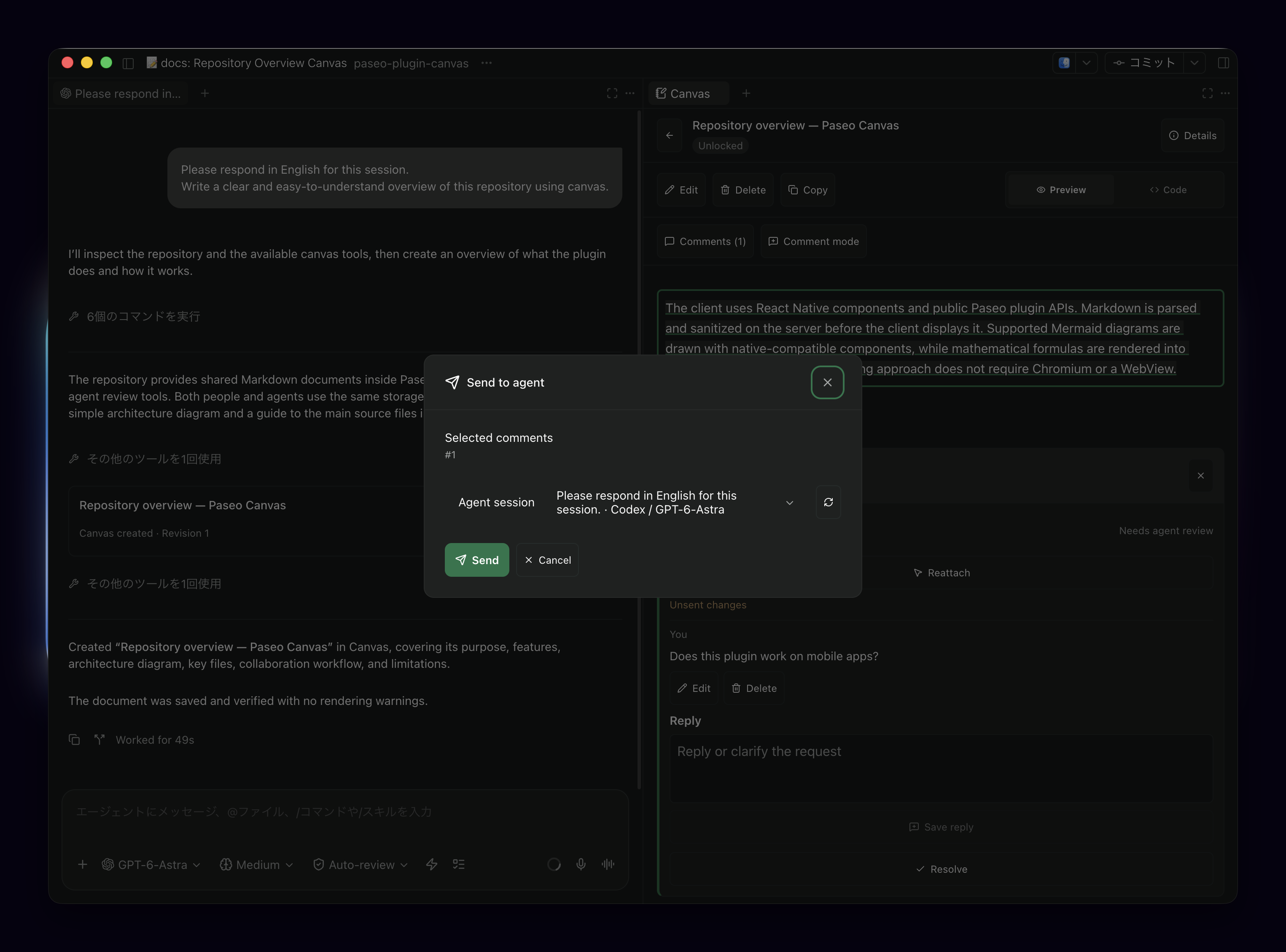
- Select passages, save comments, then send selected discussions to a Canvas-enabled agent in the same workspace. Saving a comment alone sends nothing. Sending to a running agent requires allowing interruption; pending permission requests must be handled first.
- Agent replies and change reports appear in the discussion. You decide when to resolve or reopen it. Comments whose source can no longer be tracked retain their original quotation and can be reattached.
Storage and data access
Documents, reviews and connection state are stored on the Paseo daemon host, outside the project directory, separated by Paseo home and workspace. Storage uses the platform's application-data directory: Application Support on macOS, XDG data or the local share directory on Linux, and LocalAppData on Windows. Saved documents survive restarts and workspace archival; back up this directory if you need to preserve them.
Canvas gives newly created agents authenticated access to documents in their own workspace through a local MCP service. Agents can read, create, edit and delete those documents. Content they read, and comments you send, are handled by the selected agent provider, which may be remote. Canvas also reads agent/session information to select review recipients and adds document activity to their timelines.
Workspace-relative PNG, JPEG, GIF and WebP images are read from the daemon host, limited to 5 MB and paths resolving inside the workspace. HTTP and HTTPS images load from their original hosts on the viewing device. Document links open when selected, and copying writes to your clipboard.
Limits
Unsaved drafts live in memory and are lost when the app closes. Deleting a canvas permanently removes it and its reviews. Full Mermaid syntax, standalone HTML documents and code syntax highlighting are unsupported; other raw HTML is displayed as text except for the supported collapsible and inline elements.
Physical mobile keyboard and gesture behavior, Claude/OpenCode connections, and Linux/Windows storage durability are not verified by the author. Windows environments without directory synchronization support cannot use this storage implementation. Earlier version-1 document storage needs manual conversion, and old version-1 review comments are replaced when a new comment is saved. Back up old storage before migrating.