
Tab Namer
Paseo plugin: rename a workspace from what its Tabs are about, using a model from a provider already enabled in Paseo.

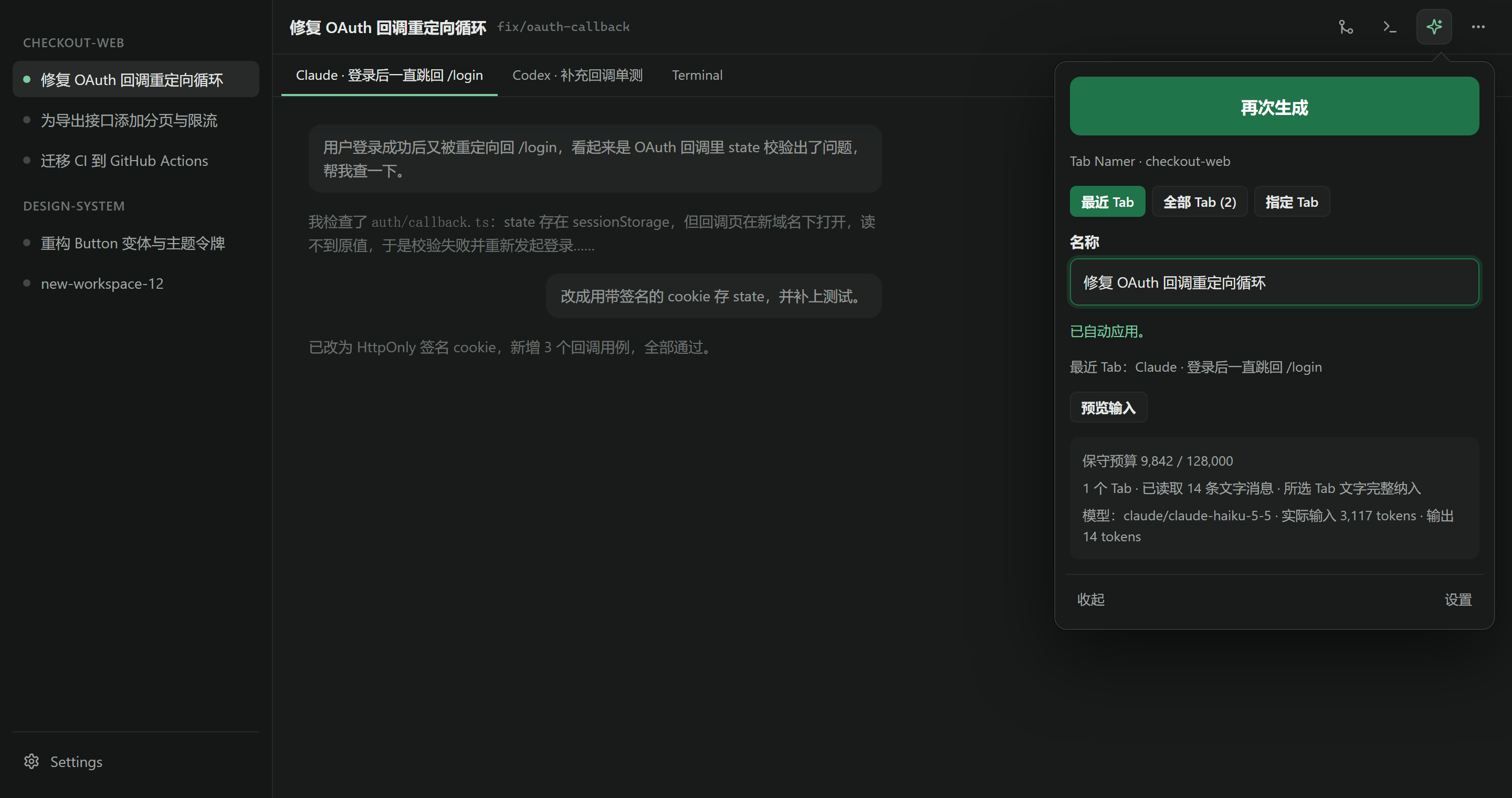
Tab Namer gives an existing workspace a new name based on what its Tabs are about. Open it from the ✨ button in the workspace header or from the command center. You can preview the input, choose which Tabs to use, and generate again. A generated name is applied right away. To apply a name you edited by hand, click "应用" (Apply) next to the name field.
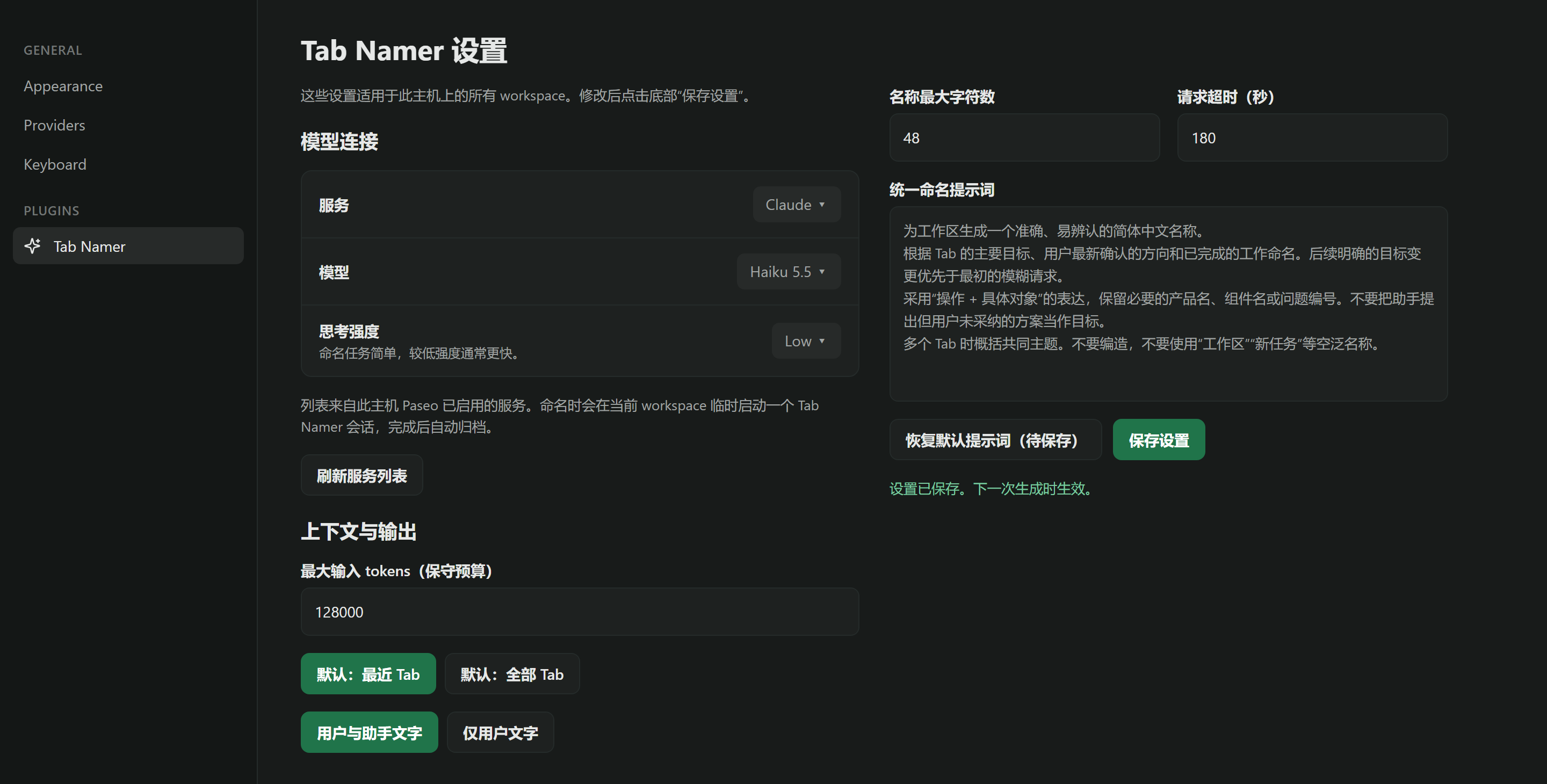
The settings screen holds one naming prompt, model, maximum input budget, name length, and timeout for all workspaces. You pick the provider and model from the providers already enabled on this Paseo host. The plugin has no endpoint of its own and never handles API keys.
The default input budget is a conservative upper bound of 128,000 tokens (UTF-8 bytes plus a margin), usually above the real token count. When the selected text goes over budget, Tab Namer keeps the start of each Tab and its recent part, and shows that it cut the text. Tool logs, reasoning, and raw image content are never sent. The selected text goes to the provider you chose: the plugin starts a temporary session in the current workspace for the request and archives it when the reply arrives.
The plugin UI and the default naming prompt are in Simplified Chinese. Edit the prompt in settings to get names in another language.
Requires Paseo 0.11.2 or later. Paseo does not let plugins add items to the native workspace context menu or rename dialog, so Tab Namer uses the header button and the command center.