
Open With
Paseo plugin: a header menu that opens the workspace folder in Fork, GitHub Desktop, VS Code, Cursor, a terminal, or any app you add.

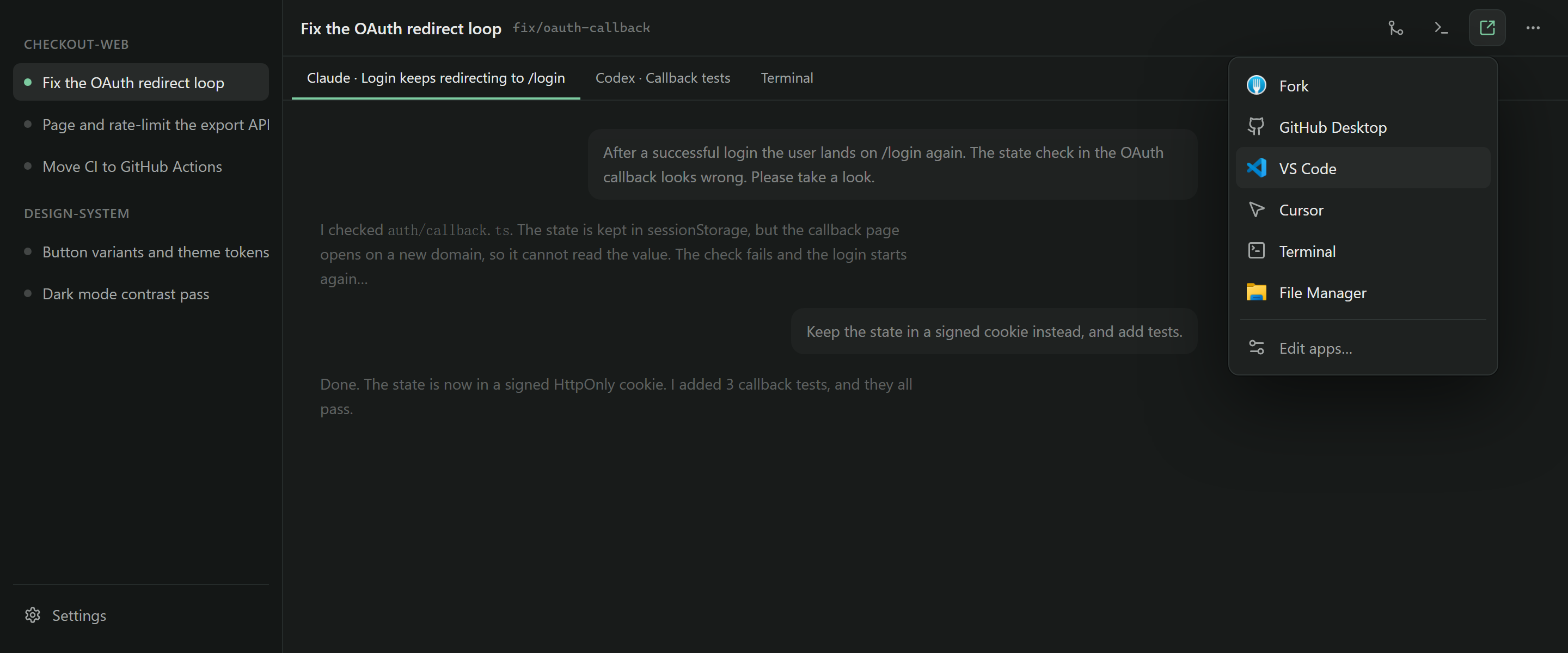
Open With adds a button to the workspace header. Click it, then click an app, and the workspace folder opens in that app.
The menu starts with Fork, GitHub Desktop, VS Code, Cursor, a terminal, and the file manager. It shows only the apps it finds on the computer that runs the daemon. Where it can, it shows each app's own icon.
Add your own apps
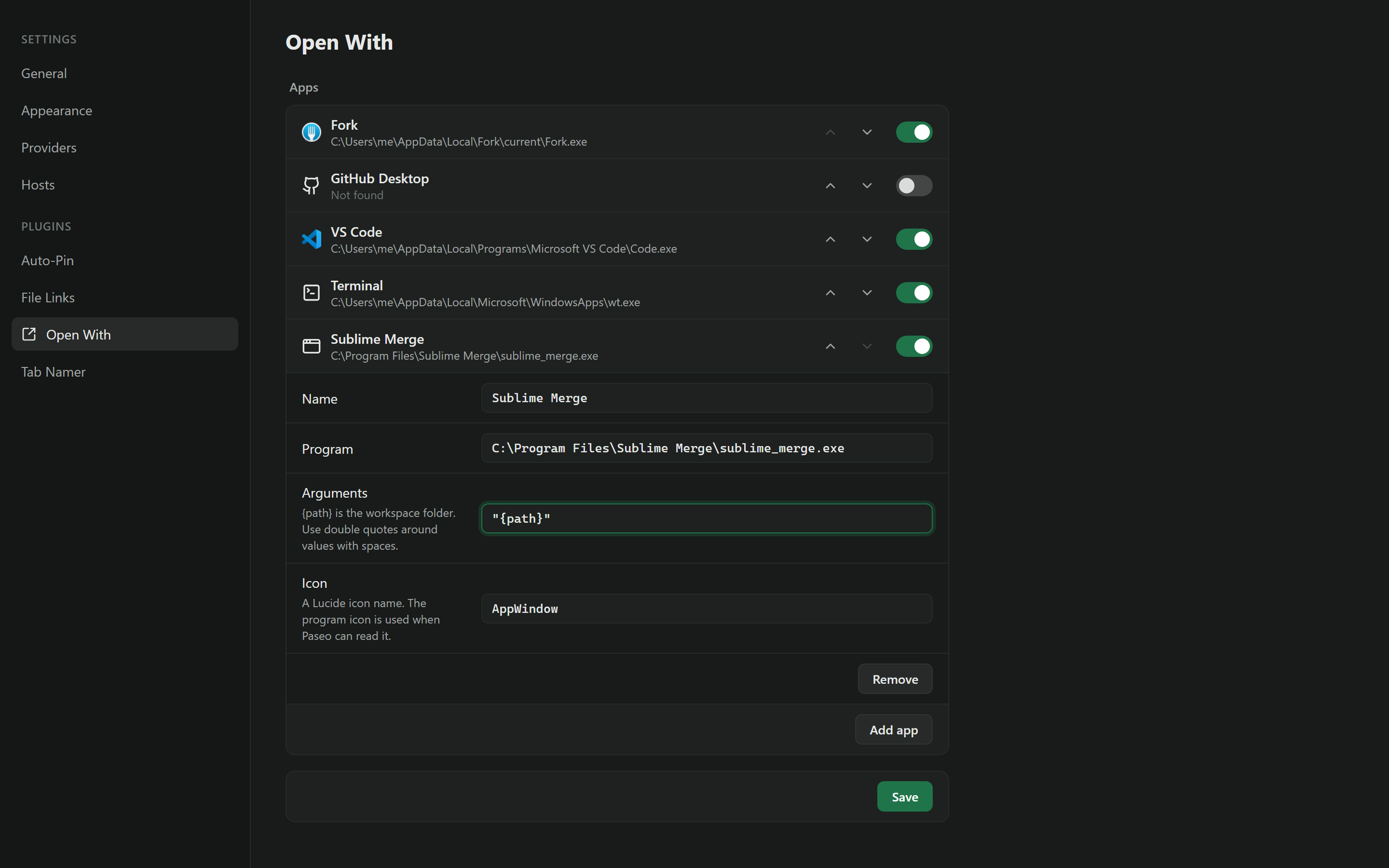
Choose Edit apps… at the bottom of the menu, or open the plugin settings. There you can:
- Add any program, with its path and its arguments.
{path}in the arguments is the workspace folder. Put double quotes around a value with spaces, for example-d "{path}". - Change the program path of a built-in app, for example when it is installed in an unusual folder.
- Turn apps off, and move them up or down in the menu.
The settings belong to each daemon, because apps are installed in different places on each computer.
Limits
The daemon starts the app, so the app opens on the computer that runs the daemon. On a remote host, it opens on that host.
Built-in paths are known for Windows and macOS. On Linux, the built-in apps must be on PATH. Program icons are read on Windows only. On other systems the menu shows a generic icon.