
Reopen archived
List archived workspaces in the command center (⌘K) and reopen them with their agent, without sending it a message.

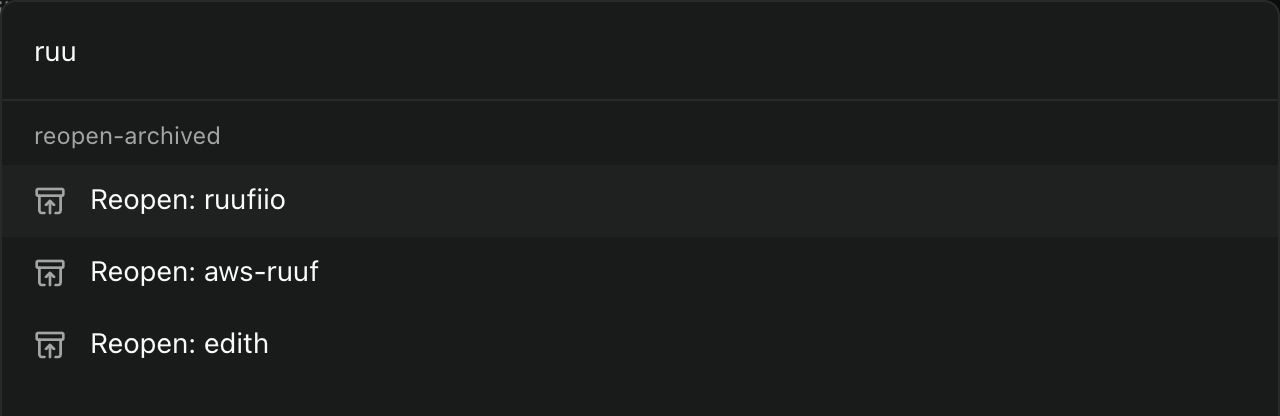
Reopen archived workspaces from the command center. Every archived workspace gets its own item in ⌘K, named "Reopen: ", so you can find it by name like any active workspace. Choosing it restores the workspace, unarchives its agent with the full conversation, and takes you to it. The agent is not sent any message, so reopening does not start a turn or spend tokens.
This makes archiving a safe way to keep the sidebar short: anything you archive is still one search away.
Paseo does not list archived workspaces through its plugin API, so the plugin reads the daemon's own registry files under the Paseo home directory (projects/workspaces.json and the agent records in agents/). It only reads them. To reopen, it sends the daemon the same requests the app's History restore and Unarchive buttons use, over a short-lived loopback connection to the local daemon. It reaches no other host. It reads PASEO_HOME, PASEO_LISTEN and PORT only to find that directory and the daemon address, defaulting to ~/.paseo and 127.0.0.1:6767.
The agent that comes back is the most recently active one in the workspace; other archived agents in it stay archived. The list refreshes every few seconds, so a workspace you just archived shows up in ⌘K shortly after.
Known limits: the restore and unarchive requests are internal daemon messages, not public plugin API, so a future Paseo release could change them. A daemon listening on a Unix socket is not supported. The plugin works with the daemon on the same machine as its Paseo home.