
Usage Sidebar
$ clisbot plugin add ruiiiovo/usage-sidebar

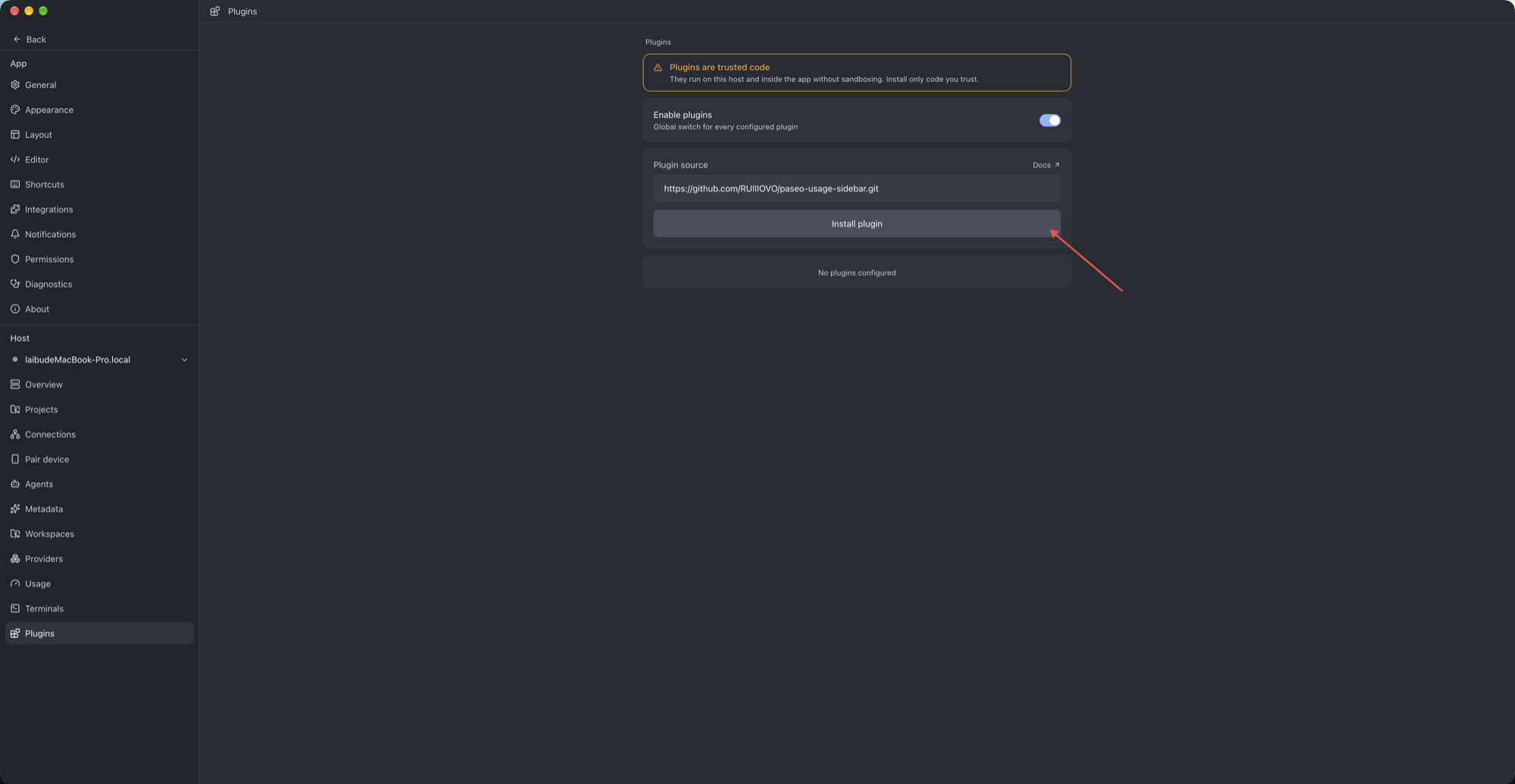
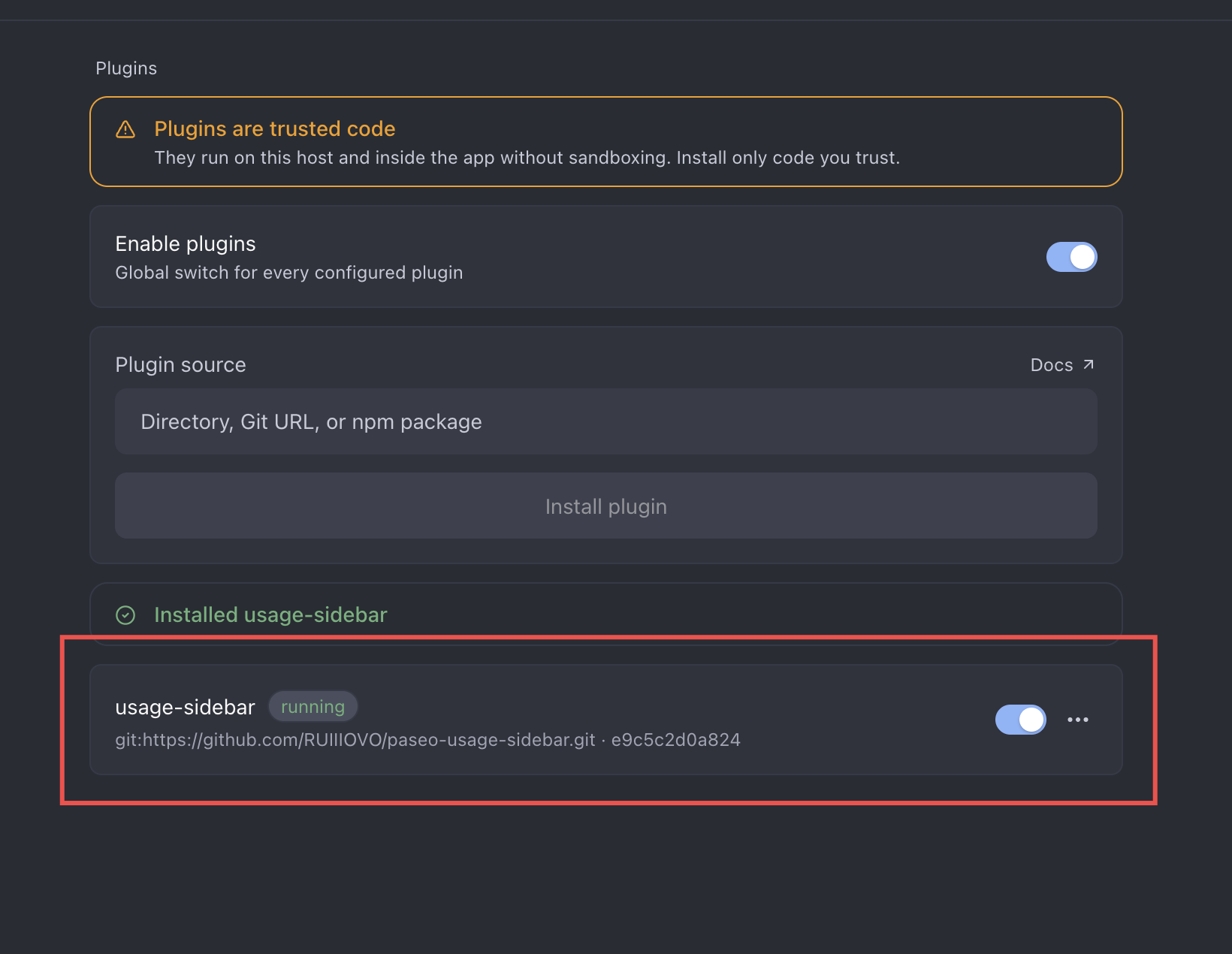
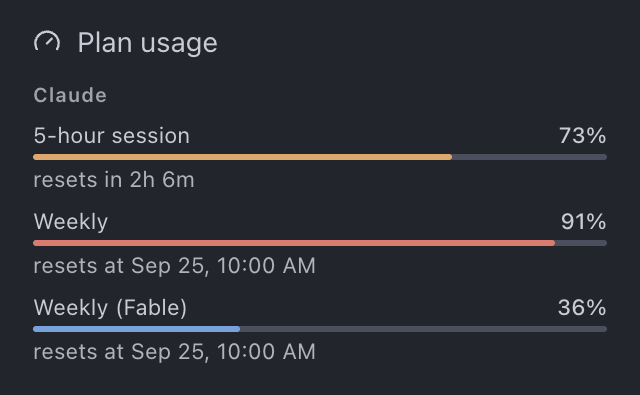
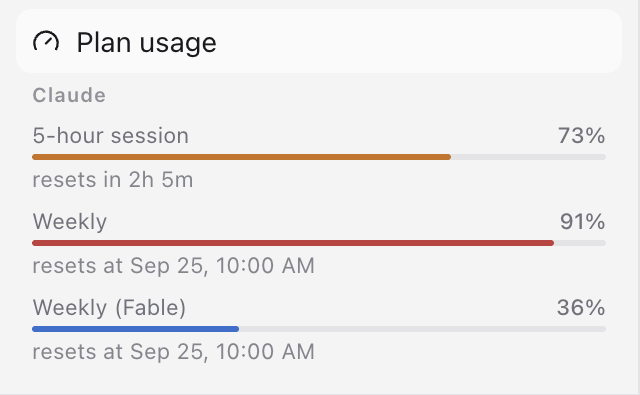
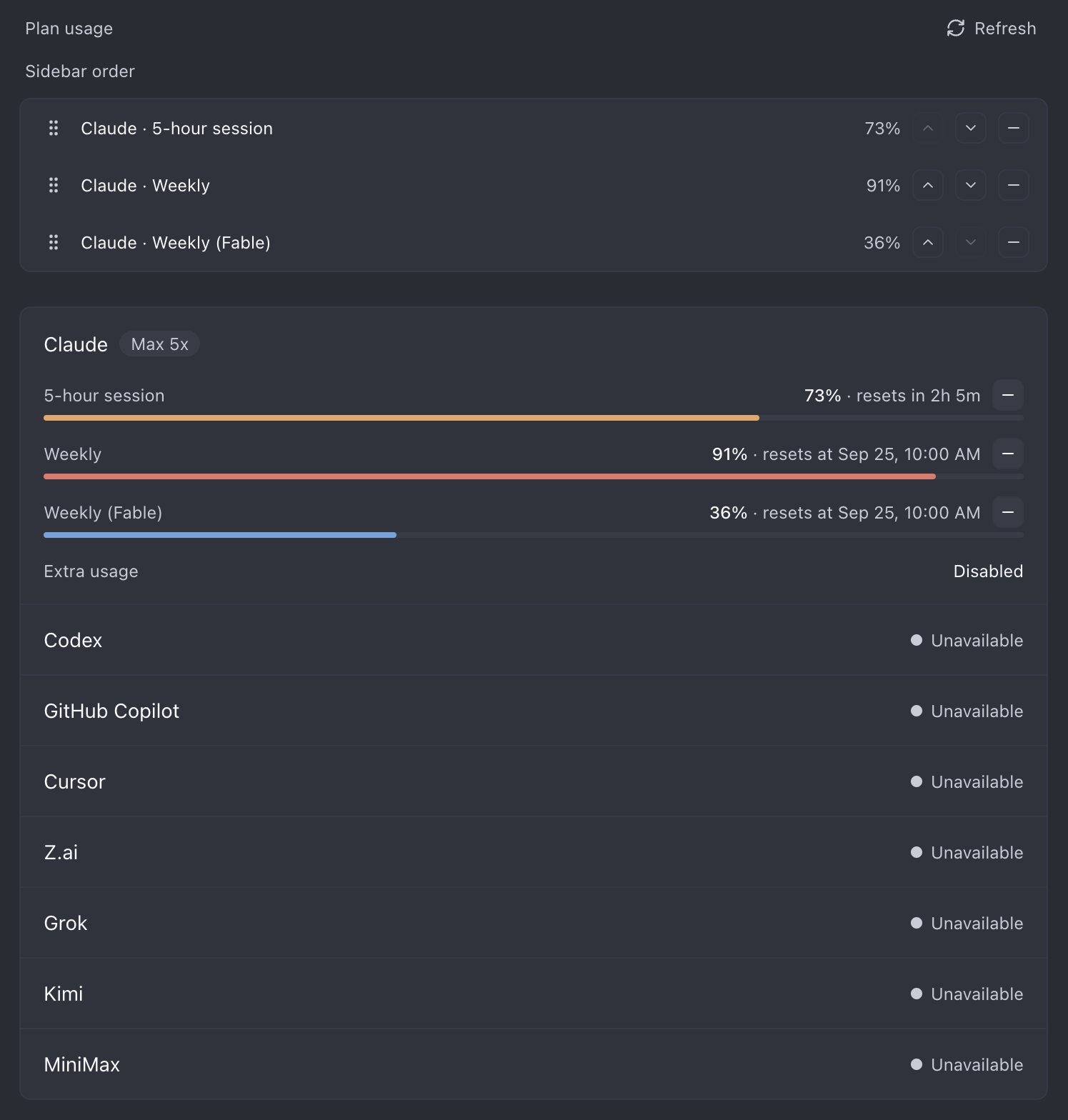
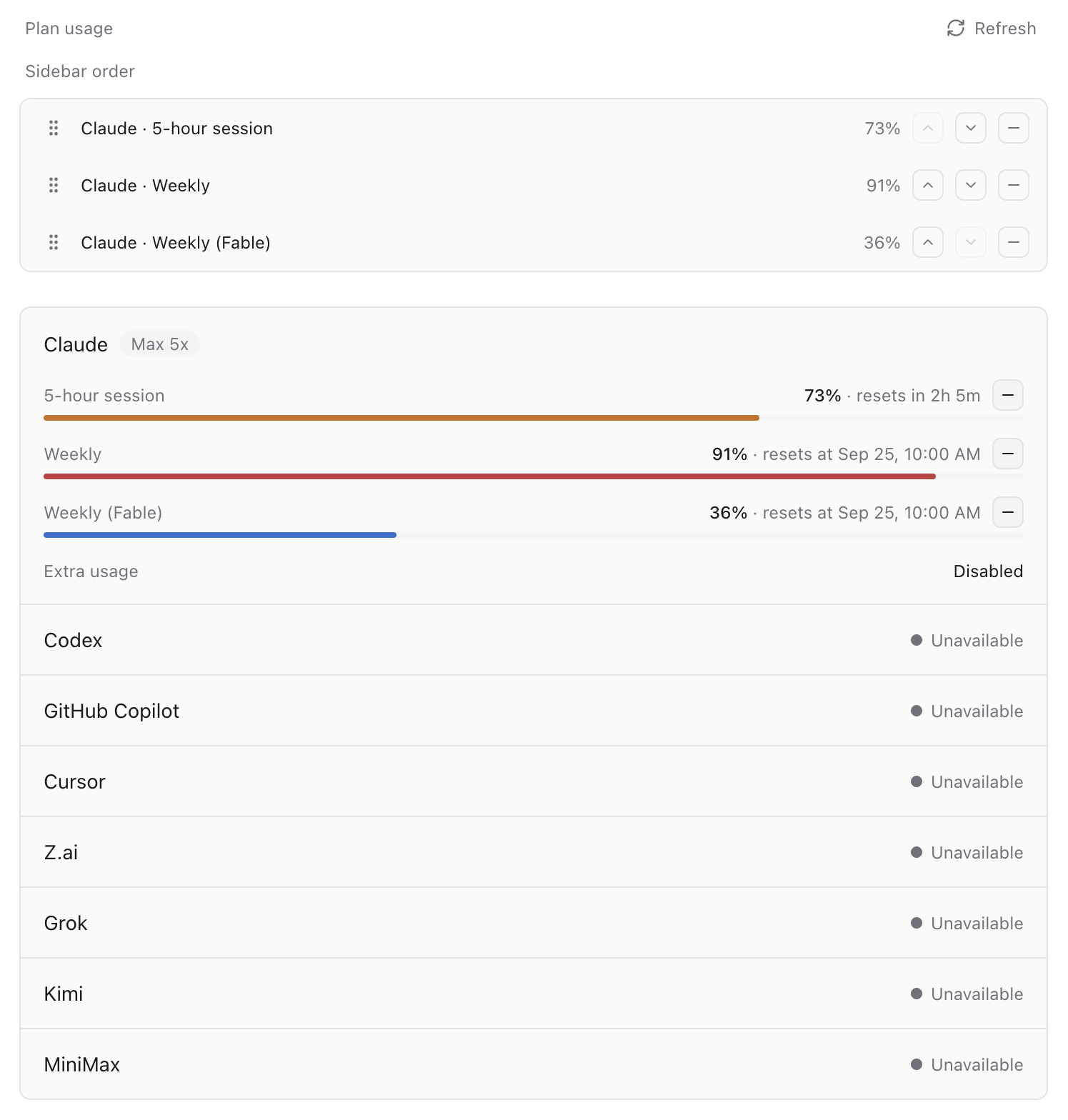
Usage Sidebar shows your AI provider plan usage inside Paseo: each provider's usage windows with percent used and reset times. It adds a Usage item to the sidebar that opens a panel, and a Command Center entry.
You can pin rows from the panel to a small meter under the sidebar item. Pinned rows are saved on the daemon host, so every client connected to that host sees the same ones. The meter works only in the desktop app and on web; other clients get the panel but not the meter.
The usage figures come from Paseo's own provider usage data through the plugin SDK, the same numbers as Settings → Usage. The plugin has no credentials and makes no network requests of its own.
This plugin entry was imported from paseo.cafe.