
Cafe
Browse the paseo.cafe plugin catalog inside Paseo and install plugins without leaving the app.

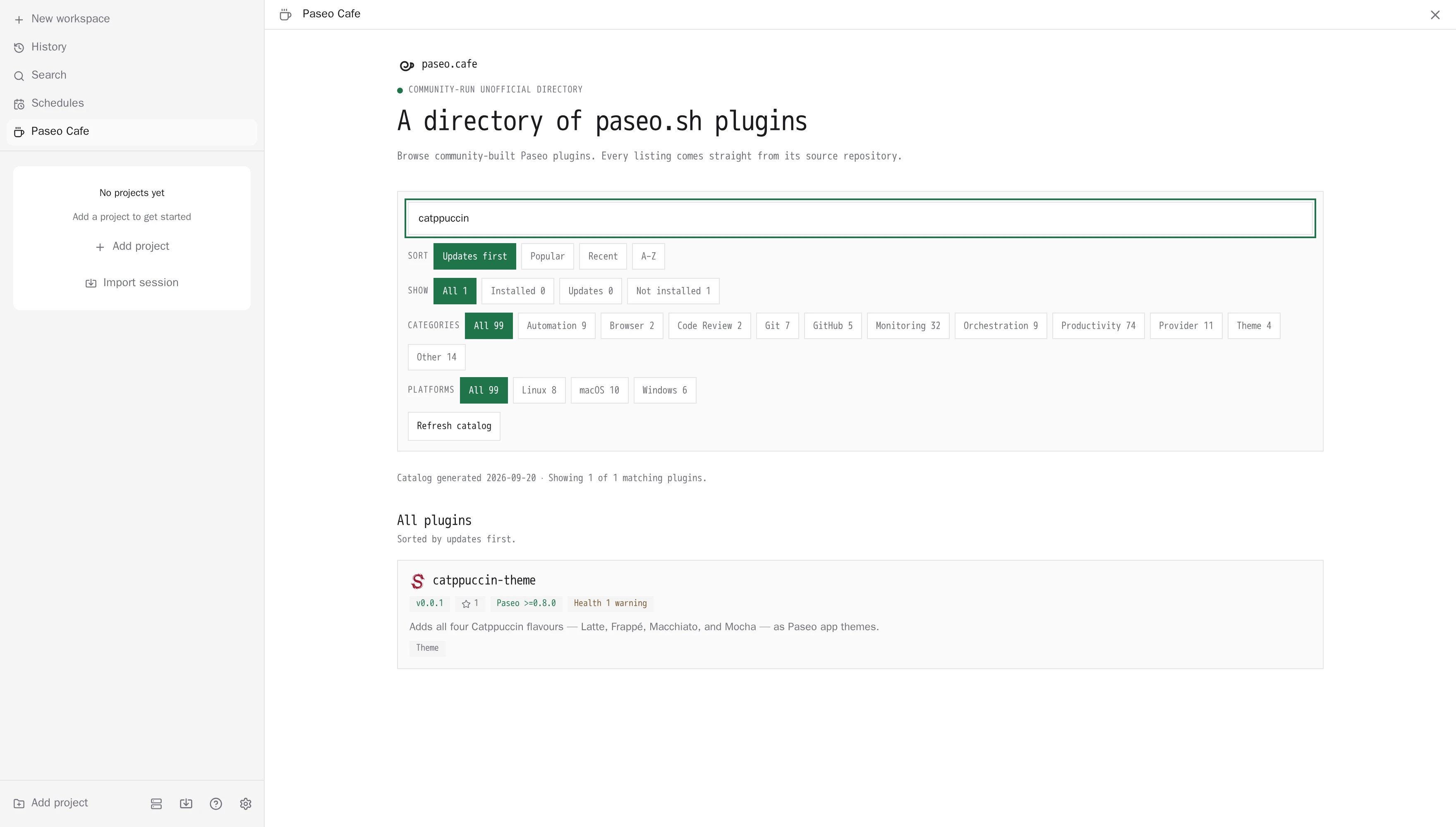
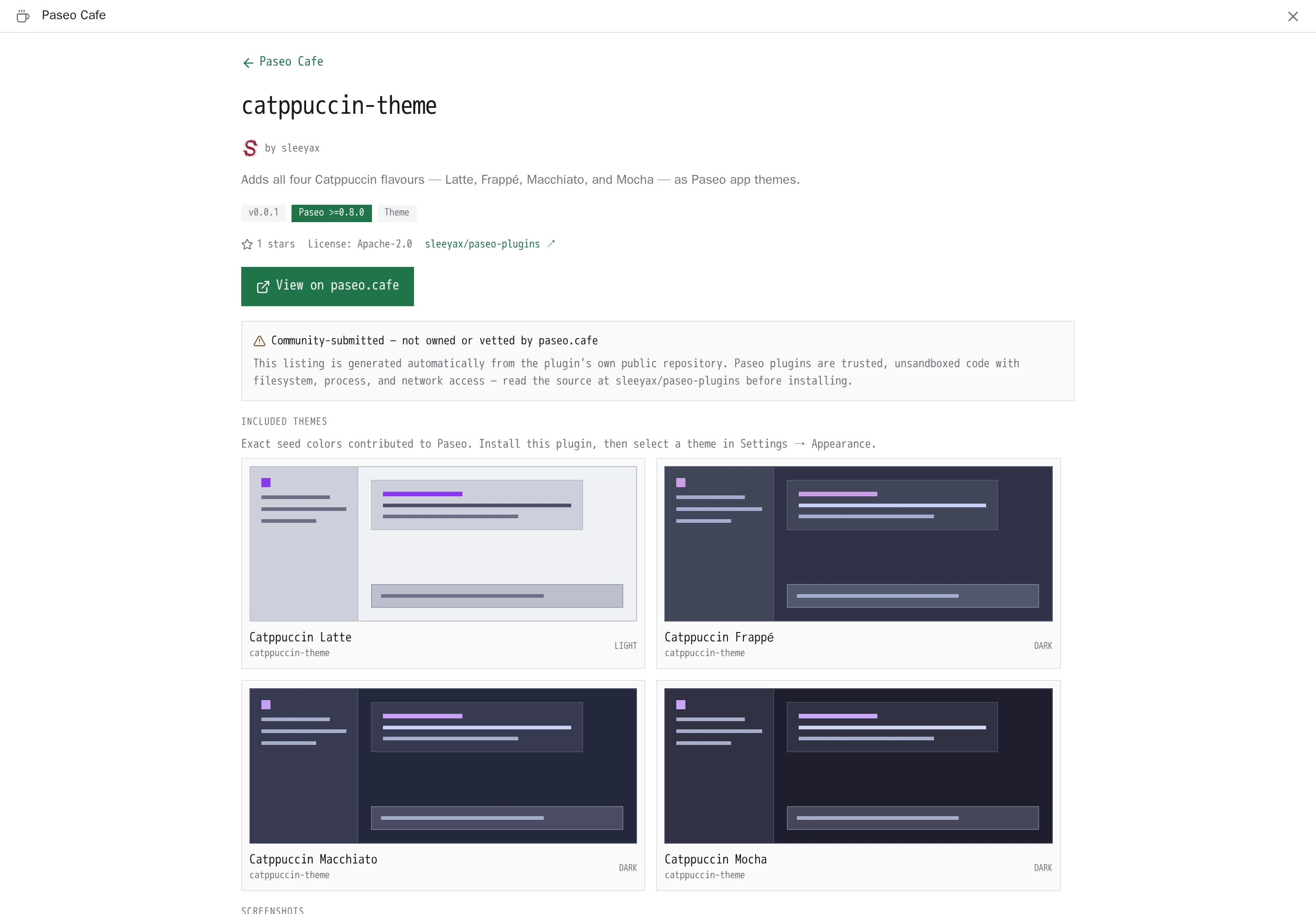
Paseo Cafe adds a sidebar surface in Paseo for browsing the paseo.cafe plugin catalog and managing plugins from inside the app. A composer attachment source, Paseo plugin, attaches a plugin's full listing to a prompt so an agent can review it before you install.
Requirements
The manifest accepts Paseo 0.8.0 up to but not including 0.12.0, with 0.11 prereleases accepted from 0.11.0-beta.1. The paseo command must be on the daemon host's PATH, because the plugin manages other plugins by invoking the Paseo CLI. No account or key is needed.
Catalog
The daemon downloads the catalog from paseo.cafe. To use another catalog, set Catalog URL in the plugin's settings; the PASEO_CAFE_DIRECTORY_URL environment variable on the daemon is used only when no setting is saved. A custom catalog must use HTTPS, or HTTP on localhost or a loopback address.
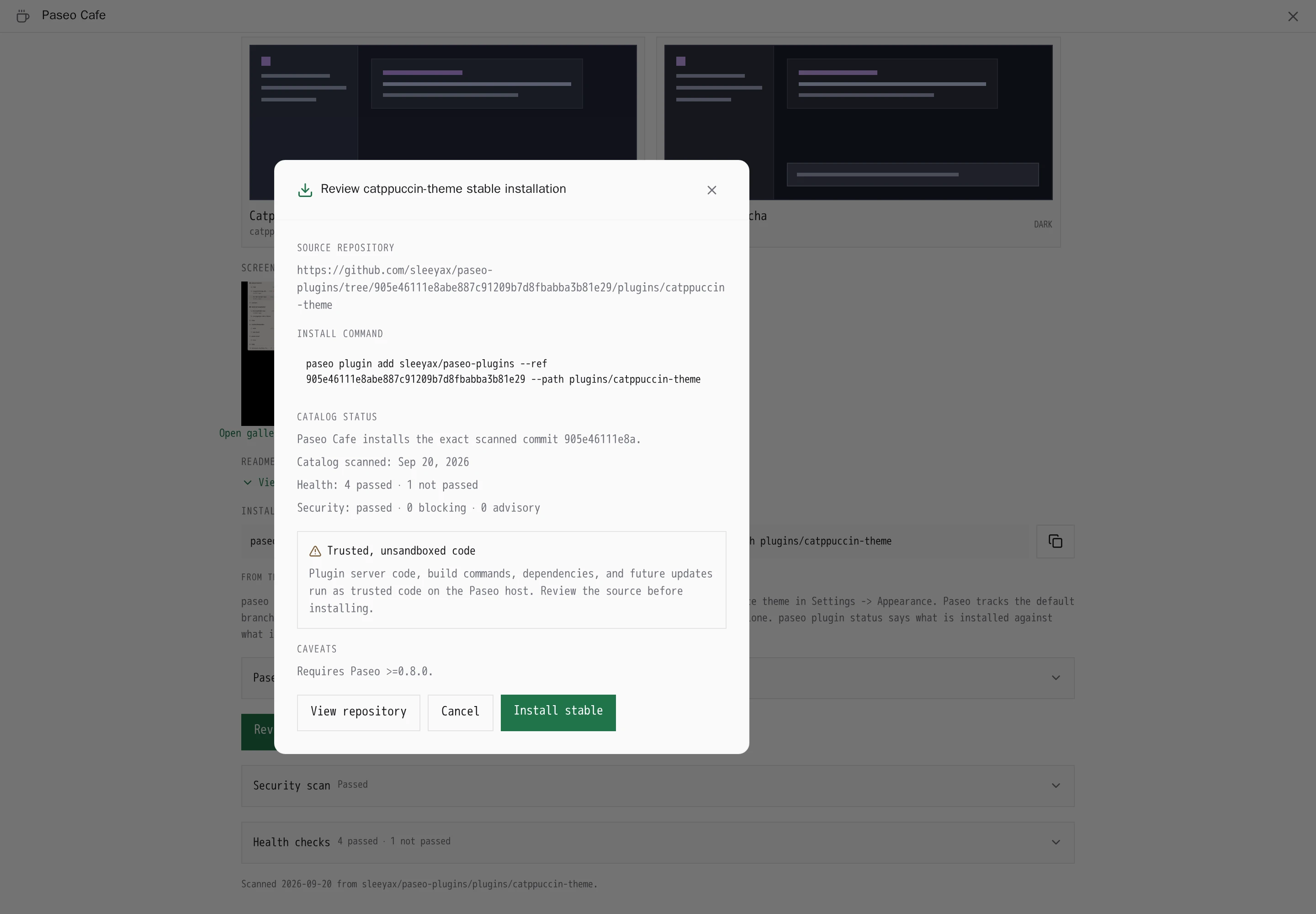
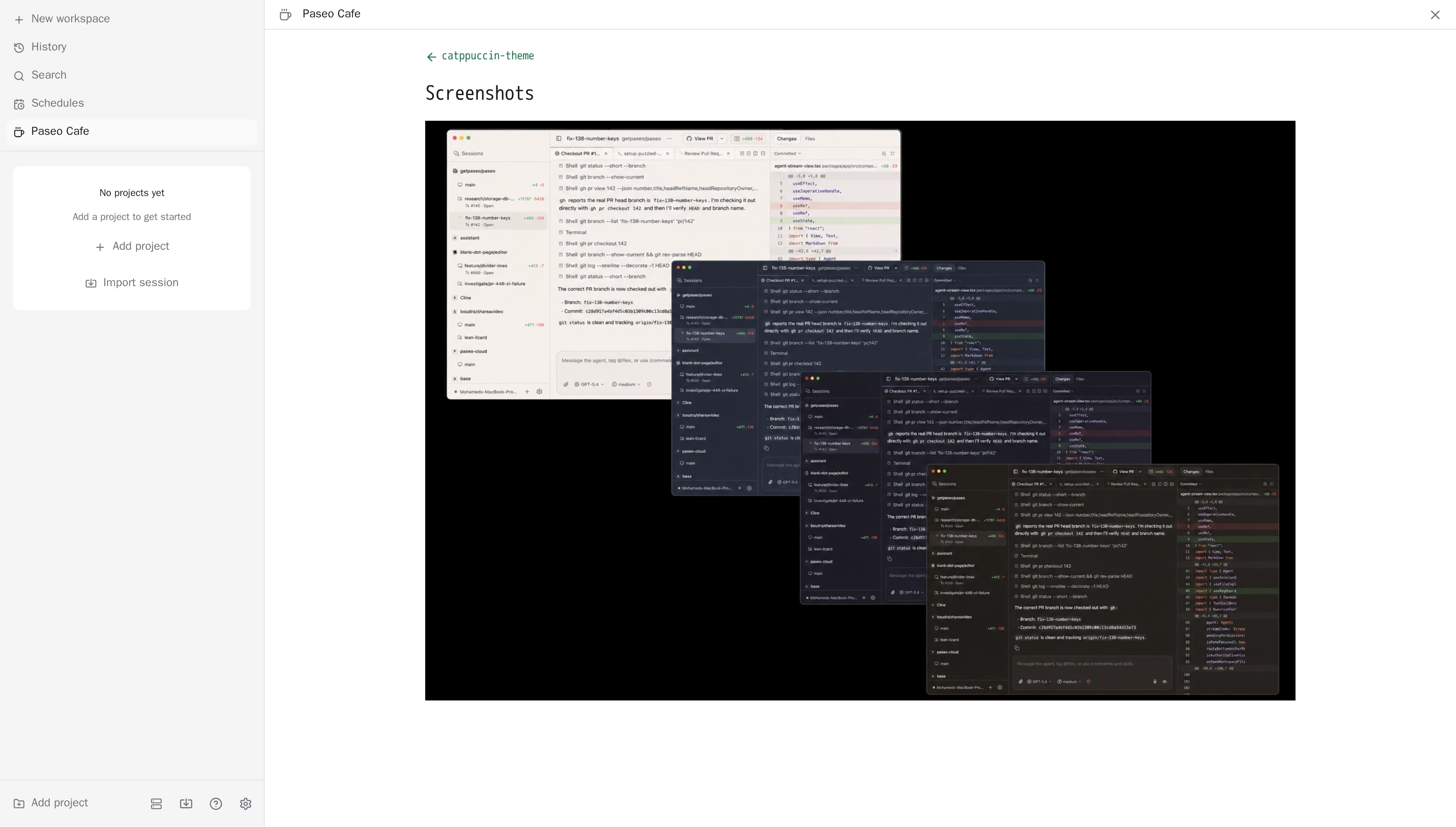
The catalog decides which package or repository the install button hands to the Paseo CLI, so a catalog you point it at controls what gets installed. Plugins in the default catalog are community-submitted and run as unsandboxed code on the host. The catalog's screenshots load from the URLs it supplies.
Plugin management
Installing and updating invoke the Paseo CLI on the daemon host. An install asks for confirmation and shows the source and caveats first. Updates use the exact version or commit the catalog lists and never downgrade.
- When a package publishes a separate
nextrelease, its detail page offers it as an opt-in Preview. Stable stays the default. - Automatic updates are on by default for plugins installed from reviewed npm packages. You can turn them off for each plugin, and Check now runs the check immediately.
- Cafe updates itself the same way.
- Plugins installed from Git under Paseo 0.8 stay pinned to their installed commit until reinstalled, and on Paseo 0.8 attachment searches ignore a custom Catalog URL.
This plugin entry was imported from paseo.cafe.