
Shared Browser
One real Chromium session per Paseo workspace, shared live across every connected client.

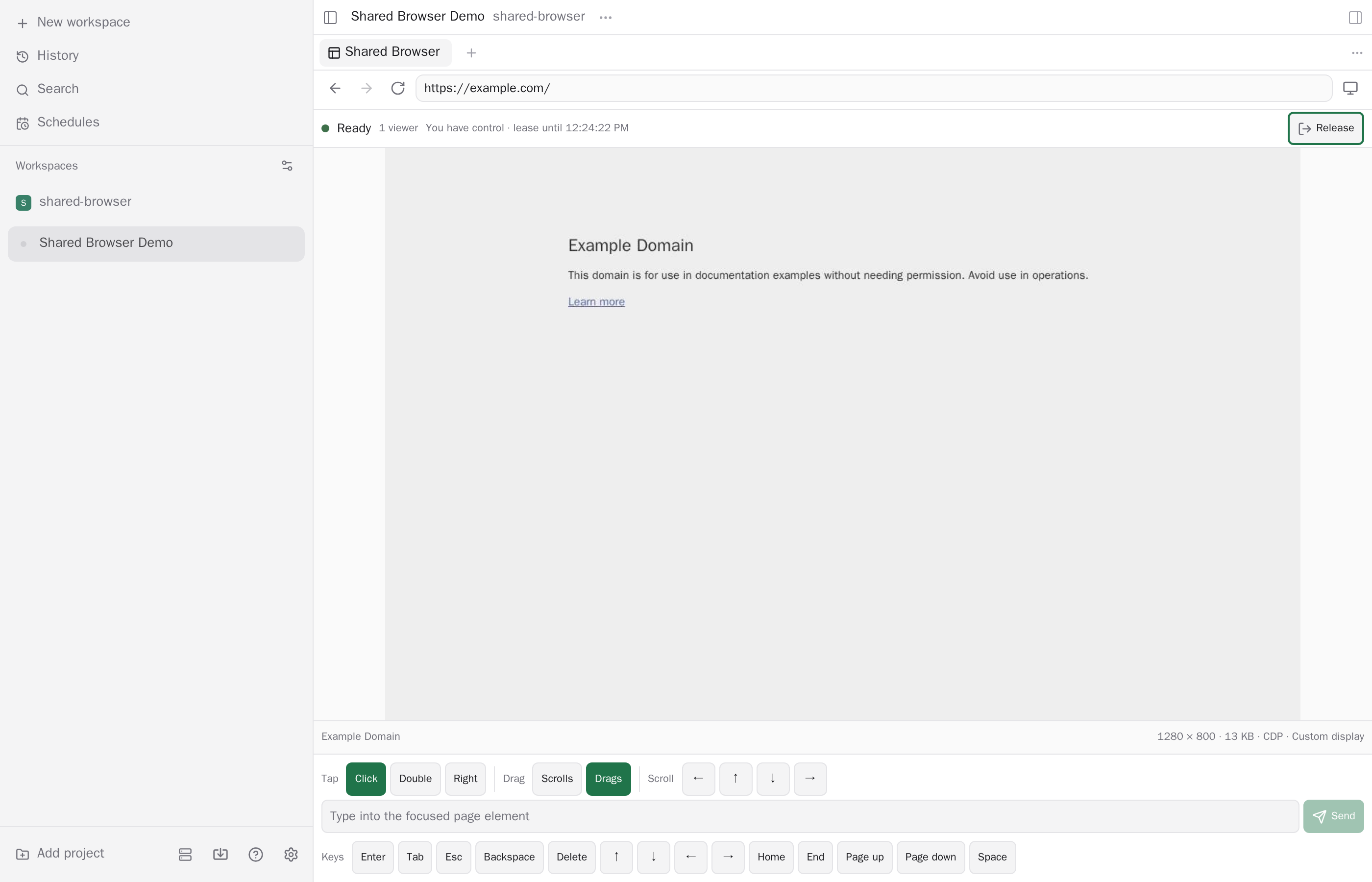
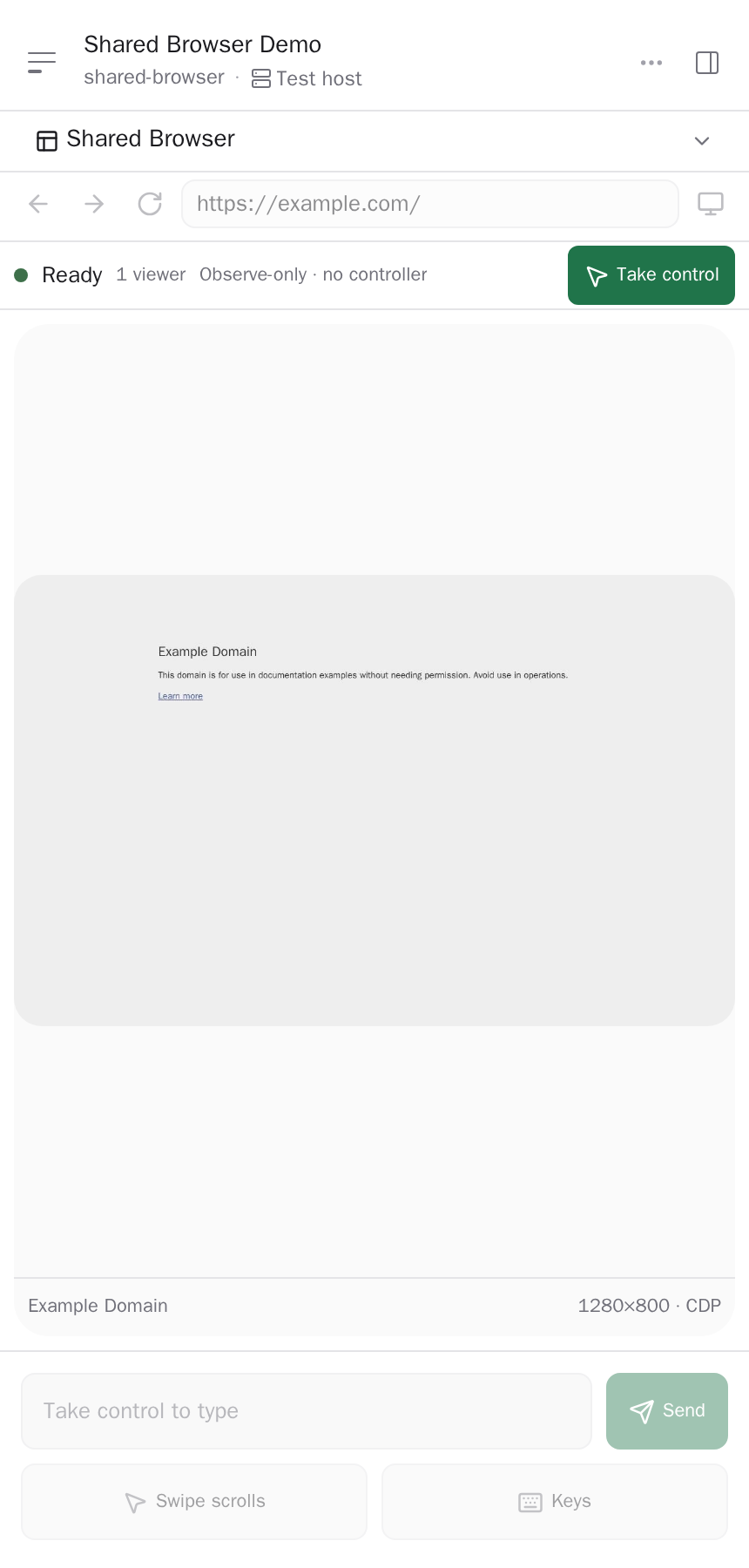
Shared Browser runs one real Chromium browser per workspace on the daemon host and shows that same live page to every connected Paseo client, so viewers and agents act on one page with one set of cookies and logins. Many viewers can watch, and one human at a time holds control. Open it from the Command Center, the Shared Browser composer pill, or, on Paseo 0.11 and newer, the sidebar footer.
How it works
- Chromium runs on the daemon host and uses that host's network, including local development servers. Clients receive streamed frames and send input. Phone and tablet presets emulate the screen size and user agent in Chromium, and do not run Safari.
- Control is taken and released explicitly, and agents cannot take control from a human who holds it.
- Each workspace keeps a private browser profile in the Paseo data directory, so logins survive disconnects and reloads. It is kept when a workspace is archived and must be deleted by hand if no longer wanted. It does not use your personal browser profiles.
- Closing a panel keeps the browser running, and archiving the workspace closes it.
Agent access
New agents whose provider accepts external MCP servers receive a local MCP server with tools to check status, capture the page, take and release control, navigate, send input and set the viewport. It offers no JavaScript evaluation, profile access or file access. Agents can visit any address the host can reach, so use it with agents you trust.
Setup
- Paseo 0.9, 0.10 or 0.11, and Node.js 24 or newer on the daemon host.
- Chromium is downloaded when the plugin is installed and stored in the Paseo data directory. On Linux ARM64 nothing is downloaded, and you install a non-Snap Chromium at
/usr/bin/chromiumfirst.PASEO_SHARED_BROWSER_CHROMIUM_EXECUTABLEpoints the plugin at a different Chromium.
Limits
Downloads, uploads, clipboard sync, media permissions, extensions and passkeys are not available. Viewers who are paired with the same daemon can see and control the browser, and the browser runs with the daemon user's file and network access.
This plugin entry was imported from paseo.cafe.