
Agent Crew
A Paseo Explorer panel for visualizing and controlling every managed agent crew in a workspace.

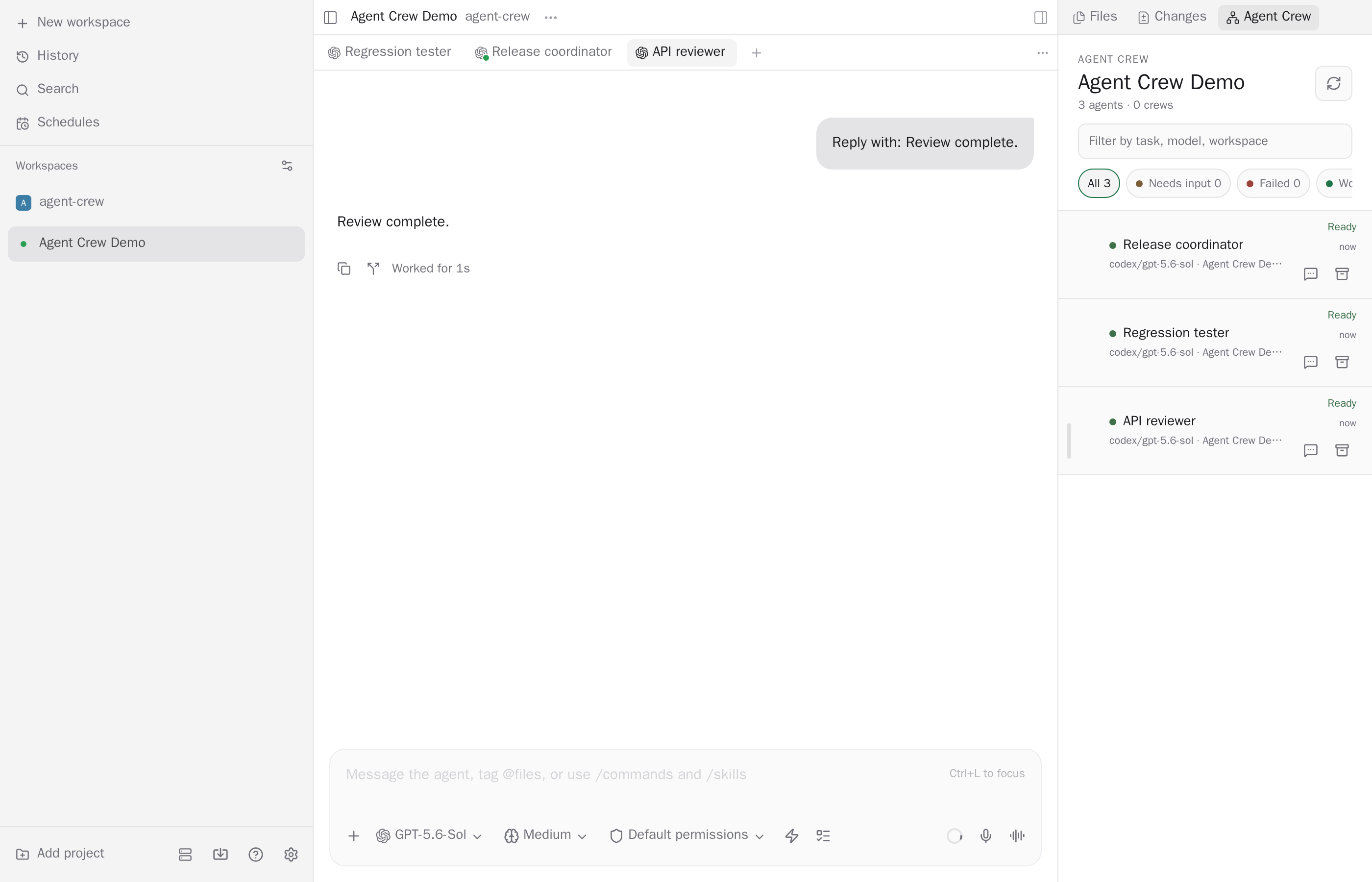
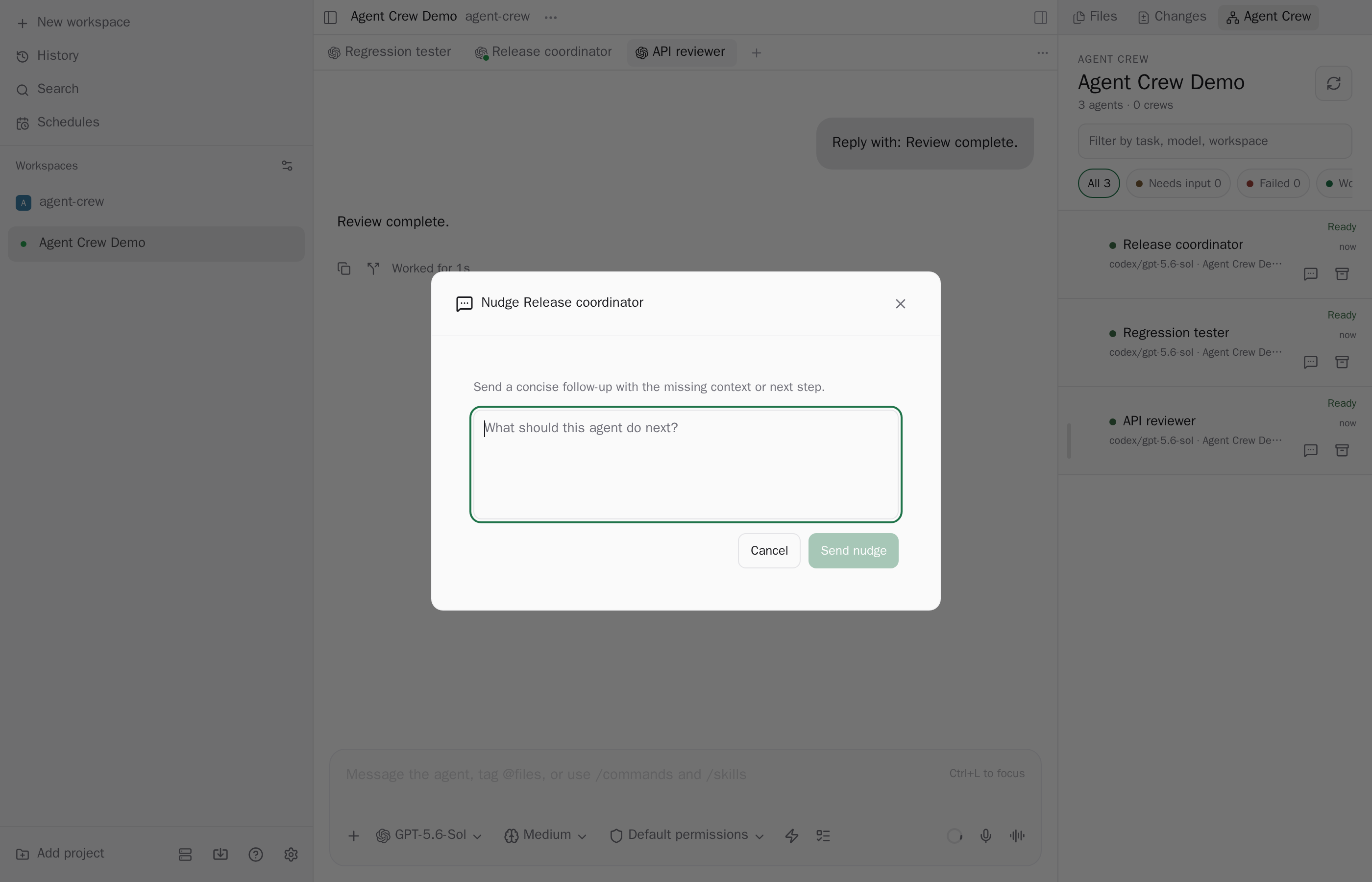
Agent Crew adds an Explorer panel that shows the managed agents in a workspace as a parent and child tree, so you can see which agent is working, which needs you, and which failed. Archived agents are left out.
What it can change
Opening an agent and expanding rows only change the view. Every action that changes an agent asks for confirmation first. From the panel you can send a follow-up to an idle or waiting agent, redirect a running agent (by default this stops its current turn first, and a provider that cannot take steering replaces the turn), detach a child from its parent, archive an agent (this can also archive its descendants in the same workspace, and the dialog says which), and allow or deny a pending permission request one at a time. Nothing is approved automatically.
Settings and reads
The plugin reads the daemon's agent and workspace lists through the plugin SDK, up to 2,000 agents, and refreshes on live updates plus a timer. Its own code makes no network requests. Auto open is off by default. When on, the panel opens once for each new workspace, and the workspaces already opened are recorded in plugin-data/agent-crew/auto-open.json under the Paseo home directory.
Limits
- Managed Paseo agents only. A provider's own subagents are not visible to plugins.
- Past 2,000 agents the panel warns that agents may be missing. Agents with no workspace appear only under a visible parent.
- The sidebar Active crews row needs Paseo 0.11 or later.
Supports Paseo 0.9, 0.10, and 0.11.