
Bots
Personal bots for Paseo: instructions, a model, memory, routines, teams, skills, MCP tools and connected apps.

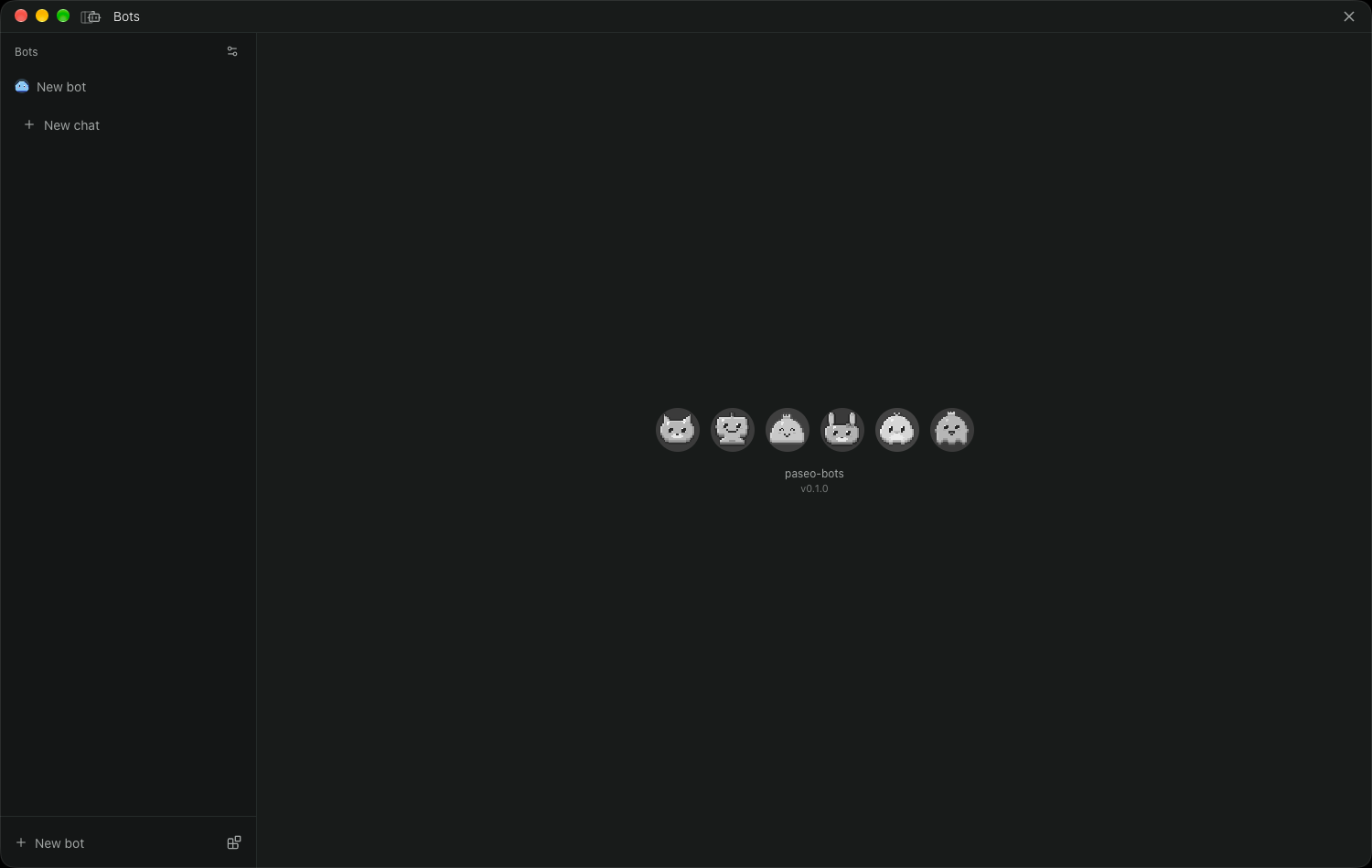
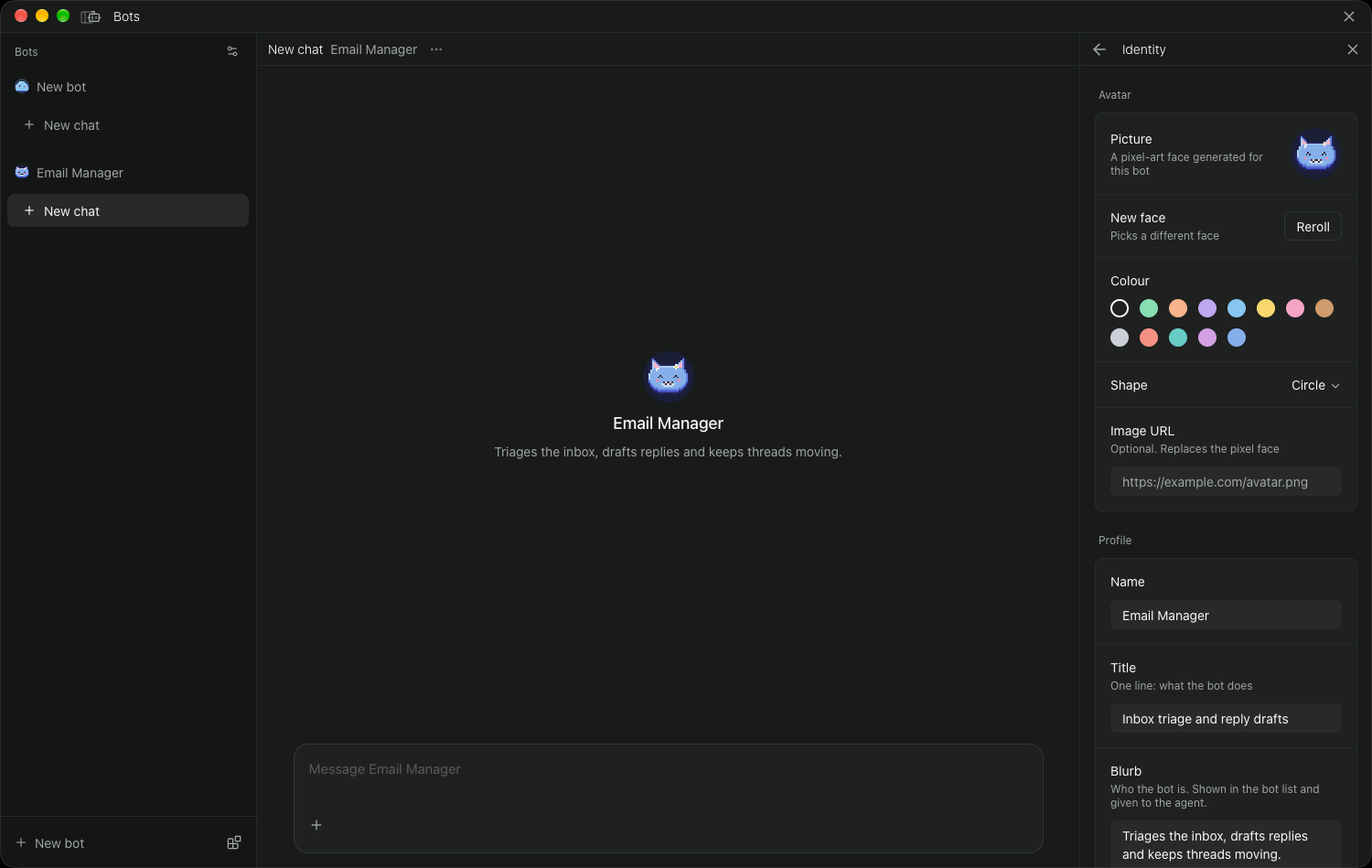
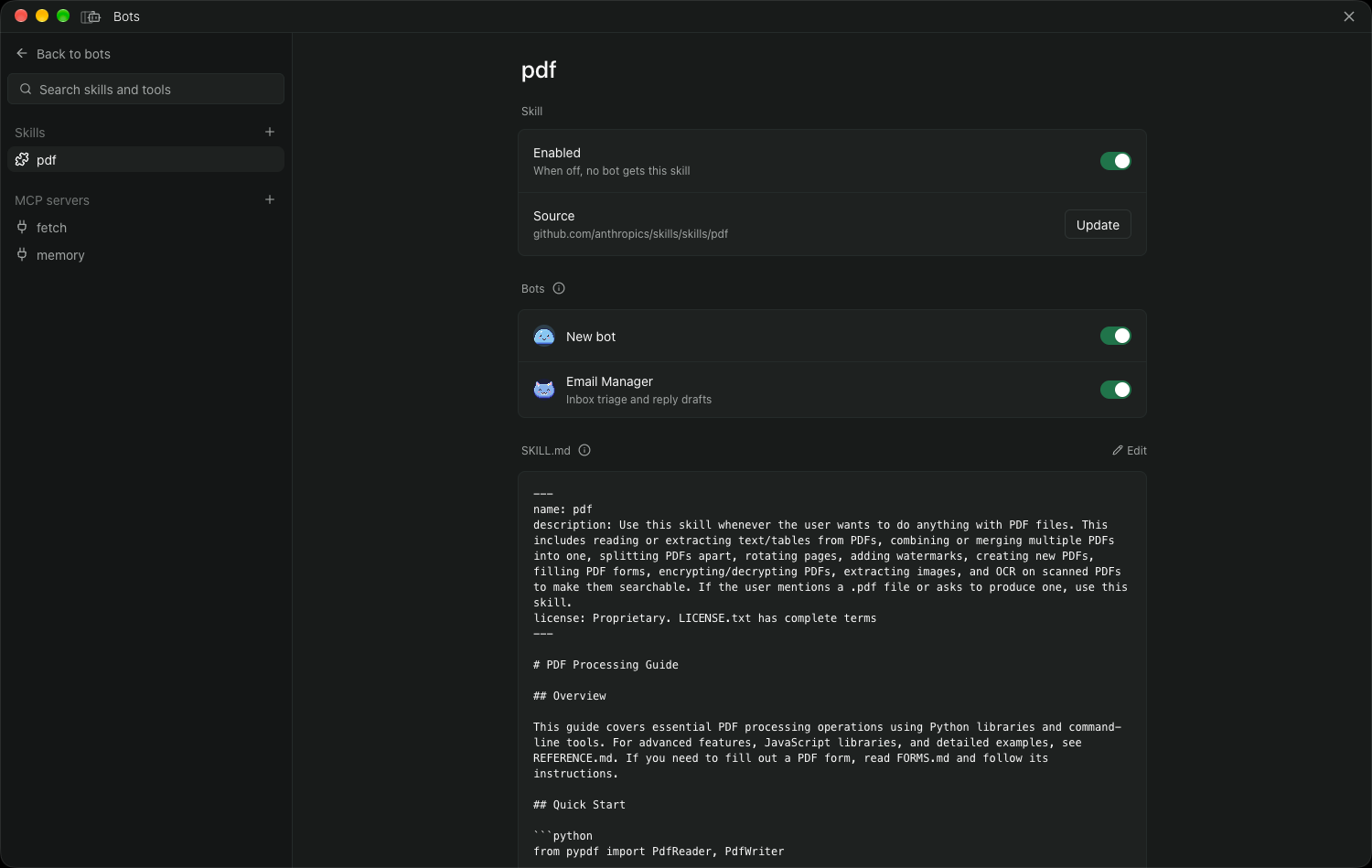
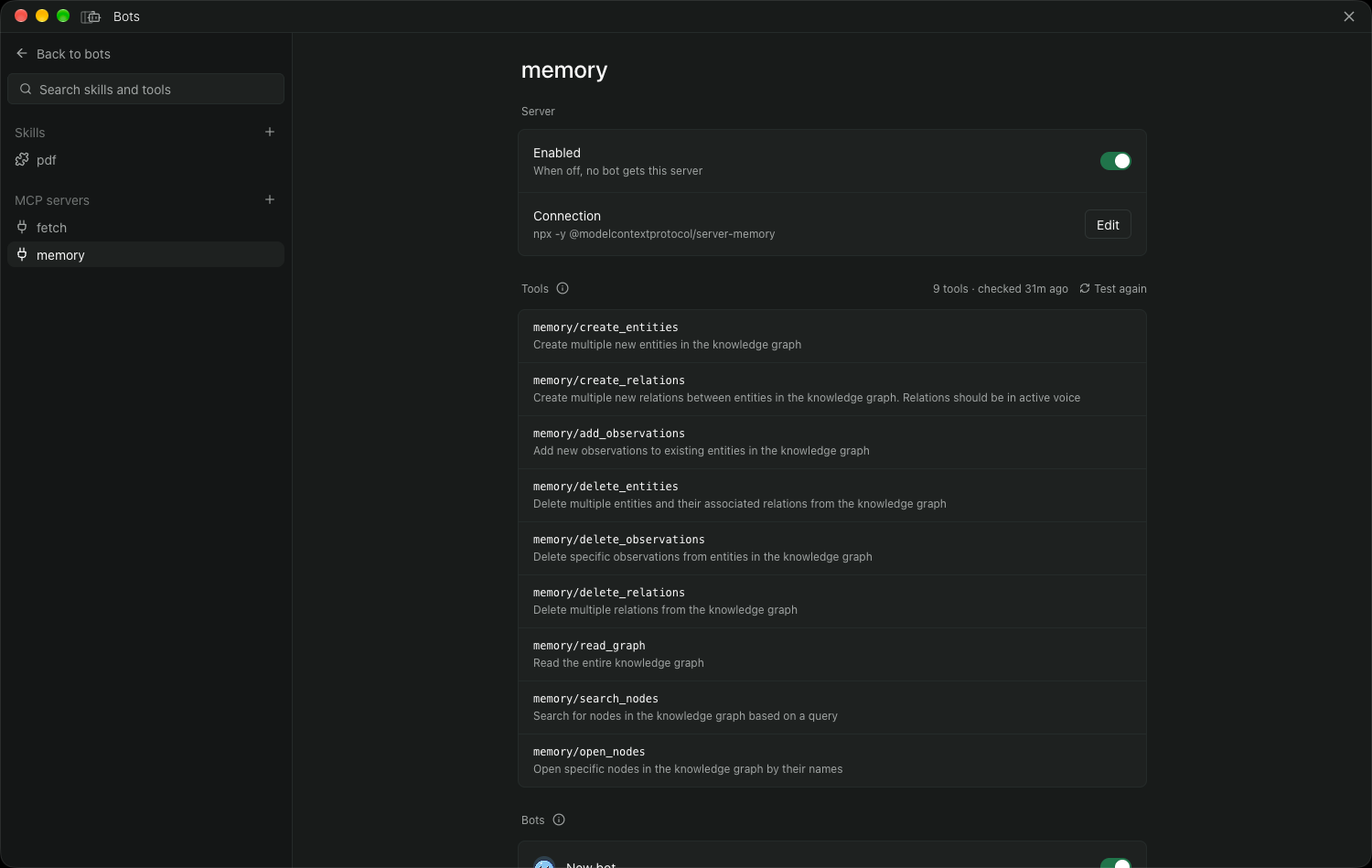
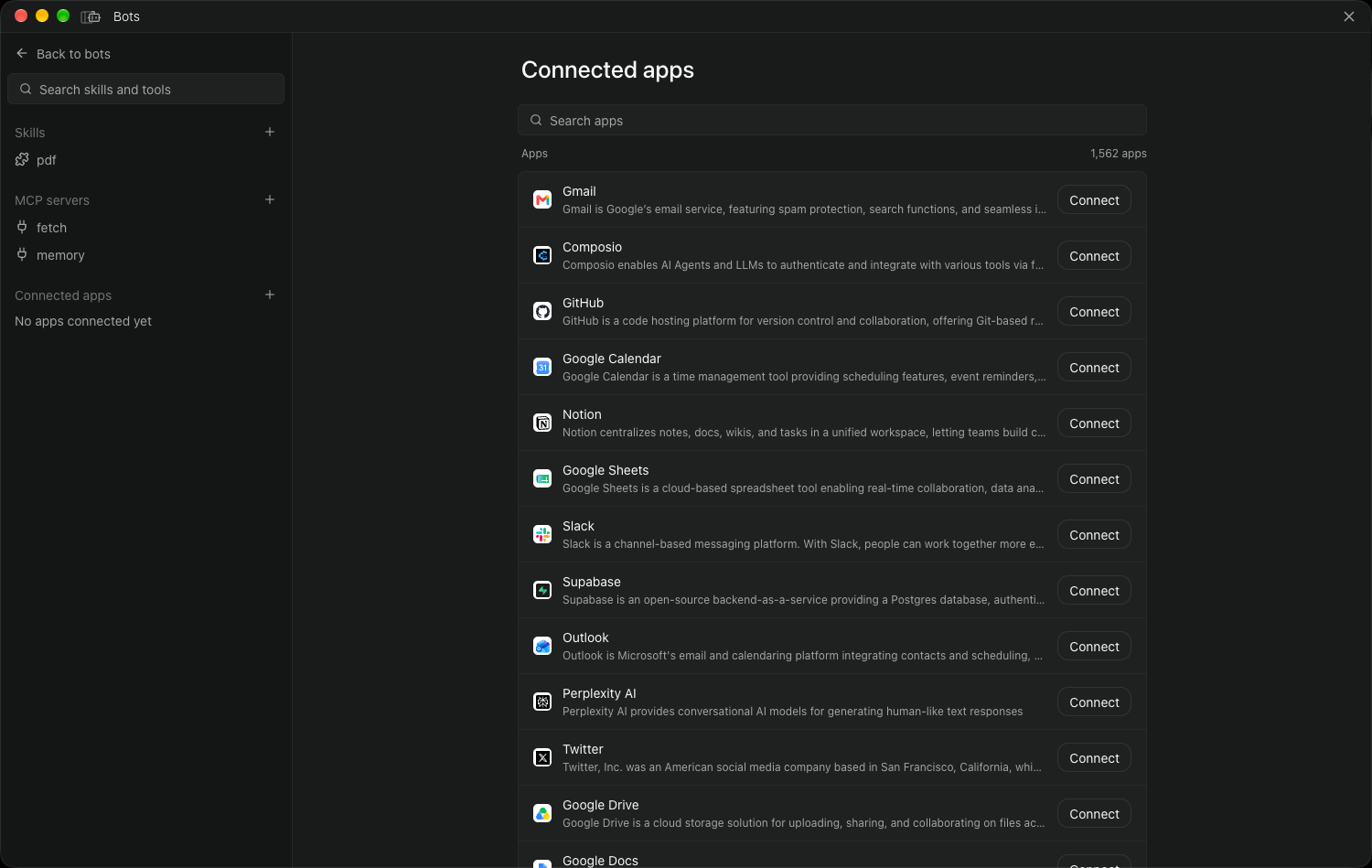
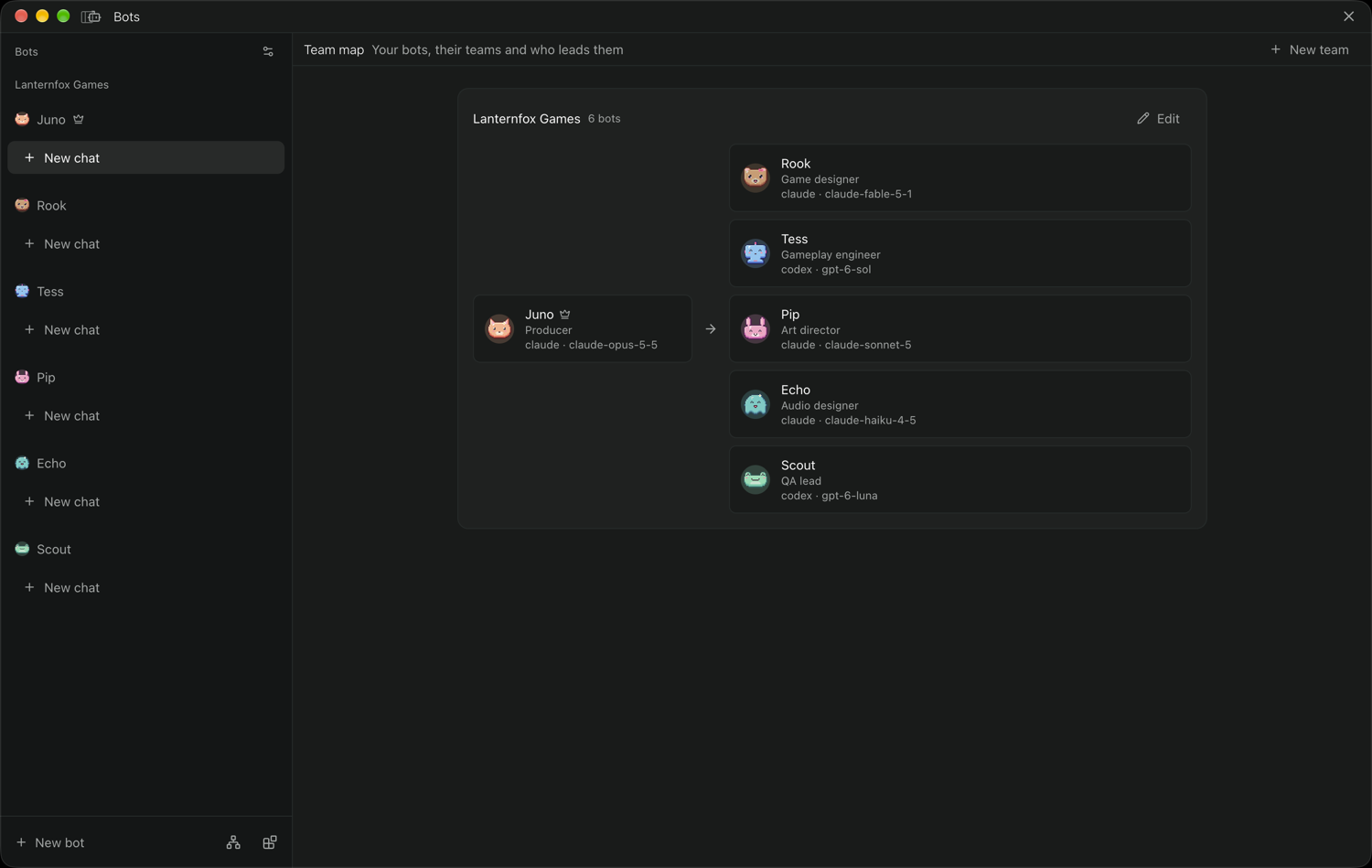
Bots adds personal bots to Paseo, each with its own instructions, provider and model, approval mode, memory, routines, skills, MCP servers, and connected apps. You chat with a bot in its own workspace. Bots can be grouped into teams, where a Chief of Staff bot takes your requests and hands parts to teammates. Paseo 0.9.2 or later is required.
Features
- A bot can propose changes to bots, teams, routines, skills, and MCP servers in a chat, and nothing applies until you approve it.
- Each bot keeps a memory file and a daily log of its chats, with a change history you can undo.
- Routines run on a schedule, once, manually, or when a webhook is called. A scheduled or manual run is skipped while that routine's previous run is still working, and a webhook routine allows several runs at once.
- Routines run on the host that stores the bot. A bot assigned to another host records a failed run.
/learnhas a bot write up a finished task as a skill you can save.- Skills and MCP servers live in one shared library and are switched on per bot. Imported skills stay off until you review and turn them on.
Optional accounts
Bots works without either account.
- Connected apps use your own Composio project key. You connect each app, then choose which bots can use it, with per-app limits such as read-only tools or a single account. A local relay enforces those limits.
- Generated avatars use your own OpenAI key. Without one, a bot keeps its pixel-art avatar or a picture URL you supply.
Data and credentials
- Bot folders, the skill library, routines, webhook secrets, and the Composio and OpenAI keys are stored in the plugin's
plugin-datafolder inside the Paseo home on the daemon host. The keys are not passed to agents. - Composio (
backend.composio.dev, or the origin inPASEO_BOTS_COMPOSIO_ORIGINon the host) receives your project key and a random per-install user ID. Tool calls bots make on an enabled app go through the relay to Composio, including their arguments. Connected accounts belong to that one user ID, so every bot on the host can use them as far as its limits allow. - OpenAI (
api.openai.com) receives your key and a short prompt built from the bot's name, role, description, and your visual direction when you generate an avatar. - GitHub (
api.github.comandraw.githubusercontent.com) is read when you import skills from a repository, and a direct link to a rawSKILL.mdis fetched from its host. - Connected-app icons load from Google's favicon service (
www.google.com) when an app has no logo. - Agents use whatever provider you choose for each bot, as any Paseo agent does.
MCP servers and authority
Import config reads the user-level MCP server lists from Claude Code, Claude Desktop, and Cursor and shows them as JSON to review before adding. Those lists can include environment variables with secrets. Testing a stdio server starts it as a process on the host with the daemon's environment, and testing an HTTP server contacts its URL.
The Paseo tools setting lets bots start agents, open workspaces and terminals, set schedules, and use the browser. Turning it on changes the setting for every agent on the host, not only bots.
This plugin entry was imported from paseo.cafe.