
Command Deck

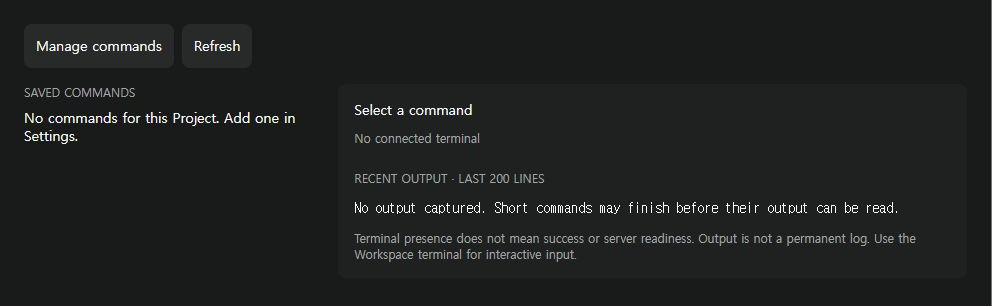
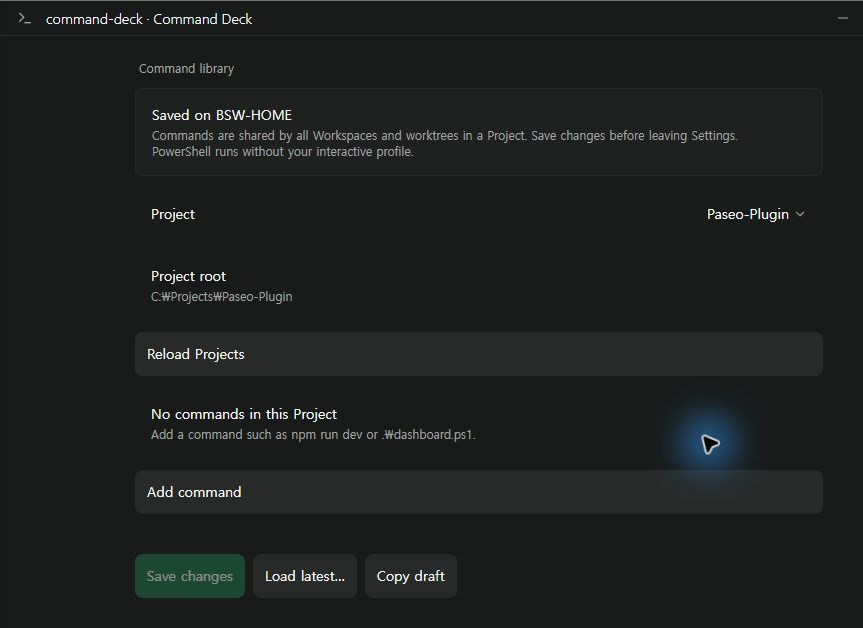
Command Deck saves PowerShell commands for a Project and runs each one in a terminal in the current Workspace. It works on Windows daemon hosts only, needs PowerShell 7 on the daemon, and requires Paseo ^0.8.0.
Commands belong to the Project and are saved on the host as plain settings, not in a secret store, so keep credentials out of command lines. A command runs on the daemon host with the daemon's environment and privileges, not those of the device you are viewing from.
The panel shows recent terminal output only. It cannot tell whether a command succeeded, so it reports the result as unknown once the terminal ends, and an open terminal does not mean a server is ready. The panel has no input field, so answer interactive prompts in the Workspace terminal. Run requests are not retried. If a response is lost the run shows "could not be confirmed", and running it again can start a duplicate.
Terminals outlive the plugin and the command. Reloading or removing the plugin, or deleting a command, does not close its terminal, and the panel finds its terminals again by name after a reconnect.
This plugin entry was imported from paseo.cafe.