
Gilded Fortune
Gilded Fortune (金运亨通) dark and light themes for Paseo.

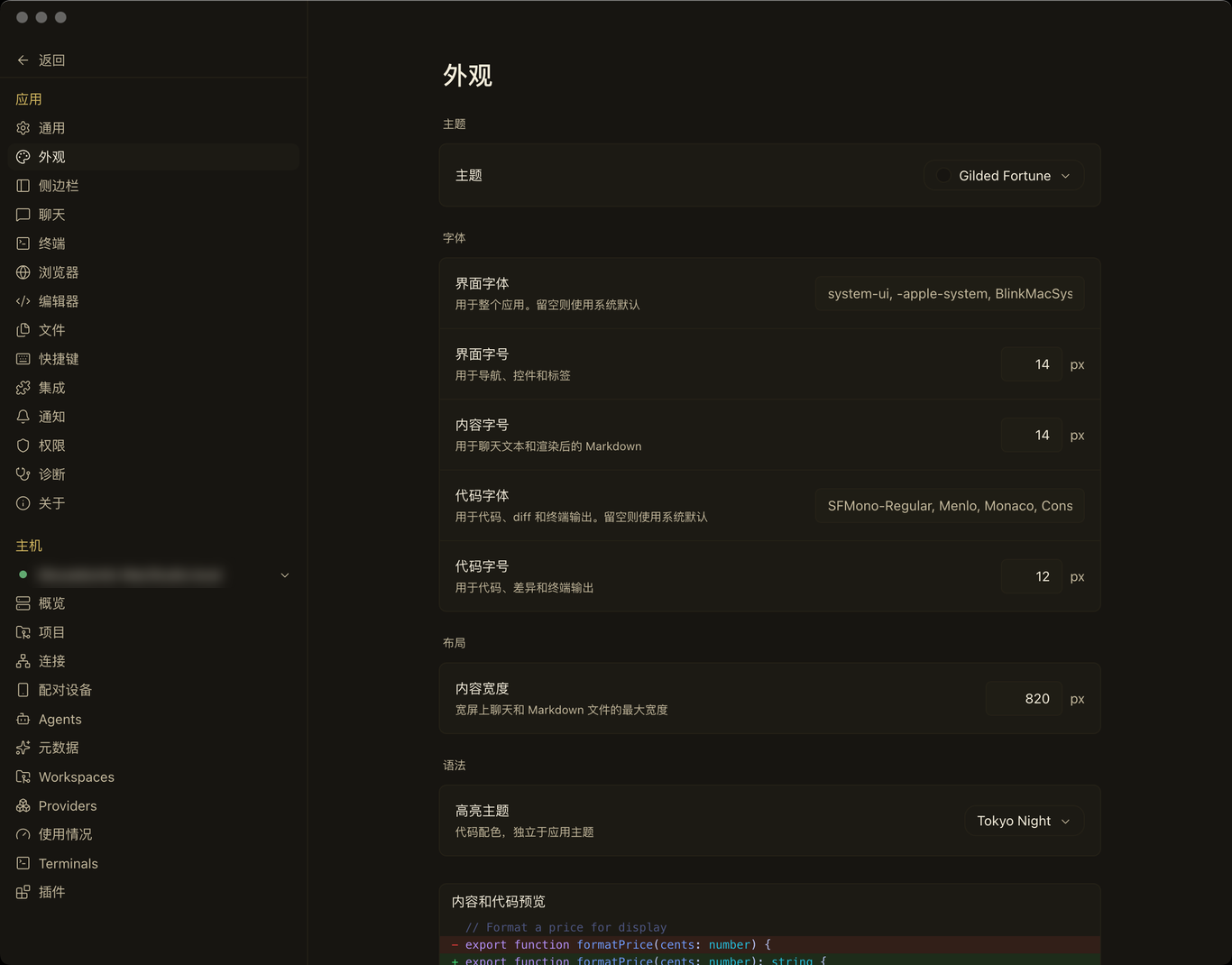
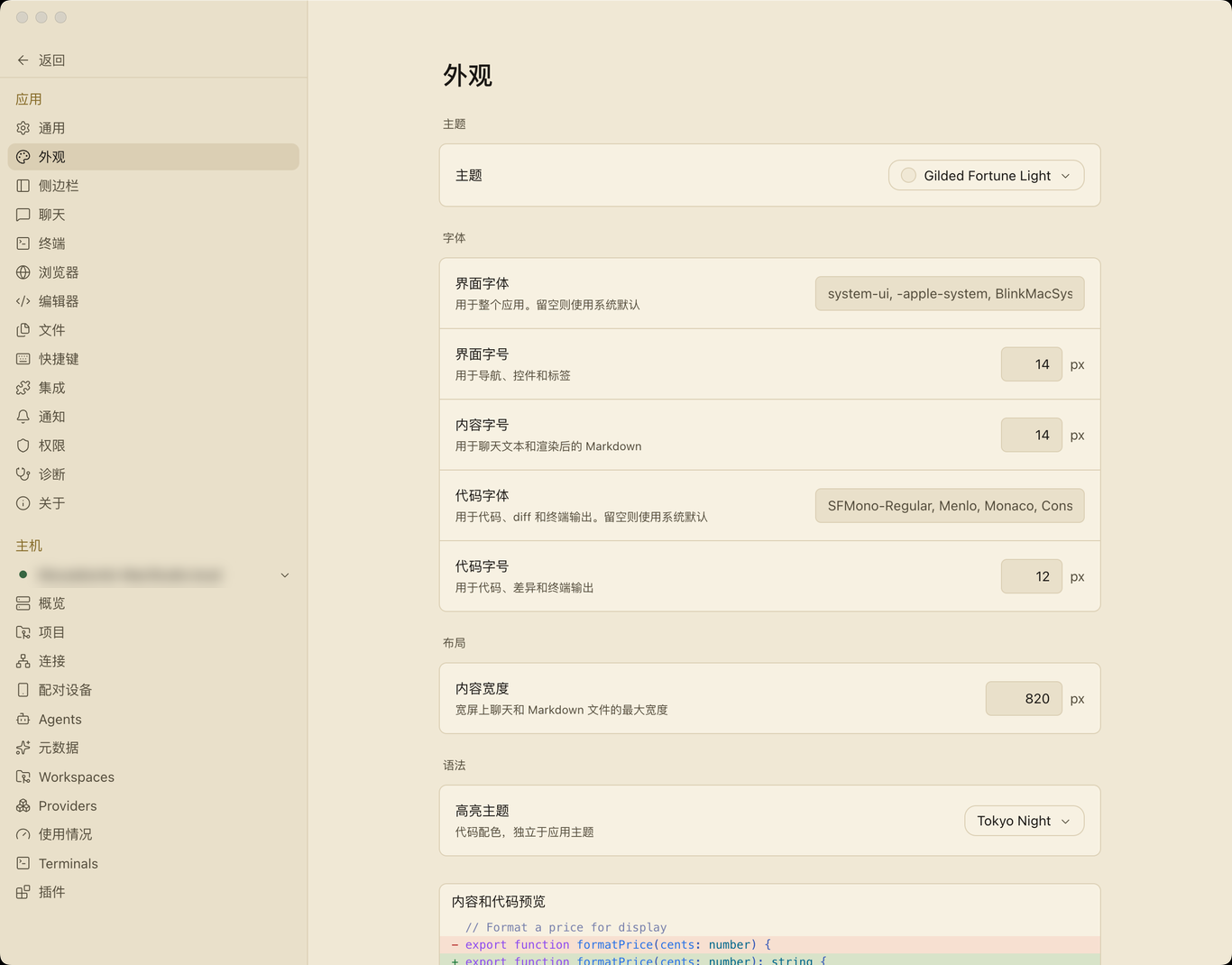
Gilded Fortune adds two themes to Paseo, Gilded Fortune and Gilded Fortune Light. One plugin provides both, so you can switch between a near-black warm brown interface and a parchment one under Settings → Appearance → Theme.
The themes use the eight color values Paseo exposes to plugins: background, foreground, raised, control, border, accent, mutedForeground, and ring. Paseo derives the remaining interface colors from them. The plugin does not modify Paseo's own files, so app updates keep the themes in place.
Turn the plugin on under Settings → Plugins, then select either theme under Settings → Appearance → Theme. It needs no account, network access, or extra configuration, and it reads or sends no data.
The plugin can set only those eight values. Other surfaces and colors that Paseo derives internally, including code syntax highlighting, are not controlled by this palette. The dark accent is a muted gilded gold rather than a bright one so it stays comfortable for long sessions, and the light accent is deliberately deep enough to keep body-text contrast on parchment.