
Workspace Snippets
Run saved command snippets and package.json scripts in Paseo workspace terminals, from a per-workspace panel, a sidebar screen, or /snippet.

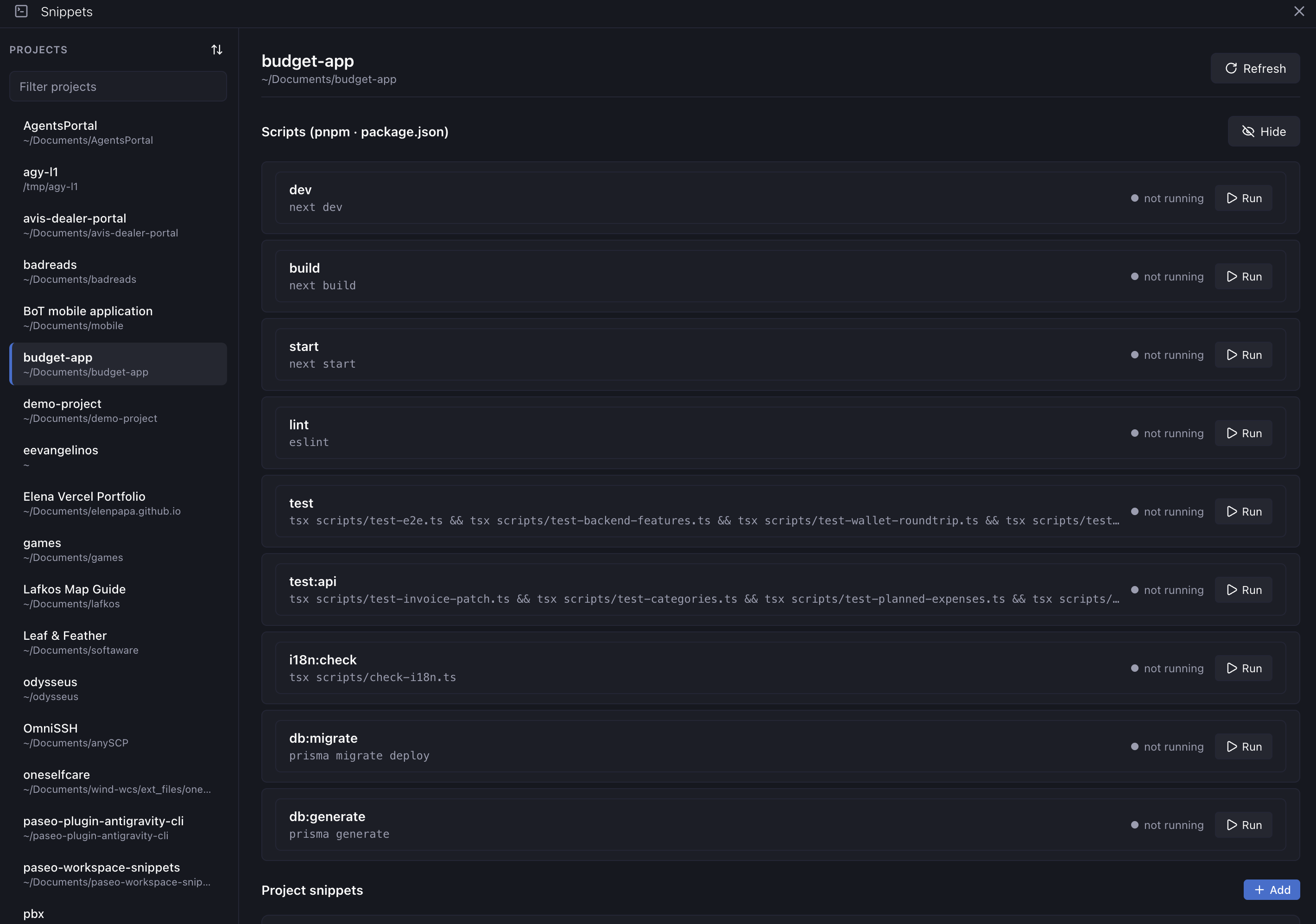
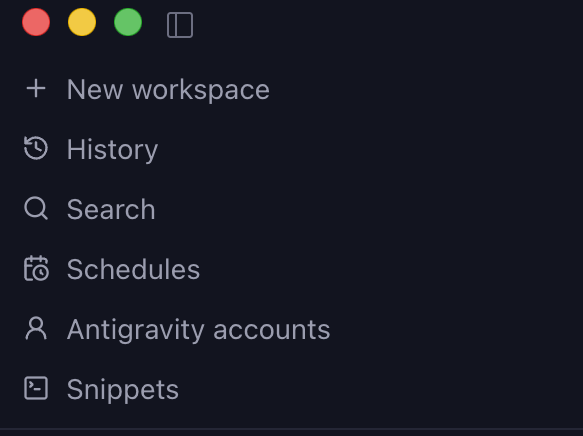


Workspace Snippets runs commands in terminal tabs of your workspace: the scripts from a project's package.json, plus shell commands you save yourself. You can open it from a Snippets screen in the sidebar, a Snippets button in each workspace header, the Command Center ("Open snippets"), or the /snippet <name> slash command.
Each entry gets its own terminal tab (script:<name> or snippet:<name>) with Run, Restart, Stop and Close, plus a peek at its last lines of output. The sidebar screen works before any workspace is open: Run reuses the most recent workspace at the project's root directory, opens one if there is none, and switches to it.
Setup
Requires Paseo 0.10.2 or newer. Nothing to configure.
Things to know
- Each snippet is scoped either to a project, where it is shared by every worktree of that project, or to a single workspace directory.
- Scripts are detected from the root
package.jsononly, so scripts in monorepo subpackages are not listed. They run with the package manager the project declares or its lockfile indicates (npm, pnpm, yarn or bun). - Commands are typed into an interactive shell in the workspace terminal, so they run with the same shell authority as a terminal you open yourself on that host.
- Snippets are stored as unencrypted JSON in plugin settings shared across the whole host, so do not put secrets in them.
- The plugin reads the root
package.jsonand makes no network requests. - The status shown for an entry only reflects whether its terminal tab is open. It does not show whether the command finished or what its exit status was.