
Antigravity Cli
Antigravity CLI (agy) as a Paseo provider: streaming turns, tool rows with diffs, images, structured output, skills and slash commands, question cards for ask_question, conversation import, opt-in MCP sharing, and multiple accounts with per-account usage

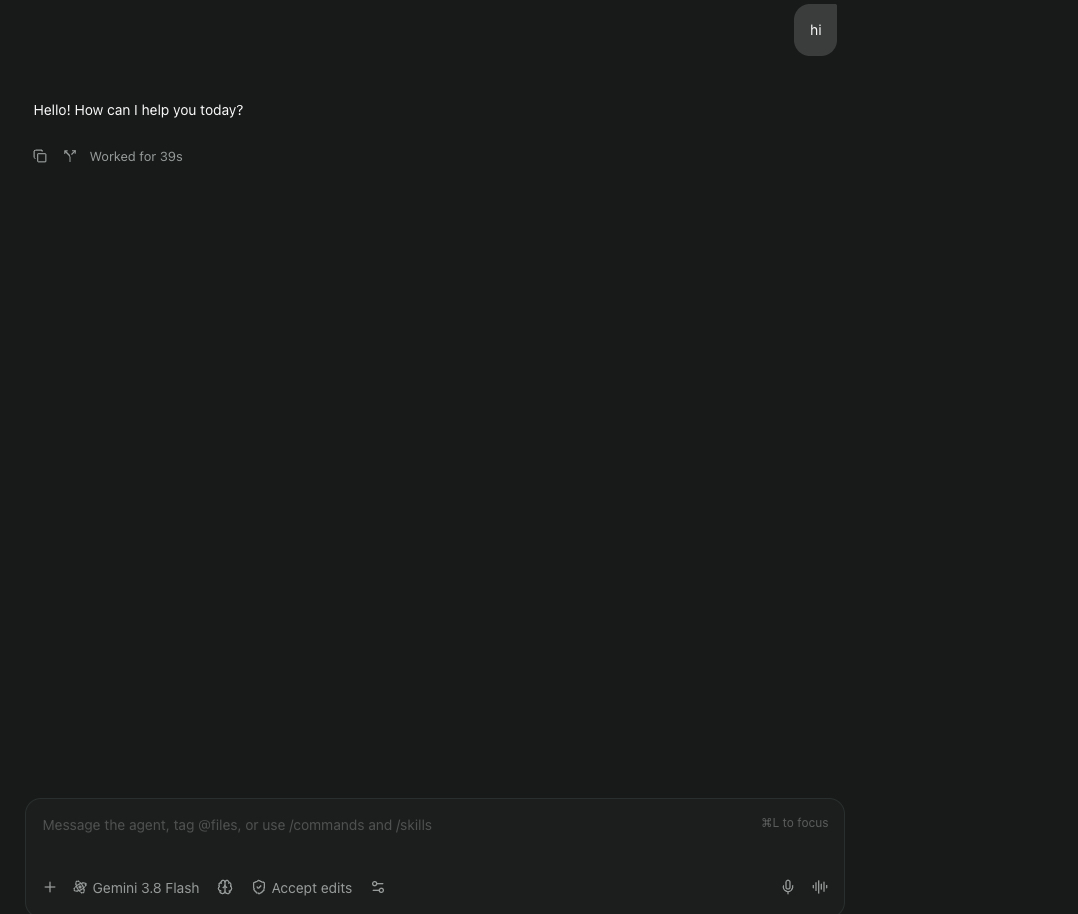
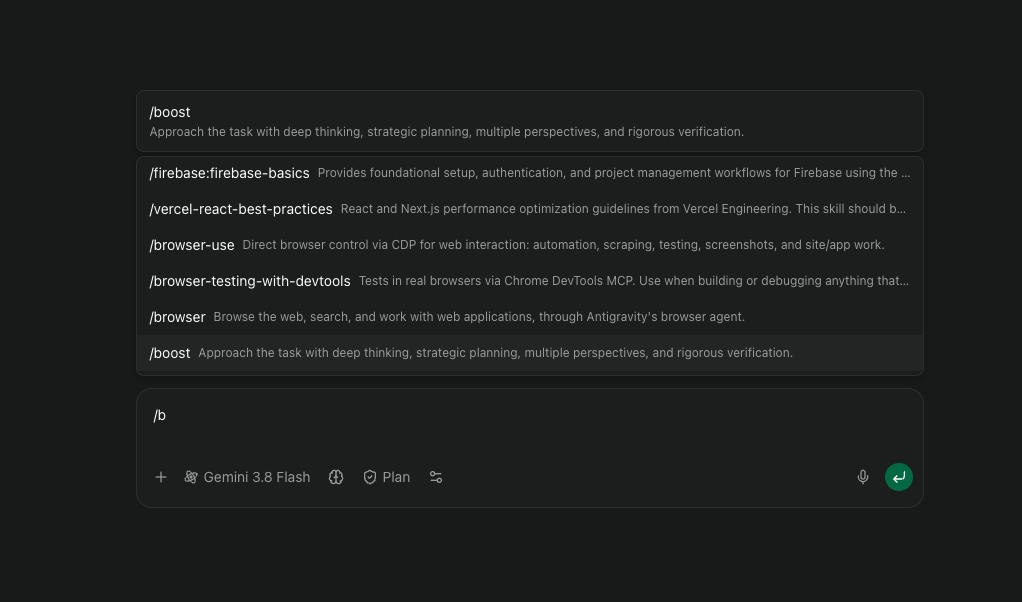
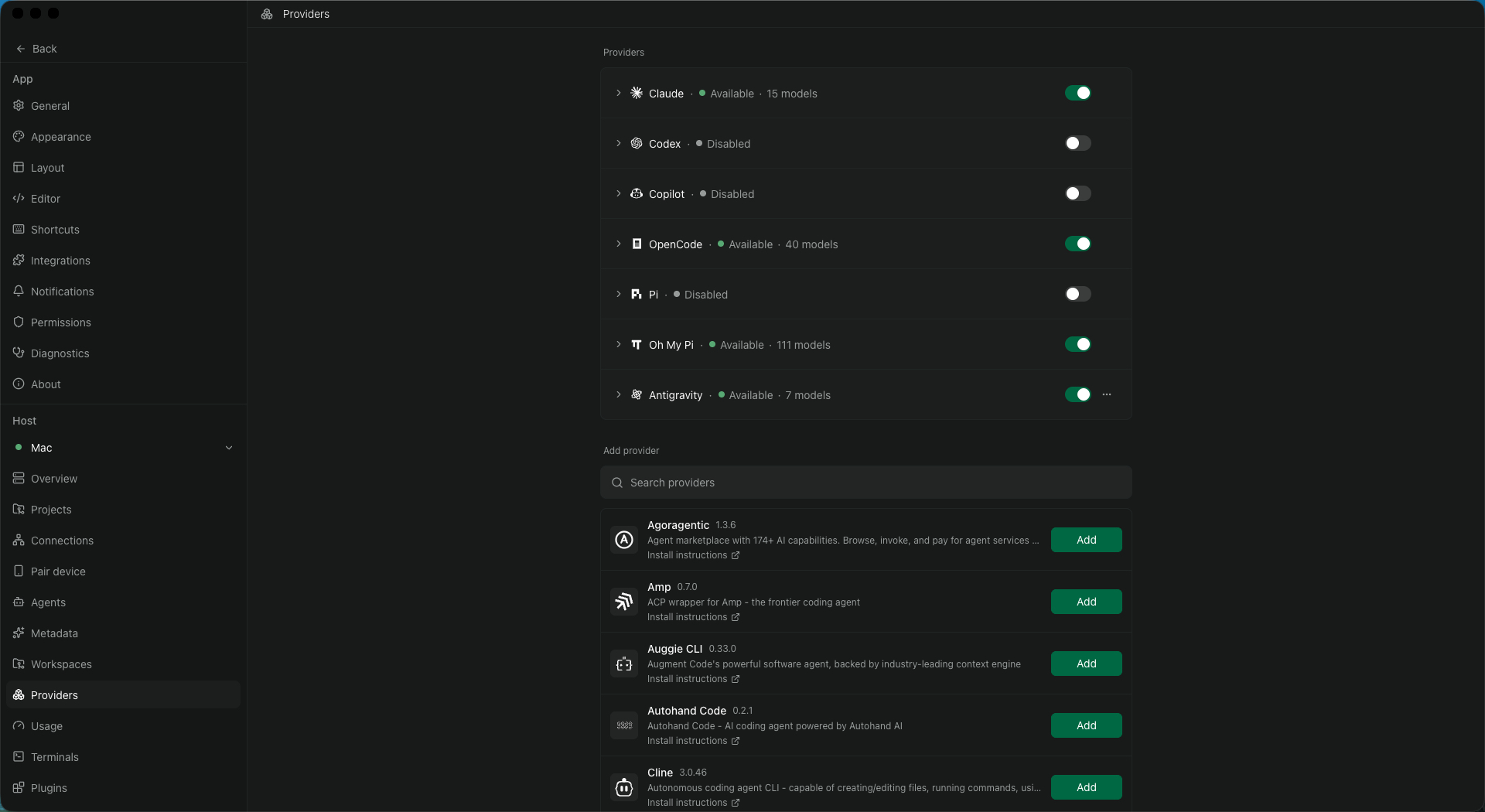
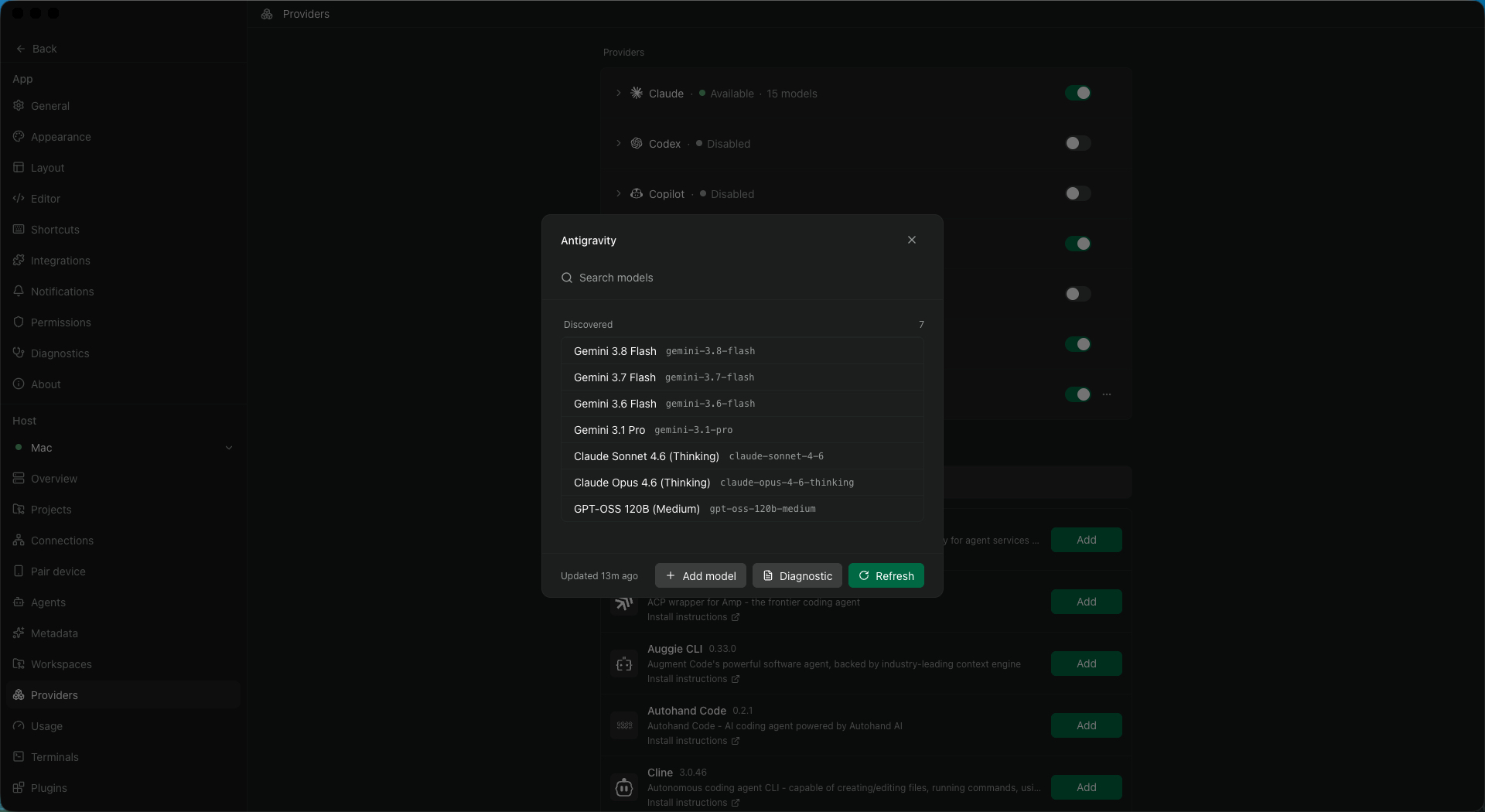
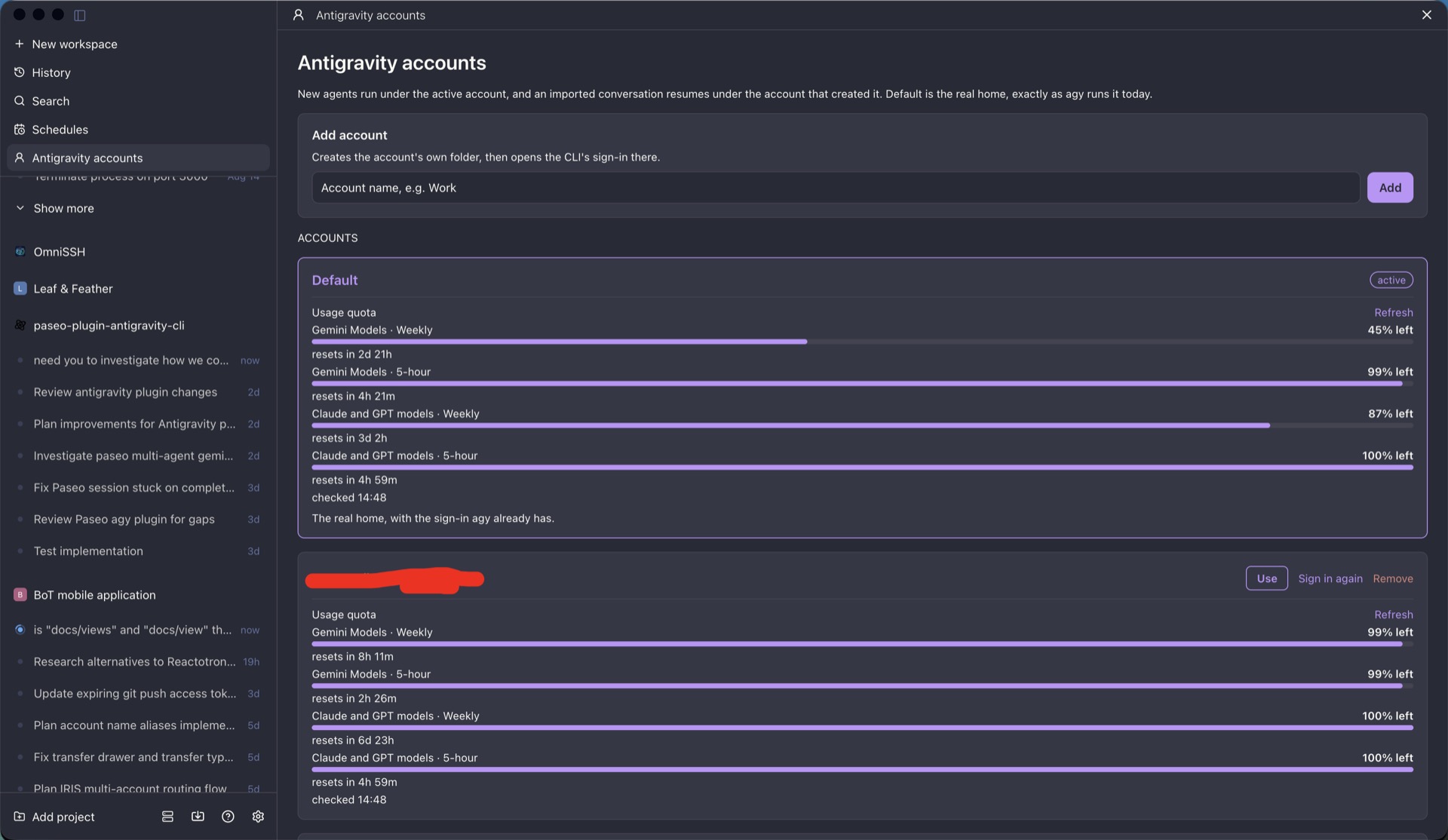
Antigravity CLI adds Antigravity as a Paseo agent provider. Each Paseo session runs Google's agy command in its stream-json mode, so the work happens in the agy already installed and signed in on the daemon machine, and Paseo shows its turns, tool calls, and edits. Described for agy 1.2.9 to 1.3.1, Paseo 0.9.1 or later on daemon and app, and Node 24 for the plugin process.
Setup
agy must be installed and signed in on the daemon machine. Pick Antigravity when you start an agent. The plugin's own code makes no network requests, and it does not read or write agy's stored sign-in.
Permissions and modes
- Tool approval is decided by
agyfrom its owntoolPermissionsetting. Paseo cannot show approval prompts. A session setting can skip all permissions with--dangerously-skip-permissions. - Plan mode is an instruction the plugin adds to the model's prompt (investigate read-only, end with a plan). It is not a sandbox, and a model that ignores it can still write files. The Sandbox setting passes
--sandbox, which the plugin's notes say did not stop a write outside the workspace in testing. - Steering is not supported. A slash command, a skill, or a structured-output prompt sent while a turn is running is refused until the turn finishes. A plain message is also refused if the running turn used one of those.
Shared MCP servers (off by default)
With Share Paseo tools with Antigravity on, the plugin writes Paseo's MCP servers into <working directory>/.agents/mcp_config.json as paseo-<name> entries. Those entries contain the servers' credentials. In a git work tree the plugin adds the file to the repository's .git/info/exclude, not .gitignore. Outside a git work tree, keep the file out of commits yourself. When the last session there closes, it removes its own entries and deletes the file only if it created it.
Multiple accounts (optional)
The default account is the sign-in agy already has. You can add accounts from the Antigravity accounts page, and new agents use the active one. Each added account is a separate home directory under the plugin's data folder:
- Its top-level entries are symlinks into your real home directory, and
~/.gemini/config(MCP servers, plugins, skills) is shared by link. The first launch of a new account may add plugin entries to the shared~/.gemini/config/config.json, the same file the default account already writes. It keeps its ownagyhistory and a copy ofsettings.json. - On macOS it gets its own keychain with an empty password, set as that home's default and unlocked before each launch, and
agystores that account's sign-in there. The plugin does not read it. - Adding an account opens
agy's sign-in, in a Terminal window on the daemon machine on macOS or as a command to run elsewhere. Removing an account deletes its home directory, including its sign-in and history, and not your real home. Windows supports only the default account. - The page shows each account's quota by running
agy -p /usageunder that account when you open or refresh it.
Files
Under the Paseo home directory in plugin-data/antigravity-cli/: saved conversation timelines, temporary attachments and schema files for a session, the account list, and account homes. The plugin reads each account's agy settings, conversation index, and subagent transcripts.
Limits
- Edit diffs are reconstructed from file snapshots and may be missing.
- Subagent sessions are read-only and depend on
agy's undocumented transcript format. - Imported conversations resume but earlier turns are not replayed.