
Sayr
A paseo plugin for viewing and managing your Sayr tasks

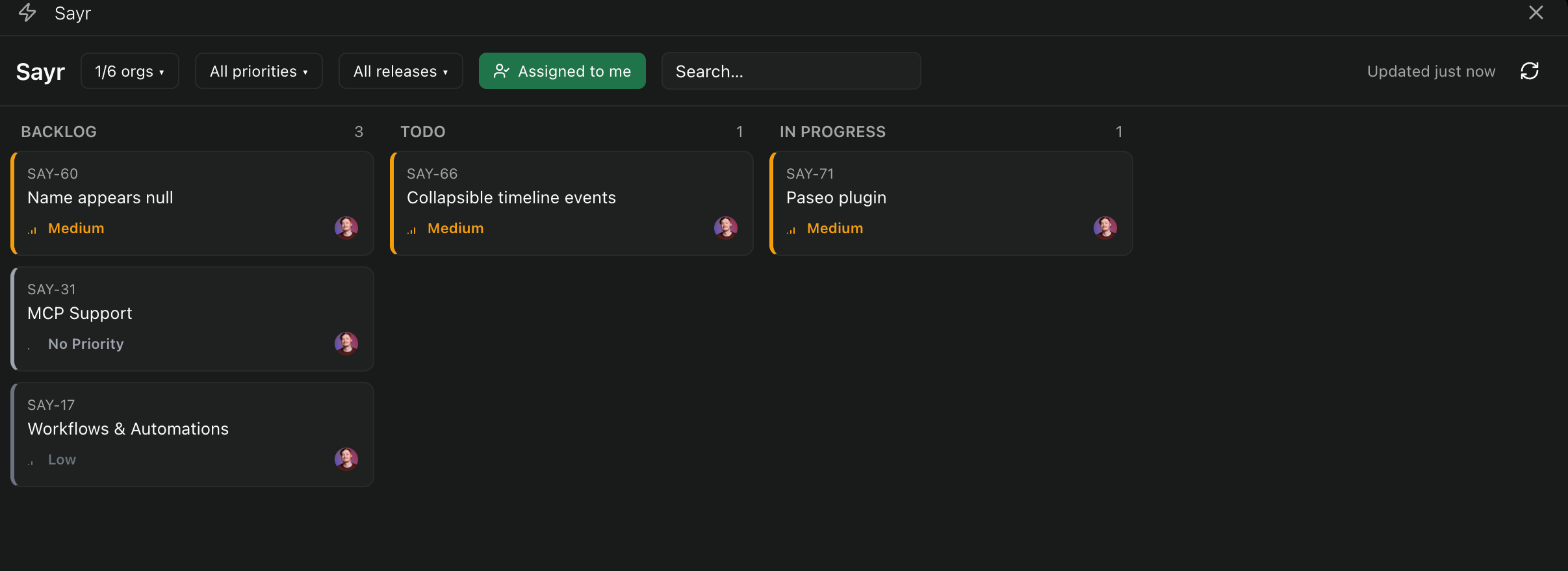
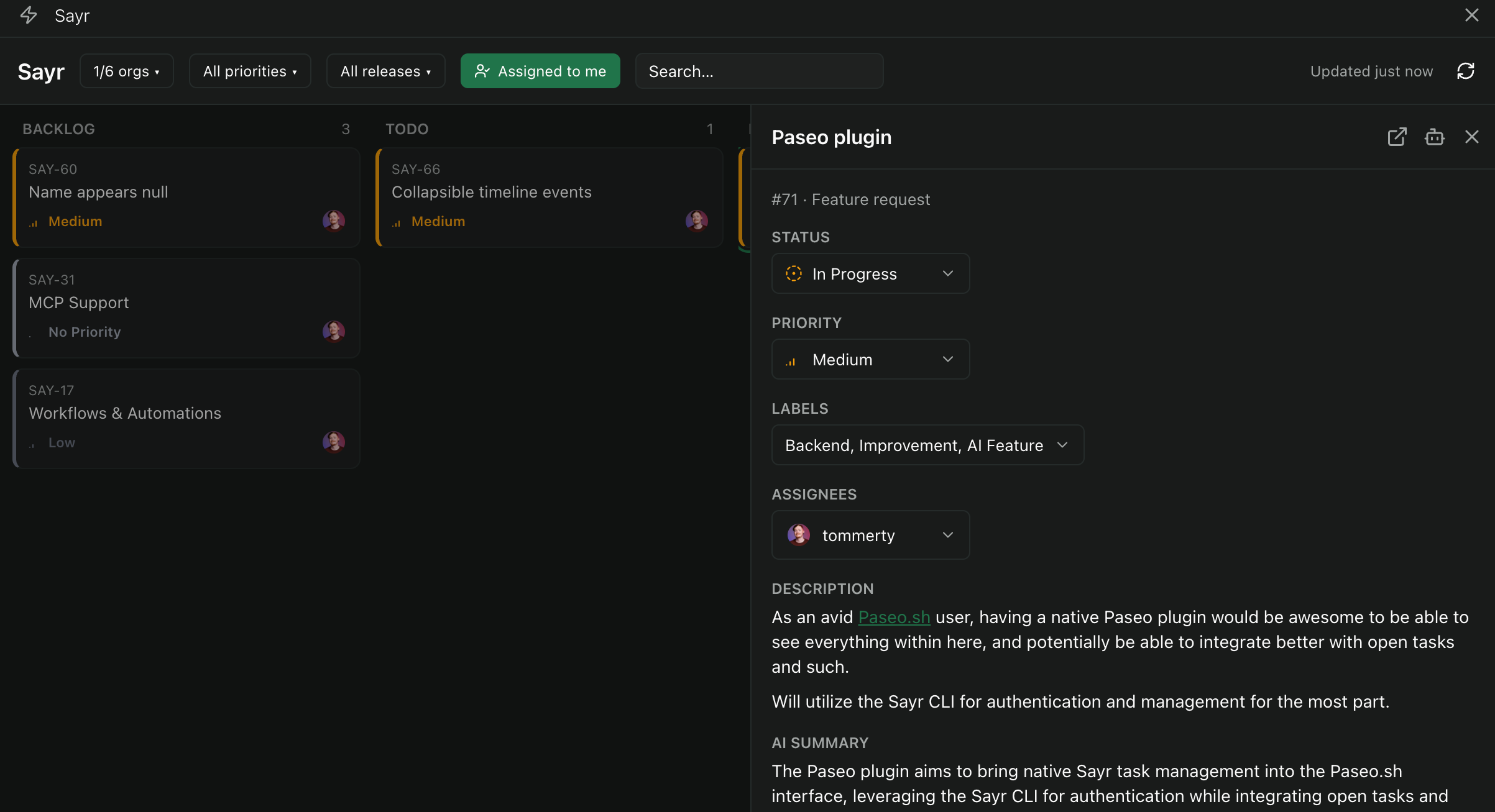
Sayr adds a task board for Sayr projects inside Paseo. It lists tasks from every organization your Sayr account belongs to, with search and filters. Done and canceled tasks are not shown on the board. Opening a task shows its description and comments, and you can change its status, priority, assignees and labels, create labels, and add comments, all of which write to Sayr. Send to agent starts a new Paseo agent in a project you choose, seeded with the task's title, status, priority, description and recent comments plus optional instructions, and previews the prompt before it is sent.
Setup
The plugin runs the Sayr CLI on the machine running the Paseo daemon, so an authenticated Sayr CLI must be available there, signed in with an API key from Sayr.io or a self-hosted Sayr instance. The CLI keeps the login. The plugin never sees or stores the key.
Settings
- CLI binary: the command to run,
sayrby default. Set another binary to use a different or self-hosted Sayr backend. - Default agent instructions: prefilled in the Send to agent instructions, and editable on each send.
- Web URL template: overrides the link used by Open on Sayr for self-hosted setups.
Limits
Existing labels cannot be renamed, recolored or deleted from the plugin.
This plugin entry was imported from paseo.cafe.