
Office Preview
File panels for PDF, Word (.docx), Excel (.xlsx) and PowerPoint (.pptx): PDF through the platform viewer, Office containers converted to a sandboxed HTML document.

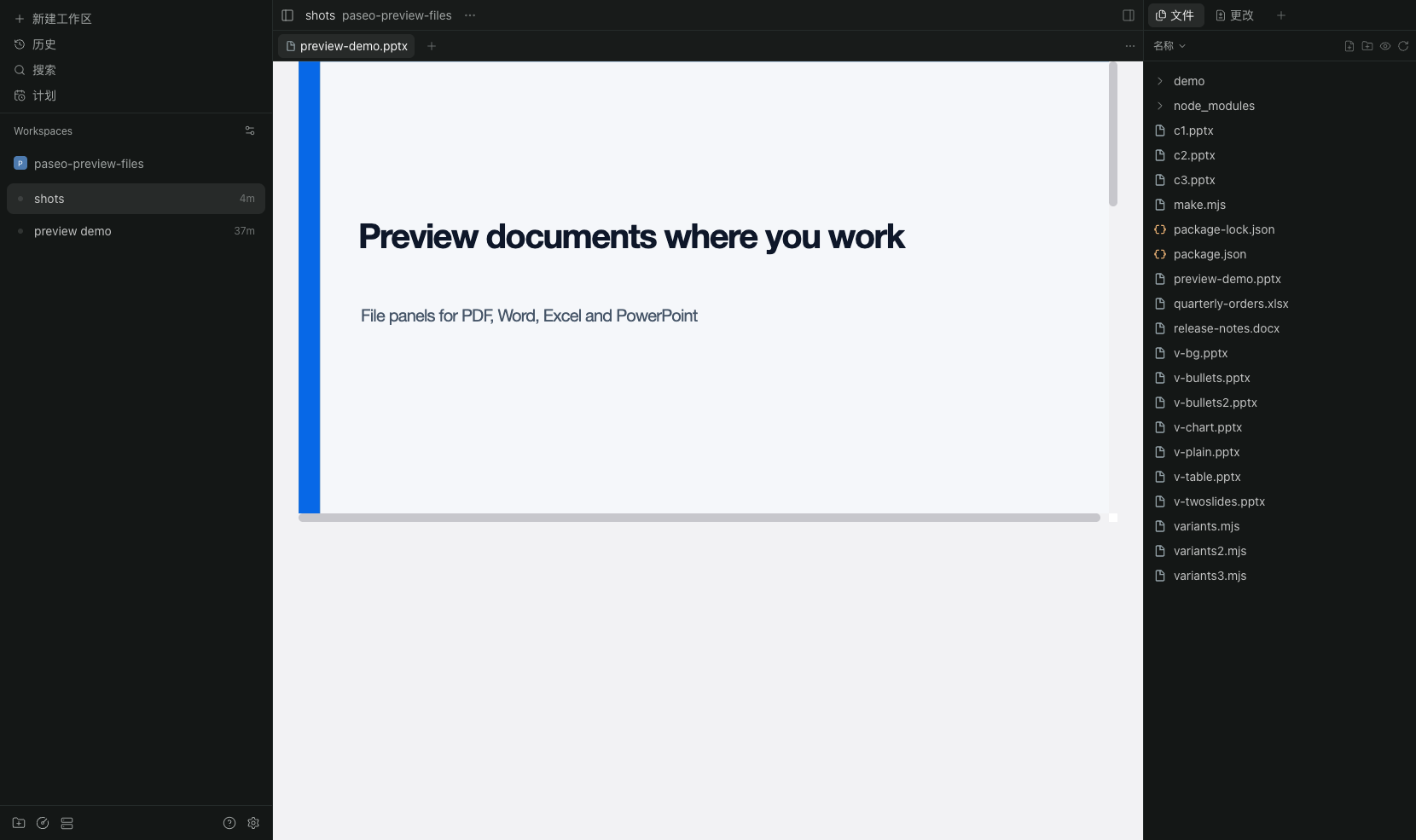
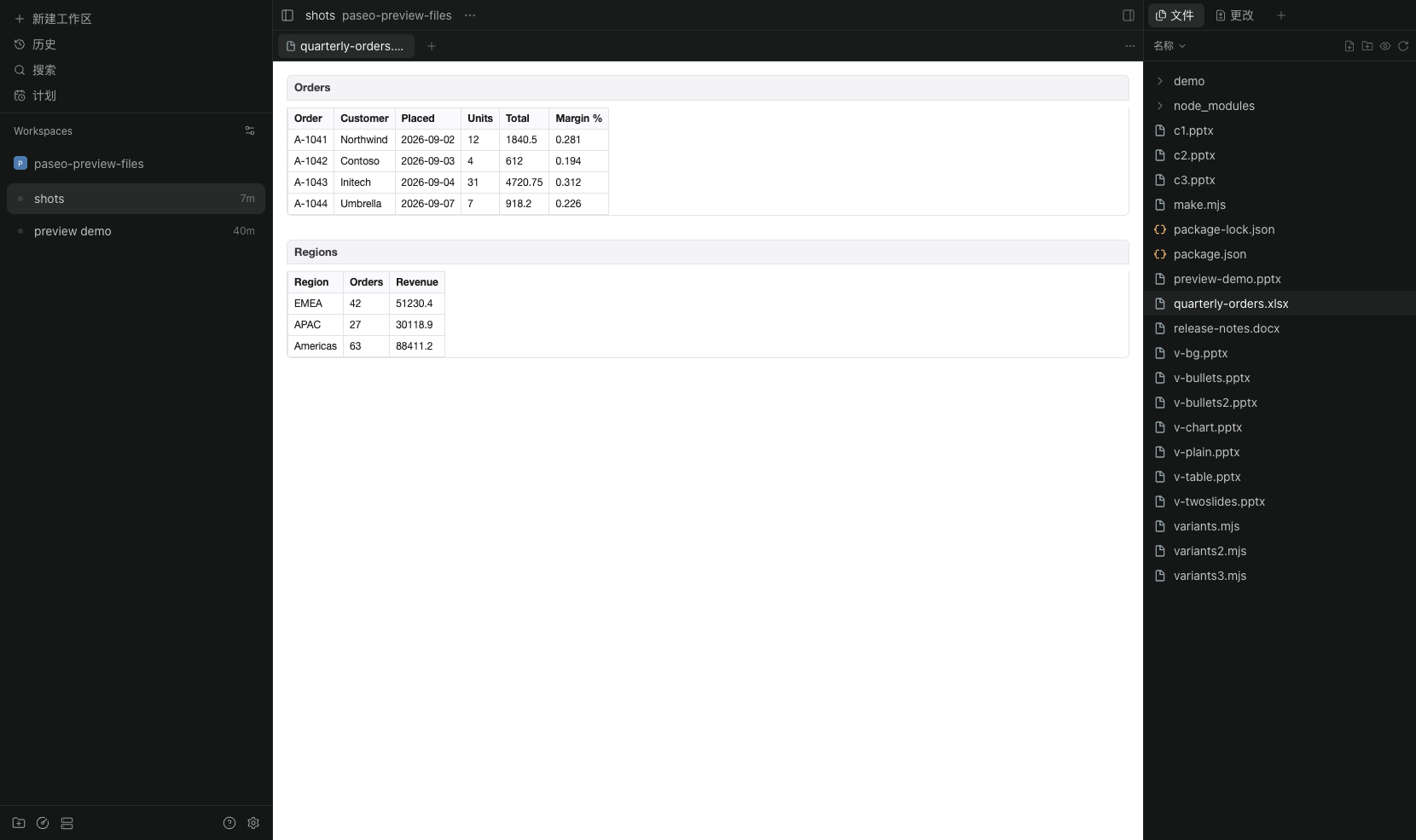
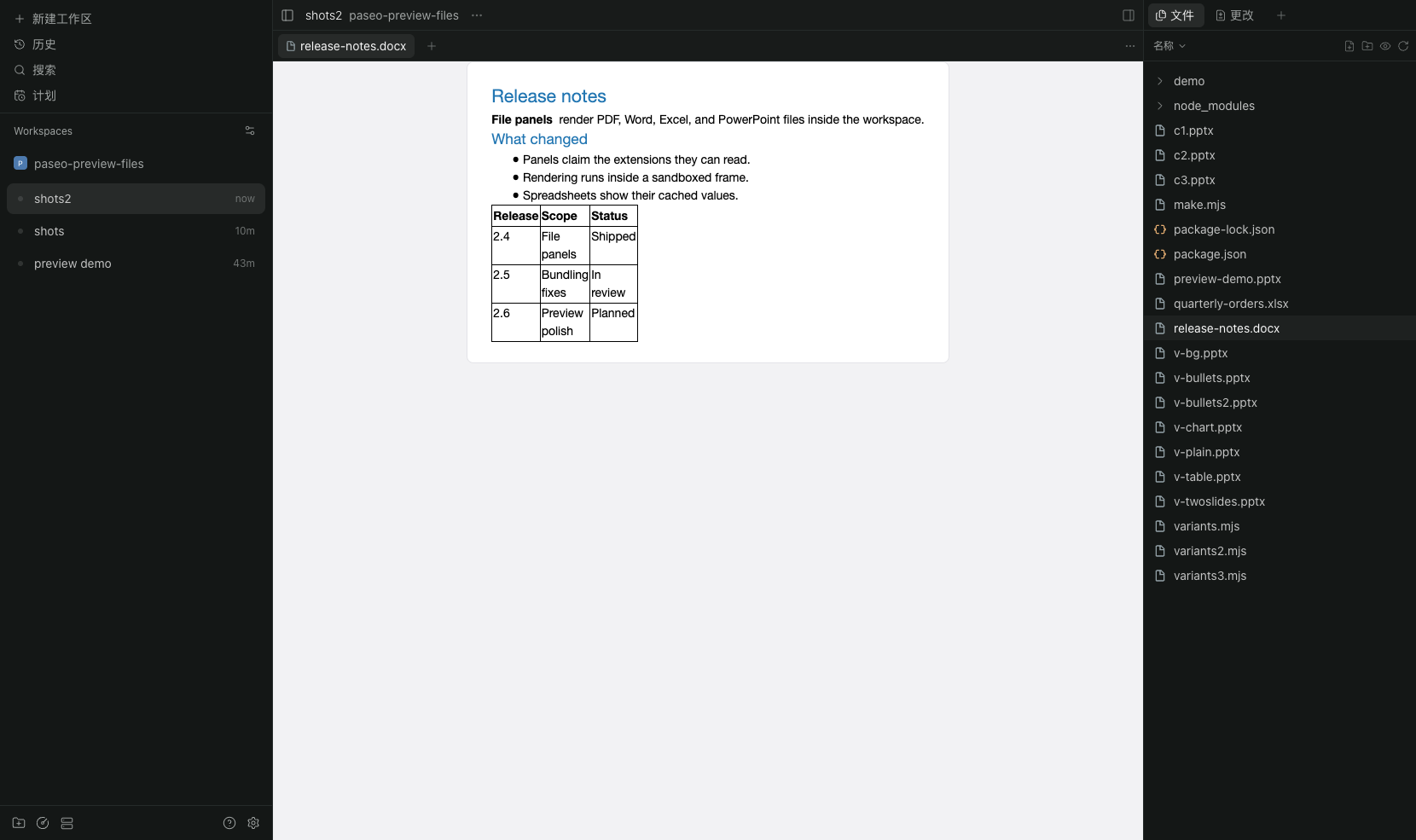
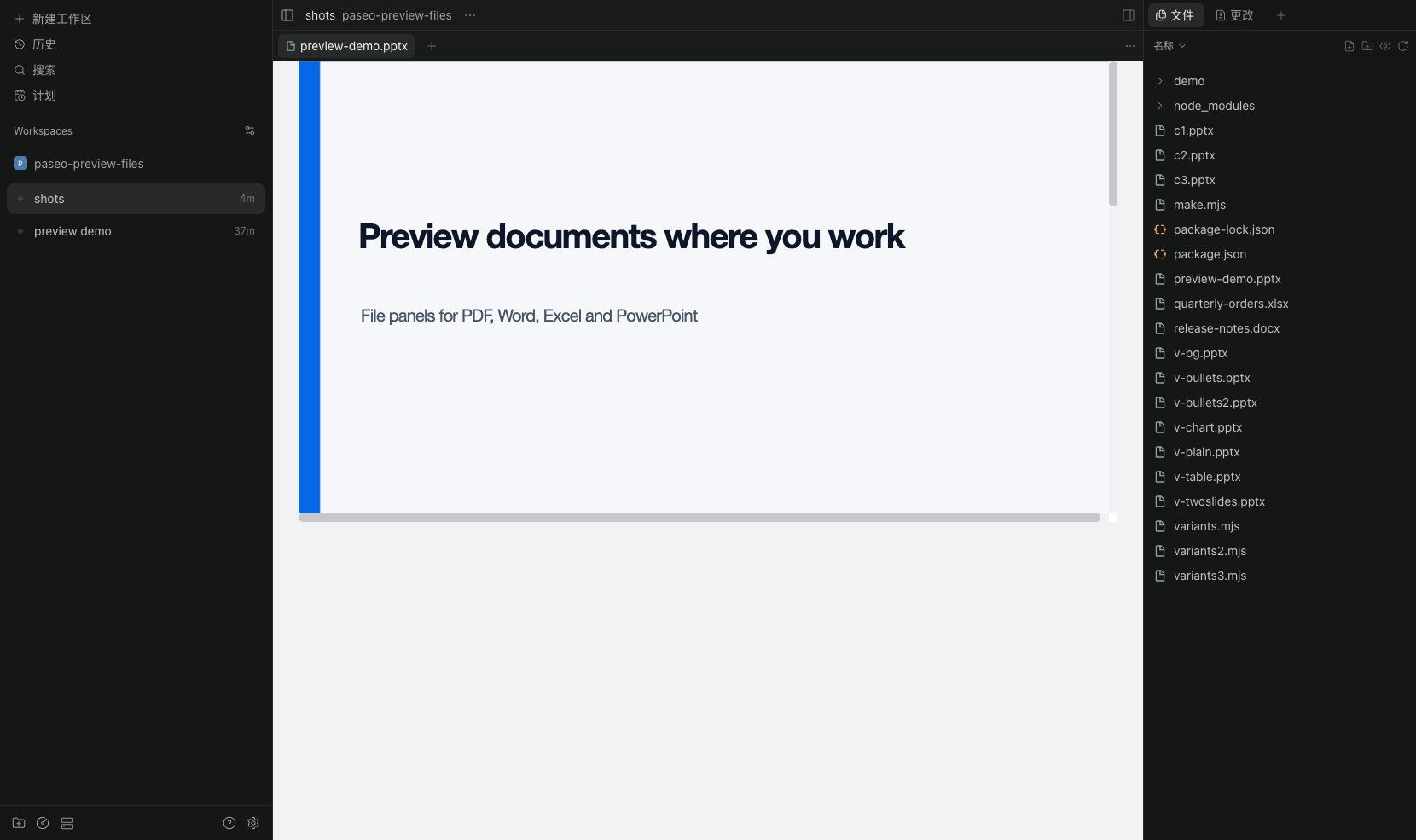
Open PDF, Word, Excel and PowerPoint files in Paseo's file tabs. Each format gets its own file panel, so the tab shows the document instead of the binary preview placeholder.
- PDF goes to the platform's PDF viewer through
DocumentFrame. - Word (
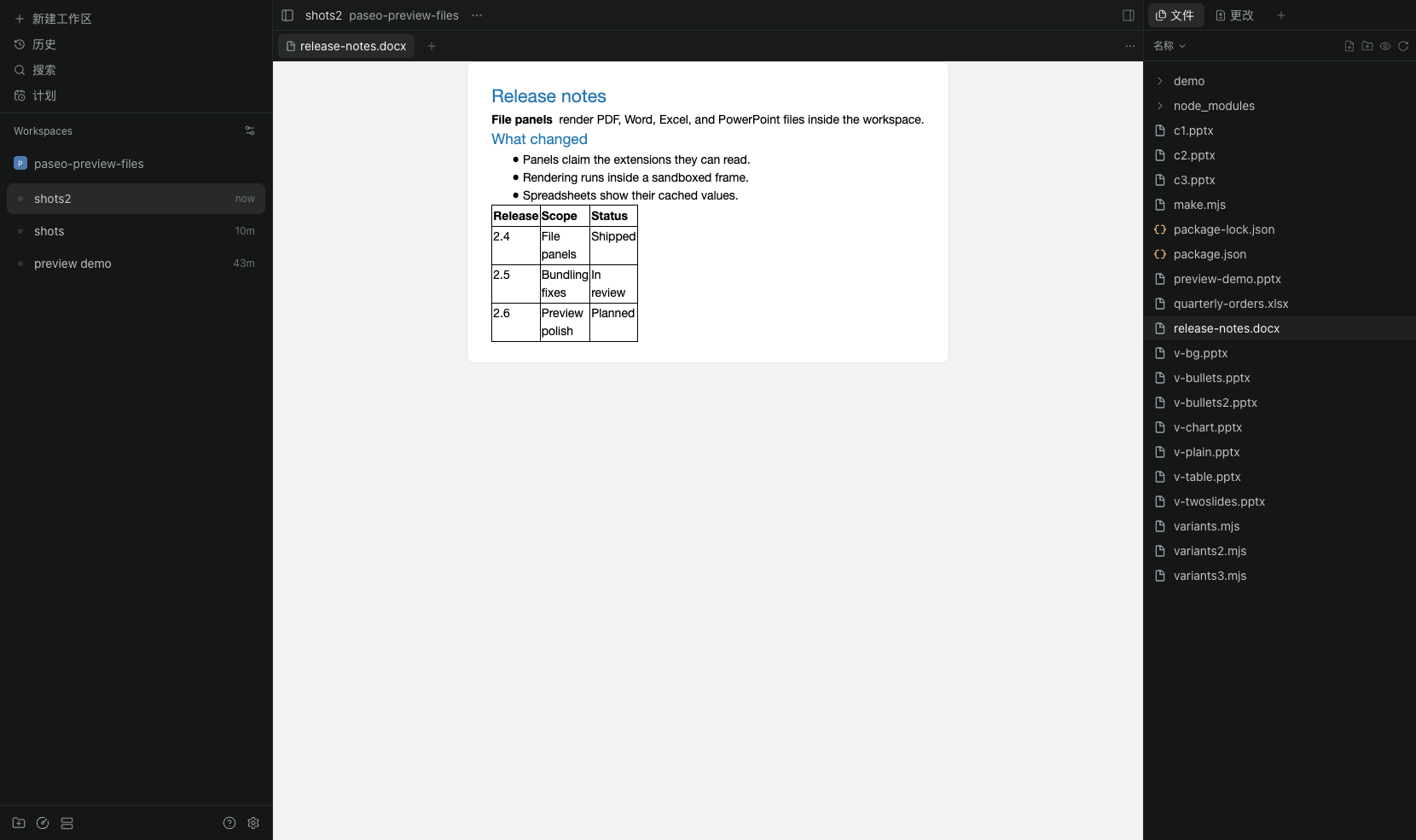
.docx,.docm) is converted withdocx-preview: headings, runs, tables, images, headers and footers. - Excel (
.xlsx,.xlsm) is read straight from the workbook parts: one table per sheet, dates and percentages formatted from the cell's number format, merged cells preserved. - PowerPoint (
.pptx,.pptm) is rendered withpptx-preview: slide layout, shapes, text, tables and charts.
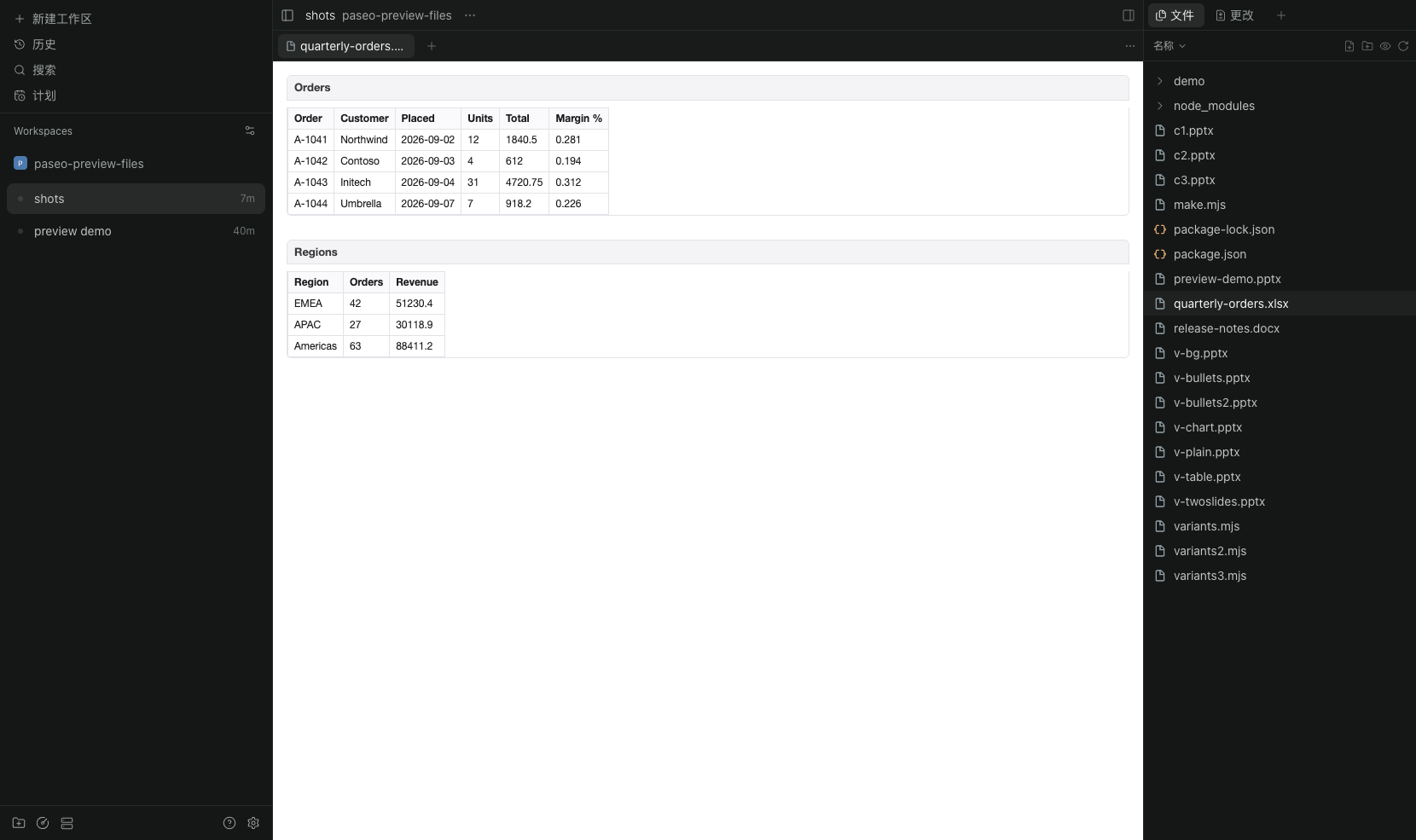
Converted documents are self-contained HTML pages shown in a sandboxed frame, so a preview never runs script inside Paseo and works with remote daemons.
Install with paseo plugin install git:apple-ouyang/paseo-office-preview. Paseo 0.13.0 or later is
required; no daemon restart is needed.
Legacy binary formats (.doc, .xls, .ppt) are left to Paseo's binary placeholder. Very large decks
(rendered markup above 48 MB) are refused with their actual size instead of freezing the window.