
Github Integration

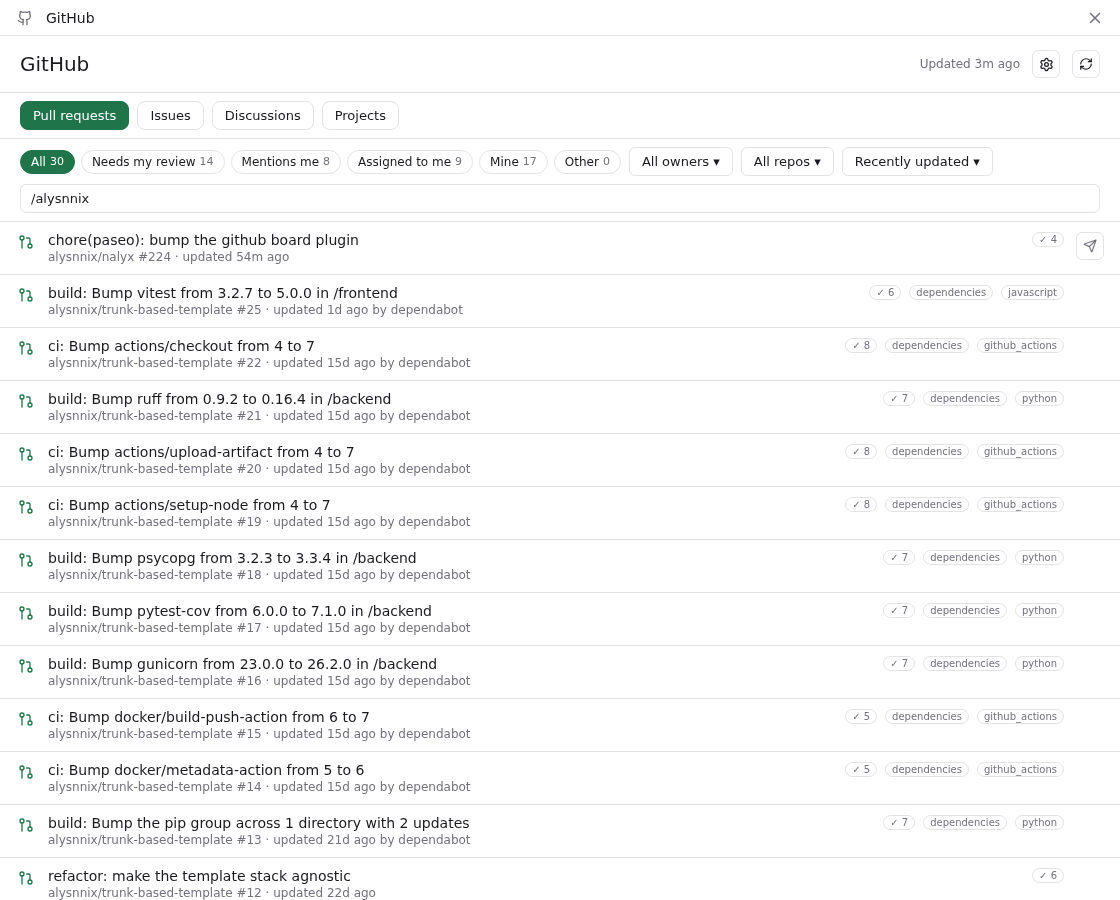
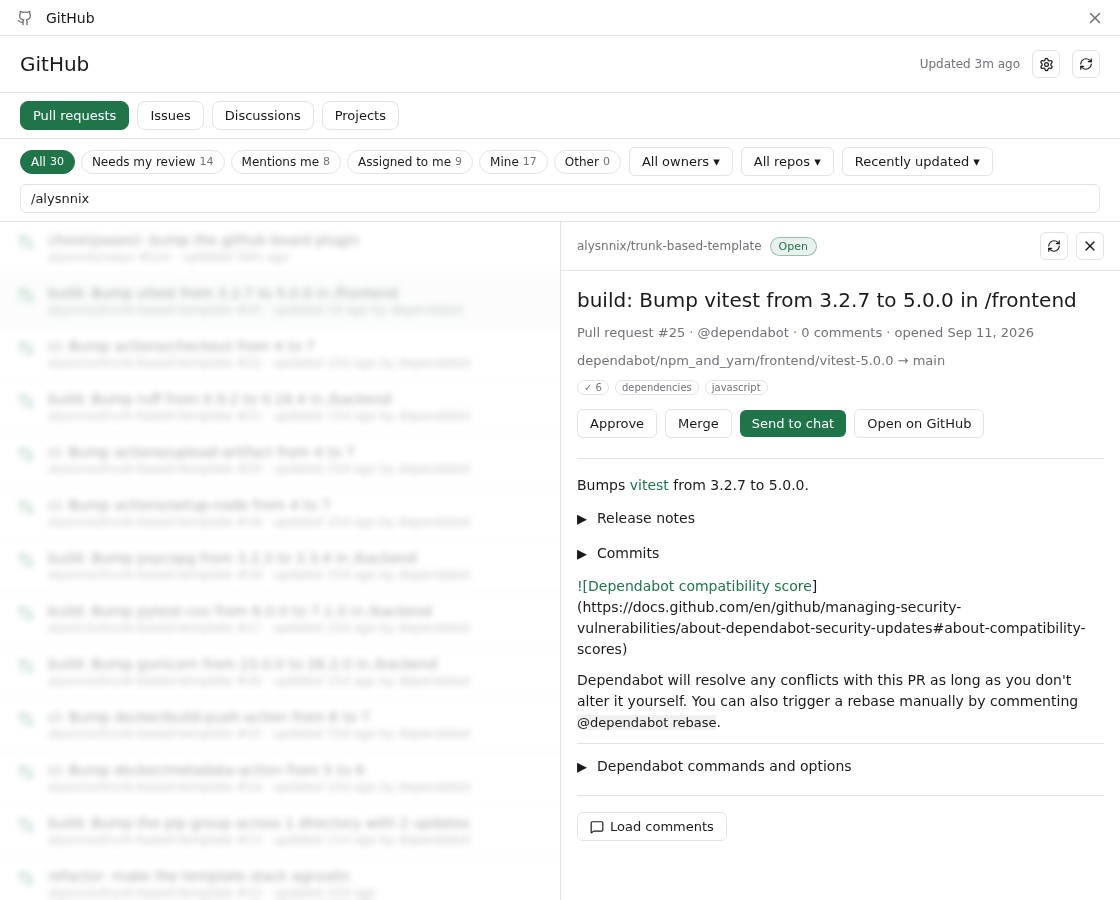
GitHub Integration adds a GitHub screen to Paseo that lists the open pull requests, issues and discussions you are involved in, plus your GitHub Projects boards. You can read an item, approve or merge a pull request, edit labels, or send an issue or pull request to a new Paseo agent.
It needs Paseo 0.8.0 or newer and the gh CLI installed and authenticated on the daemon machine. The plugin runs gh for every query and acts as whichever GitHub account gh is logged in as, with no account switcher. The Projects view also needs the read:project scope on that login, and the screen shows the gh command that adds it. You can add watched owners (organizations or users) in the settings to include their open items beyond the ones that involve you.
It reads from GitHub through gh on the daemon machine, and writes to GitHub only when you act, to approve or merge a pull request or change a label. Send to chat creates a Paseo workspace and agent, and the item's repository must match a Paseo project whose git remote points at it. Otherwise the plugin asks you to add the project first.
For images in comments, the app asks the daemon to load only GitHub attachment URLs (github.com/user-attachments and githubusercontent.com hosts), and any other image shows as a link. Only those GitHub hosts receive your gh token, including when a redirect lands on one of them. If a redirect leads to a non-GitHub host, such as signed storage, the daemon still fetches it, without the token, so that host sees the daemon's IP address. The token is kept only in memory.
Login and launch defaults are stored under plugins/github-integration/ in the Paseo home directory, board data is cached under the user's XDG state directory, and display settings and prompt templates are saved as Paseo plugin settings.
This plugin entry was imported from paseo.cafe.