
Agent Share
Export agent sessions as Markdown via public GitHub Gist using GitHub Device Authorization Flow
$ clisbot plugin add 4fthawaiian/agent-share

Share any Paseo agent session as a public, nicely-rendered Markdown document — one click, link on your clipboard.
What it does
- Share a session from the Command Center (
⌘K/Ctrl+K→ "Share session as Markdown"), a/shareslash command in the agent composer, or the Share pill in the composer. - The session's timeline — messages, reasoning, tool calls, todos, errors — is exported as Markdown and published as a public GitHub Gist, which renders it with full formatting and syntax highlighting.
- The gist URL is copied to your clipboard and a card is posted into the session timeline, so the link is always findable later — and failed shares show up there too instead of silently doing nothing.
Setup
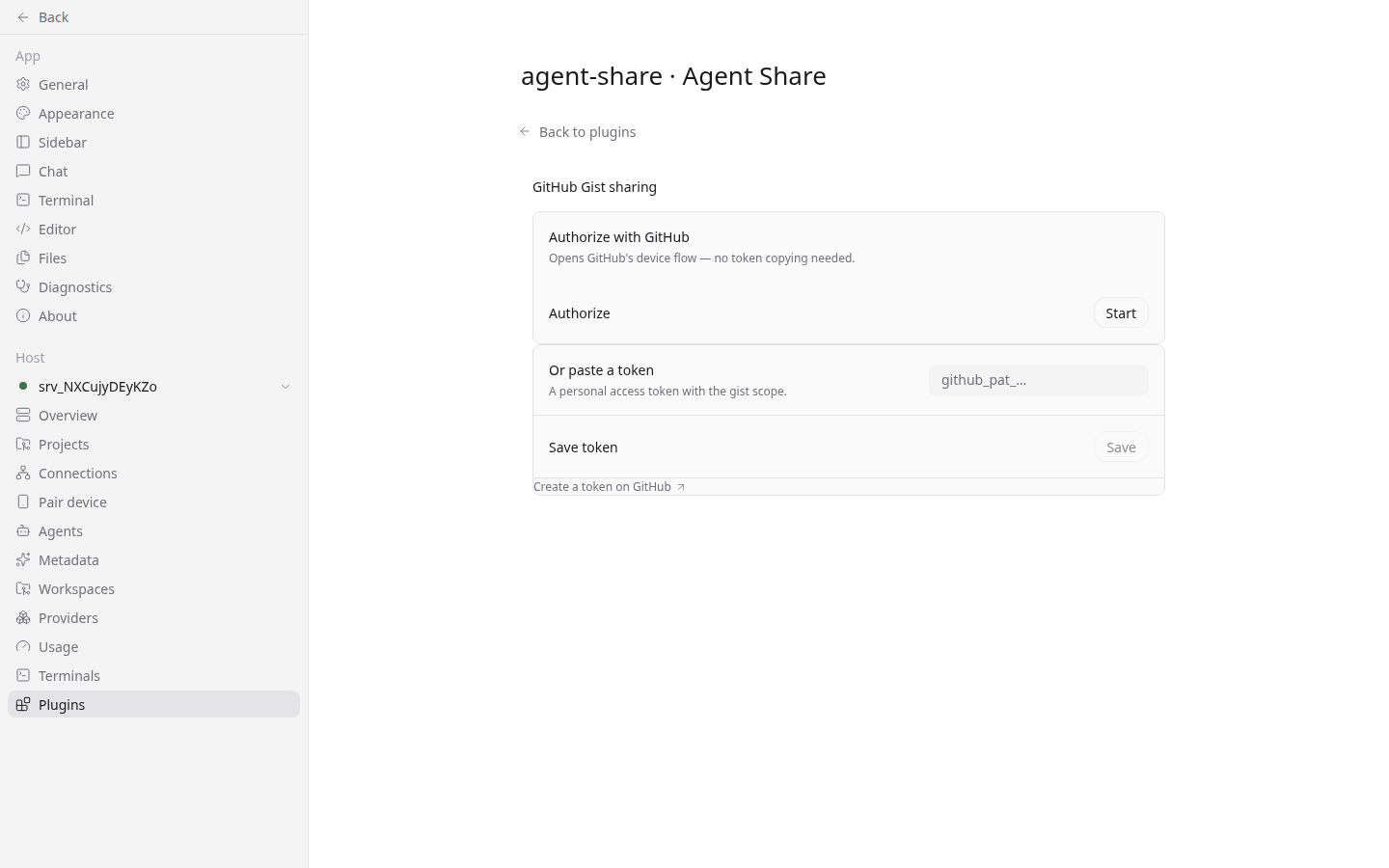
- Open the Command Center and run "Setup GitHub Gist sharing", or open Settings → Agent Share.
- Click Start to begin GitHub's Device Authorization flow — a code appears in the app; enter it on GitHub's activation page. No token copying needed.
- Prefer manual? Paste a personal access token with the
gistscope instead.
The token is stored in the host's plugin settings and persists across daemon restarts.
What becomes public
Everything you share is public. The gist is created with public: true and is visible to anyone with the link — and potentially discoverable. The export includes file contents shown in tool results, working-directory metadata, and the full conversation. There is no preview or redaction step: read the room before you share.