
Smart Session
Records Claude plan-usage history and lets a Paseo agent manage its own context.

该插件的概览尚未翻译为你的语言,因此以英文显示。
Smart Session lets Claude Code agents in Paseo check how full their context is, save task state and compact themselves, and it records context and Claude plan usage over time. It requires Paseo 0.14.0 or later. Context hooks and Claude usage tracking are aimed at Claude Code; interactive Claude and Codex sessions receive the local Smart Session MCP tools. The MCP runs with Node or the Paseo app’s own runtime.
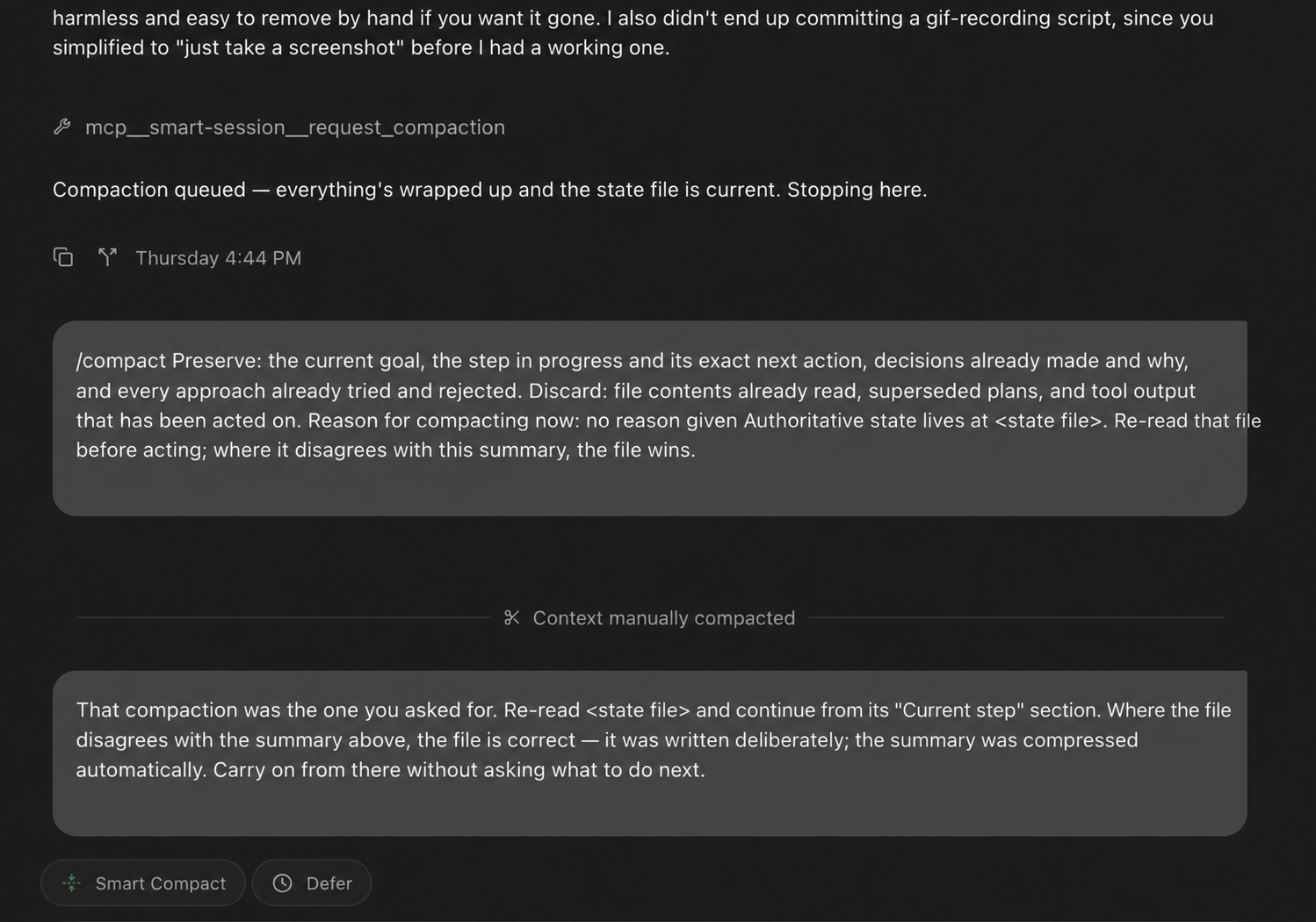
The plugin never compacts a session on its own. A hook asks an agent whether to compact when its context passes a threshold, and the agent can compact, defer or keep working. Settings cover turning Smart Compact off, the thresholds for large and small context windows, automatic enrolment, the composer pill, and whether the plugin registers its hooks.
On load, when you change the hook-registration setting, and when you open its install status, the plugin edits Claude Code configuration on the daemon host. It adds hook entries that run scripts from this plugin to Claude Code's settings.json, leaving other entries alone, keeping a backup and removing its own entries when you turn the setting off. Normal startup attaches the MCP to each interactive Claude or Codex session as it opens, resumes, refreshes or imports, while preserving any existing global MCP entry. The plugin must be enabled; the session label plugin-tools/enabled: "false" opts out. The local MCP receives the session ID and daemon connection configuration, including a password or password-file path when configured, to invoke Smart Session’s daemon RPCs. Context, usage and task-state results returned by its tools reach the calling agent and its model provider.
For usage history, the plugin periodically reads your Claude Code OAuth token, from its credentials file or the macOS keychain, and uses it to request plan usage from api.anthropic.com, without storing or logging the token. If it finds no token it sends nothing, and it falls back to the Paseo daemon's usage reading and to Claude Code's cached usage in ~/.claude.json. It also reads Claude Code transcripts to attribute token spend and connects to the local daemon, using a daemon password from the environment or a password file when one is required. Its logs, settings and per-agent task-state files are stored under $PASEO_HOME/plugin-data/smart-session/.
The overview and display settings are available from Command-K. Display settings can hide the sidebar entry and composer button independently without disabling the feature.
This plugin entry was imported from paseo.cafe.