
Mermaid
Render Mermaid diagrams inside the Paseo chat timeline

该插件的概览尚未翻译为你的语言,因此以英文显示。
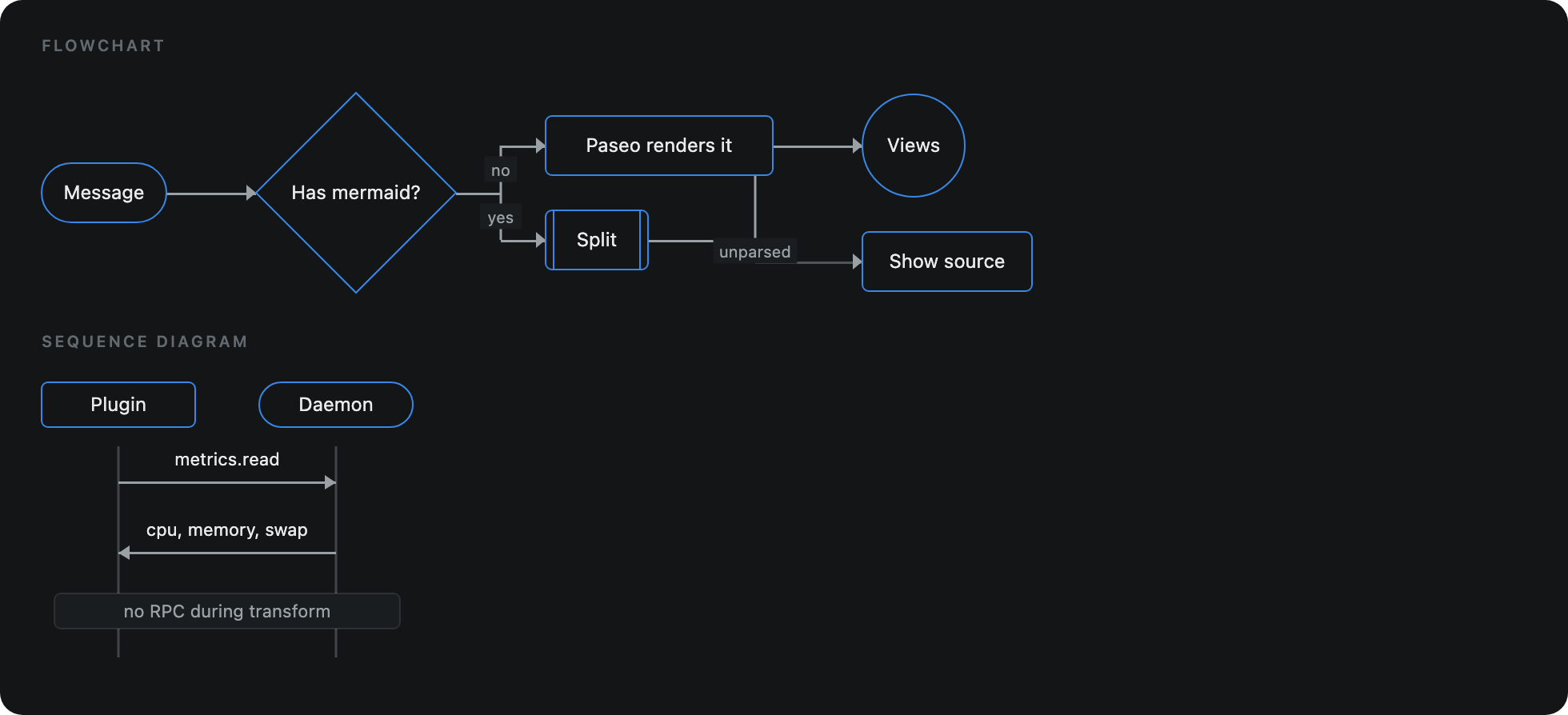
Mermaid draws mermaid code blocks in agent and user messages as diagrams in the chat timeline, at the width of the message and from the first streamed line. It draws flowcharts and sequence diagrams. A message with any other diagram type, or with lines the plugin's parsers do not read, such as subgraphs, other node shapes, style and classDef lines, sequence blocks like loop, or %%{init}%% directives, is left to Paseo's own Mermaid renderer rather than drawn with parts missing.
A message that contains a diagram the plugin draws is rendered by the plugin. On Paseo 0.13 and newer, the text around the diagram uses Paseo's own Markdown, so it looks like the rest of the chat. On Paseo 0.11 and 0.12 it uses a limited renderer (headings, lists, emphasis and code). Messages without a diagram are left to Paseo.
Each diagram has a toolbar to zoom, fit to view, pop out to a larger view, and show the code. Zoom matches Paseo's own diagram viewer: 100% is the drawing fitted to the row.
On Paseo 0.13 and newer, .mmd and .mermaid files open in the file tab as a diagram, which redraws when the file changes on disk.
The plugin runs entirely in the Paseo app on desktop and mobile, works with Paseo 0.11 or newer, has no settings, and needs no additional setup.